
OCR for Legal Documents: What It Extracts and Where It Fails


Table of contents
Yes. OCR turns scanned contracts, court filings, deeds, notary records and immigration forms into searchable text and reliably pulls names, dates, numbers and legal descriptions from clean scans. It does not decide what a clause means, whether a title is good, or whether a notarization was proper.
Yes, OCR can handle legal documents, and it works best on clean typed pages. It gives you searchable text, then names, dates, case numbers, form numbers and legal descriptions. The traps differ by document type: transcript line numbers, deed measurements, state notary rules, immigration form editions. Below is a table of what OCR extracts from each type, the trap for each, and a checklist for law firms.
Can OCR handle legal documents, and what does it not decide?
Yes for the reading part. OCR (optical character recognition) converts scans and image-only PDFs into text, and on clean typed pages that text is accurate enough to search and extract from. It does not decide what a document means or whether it is valid. A lawyer, title examiner, notary or immigration practitioner still makes those calls.
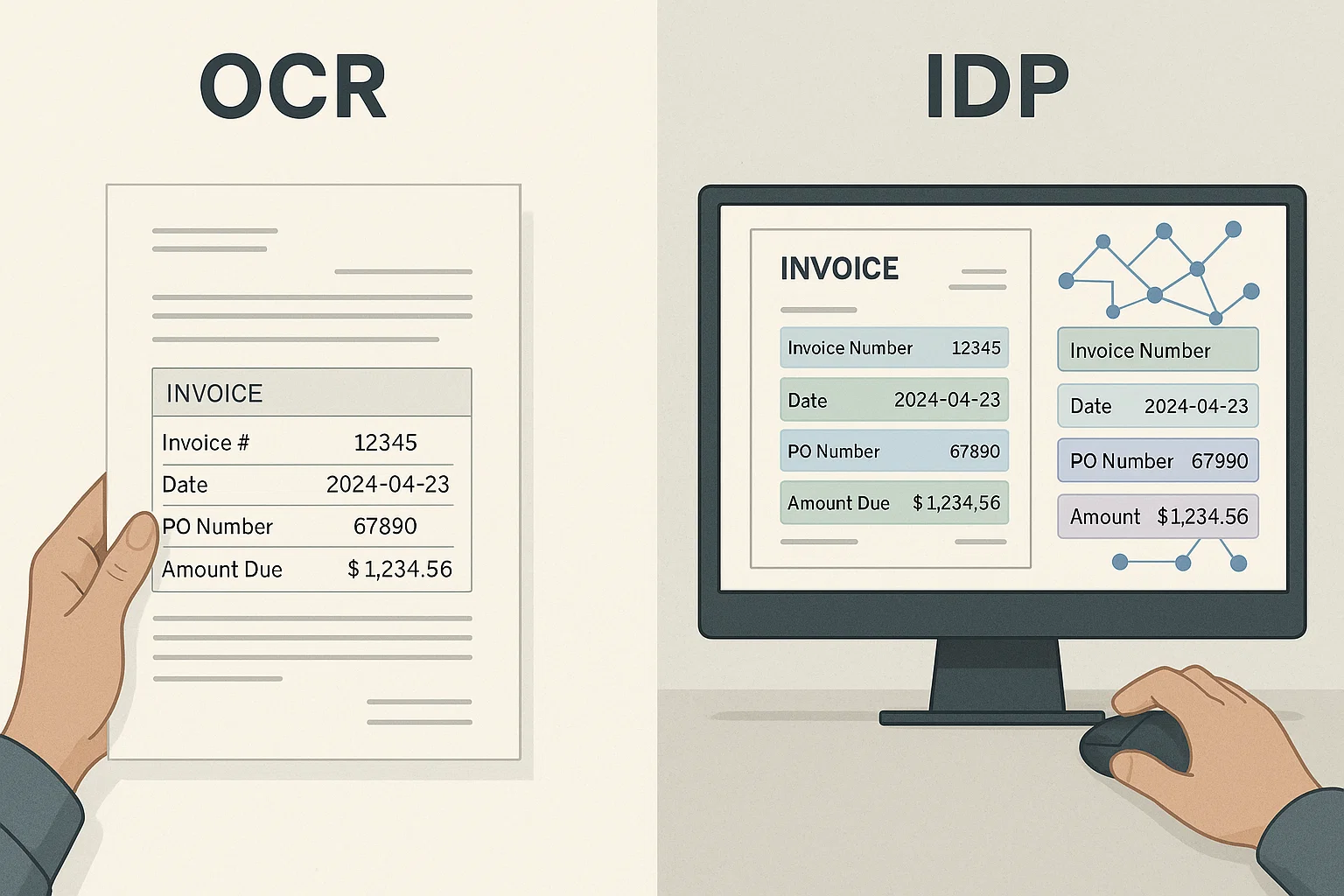
Think of three layers. OCR reads the characters. Extraction finds the fields or clauses you need. Judgment decides what they mean for a client. Software handles the first layer well, the second with testing, and the third not at all.
On the first layer, our 1,900-document benchmark found clean typed English scored 97-99% for all three OCR engines in its comparison table. Phone-photographed receipts scored 58% to 82%, handwritten forms 61% to 78%, and multi-page scanned bank statement tables 64% to 91%, by engine. The benchmark had no legal category, so use these as a guide: typed contracts are easy, while photographed pages, handwriting and tables that span pages are not. Score your own pages with how to measure OCR accuracy.
OCR here means optical character recognition, not the Office for Civil Rights that shows up in some results, such as the US Department of Education's OCR.
What OCR leaves to people:
- What a clause means. One sentence can name both the law and the courthouse, each tested under a different rule (governing law post).
- Whether a document is privileged. Attorney-client privilege and work product follow different tests (privilege log post).
- Whether a title exception is still live. The ALTA commitment form's notice says a commitment is not an abstract of title, a legal opinion or an opinion of title.
- Whether a signer is competent and acting voluntarily. The model notary law lets a notary refuse when not satisfied, and treats both as matters of the notary's own judgment.
- What a deadline is when facts sit outside the document. Our legal deadline extraction post shows a four-year limit running 229 days longer because of a guarantor's military service.
What does OCR extract from each type of legal document?
It reliably extracts the printed facts on the page: names, dates, amounts, case numbers, recording data, form numbers and clause text. The risk sits in structure and meaning: page and line numbers, measurements in a legal description, which state's rule applies, which edition of a form. The table gives the trap for each type.
| Document type | What OCR reliably extracts | The specific trap | Read more |
|---|---|---|---|
| Contracts and NDAs | Parties, dates, amounts, headings, clause text | Keyword search misses differently worded clauses. Governing law and forum are separate. Arbitration is several questions. Two NDA carve-outs together can leave little protection. | Contract OCR, force majeure, governing law, arbitration, NDA |
| Court dockets and filings | Docket text, entry numbers, dates, case numbers, filed PDFs | Paperless orders have no PDF. Deadlines need the right date and Rule 6(a) counting. | Court docket OCR, deadline extraction |
| Transcripts | Testimony, Q and A tags, page and line numbers | The line-number gutter merges into the text, and one skipped colloquy line shifts every later line. | Deposition transcript OCR |
| Deeds and title commitments | Grantor, grantee, recording data, legal description, Schedule A fields, requirements, exceptions | One misread digit or direction letter changes the parcel. A commitment is an offer to issue a policy, not a report on title. | Title document OCR |
| Notarized documents and journals | Notary name, county, date, certificate wording, journal entries | A seal image proves nothing alone. Journal rules differ by state. Handwriting is the hard part. | RON verification, chain of custody |
| Immigration forms | Form number, edition date, A-Number, receipt number | A-Numbers lose leading zeros. A wrong edition can be rejected. Translations need certification. | Translation OCR, passport MRZ |
How does OCR work for law firms, contracts and court documents?
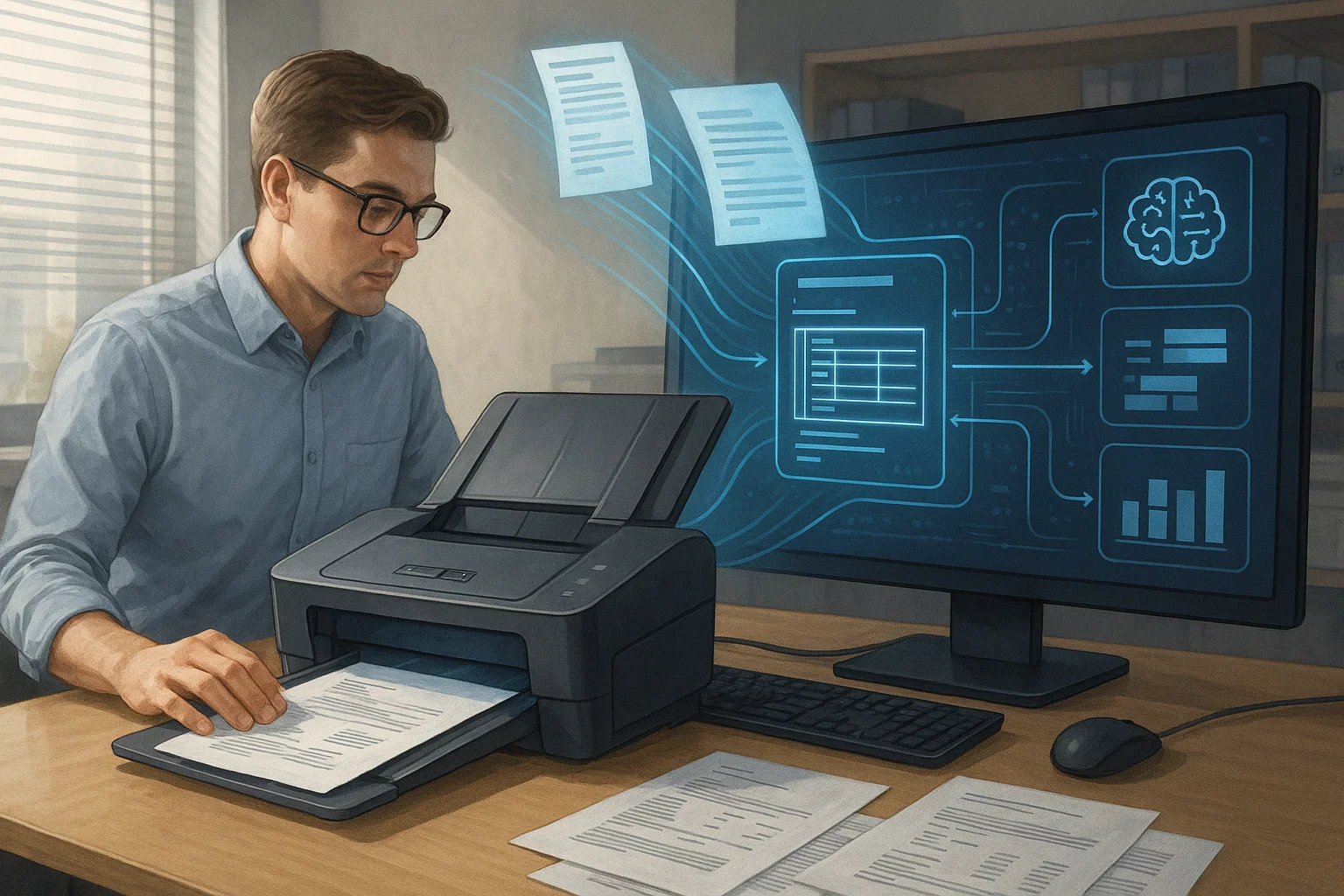
OCR for law firms starts with a text layer on every scan, then a second step that finds what matters: clauses in contracts, dates in dockets, page and line in transcripts. The first step is close to solved on clean pages. Test the second, because keyword matching fails on real legal drafting.
OCR for contracts
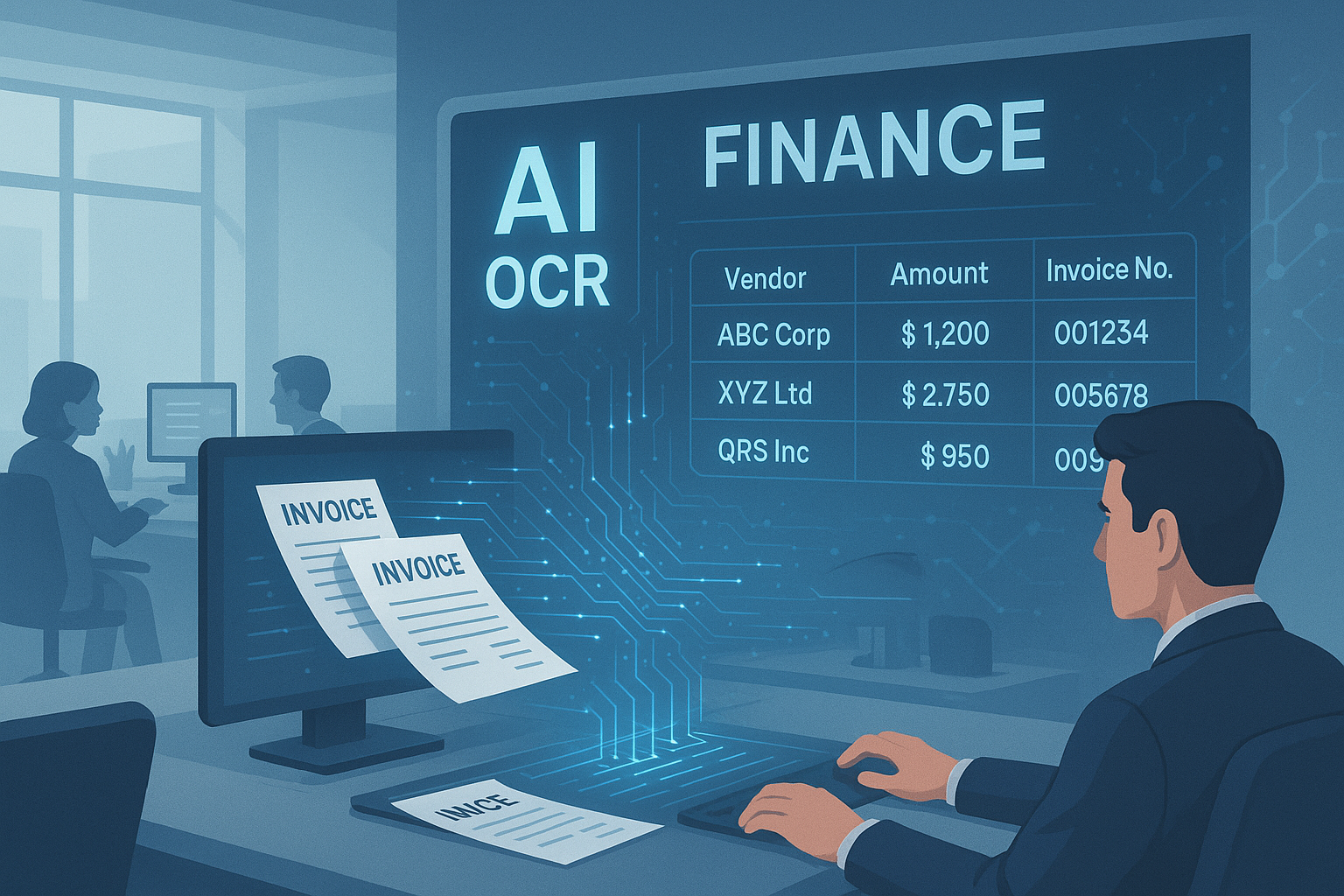
OCR for contracts produces the text, and a clause-extraction step tags what is in it. Our contract OCR guide suggests starting with one contract type, five fields and a check against 20 to 30 human-reviewed contracts. Four posts show where simple keyword or yes-or-no extraction breaks:
- Force majeure: many contracts excuse performance without the phrase, and a notice window changes the effect.
- Governing law: the law and the court are separate provisions.
- Arbitration: binding or not, class waiver and delegation are separate questions.
- NDAs: a residuals clause plus an independent-development carve-out can leave little protection.
OCR for court documents and transcripts
OCR for court documents has three trouble spots. First, filing rules: the Second Circuit says all PDFs submitted to the court must be text-searchable, so scanned exhibits filed there need OCR first. Our court docket OCR post adds that a paperless order has no PDF, so a pipeline that only reacts to new PDFs never sees it.
Second, dates. Federal Rule 6(a)(1) says to exclude the day of the triggering event, count every day including weekends, and if the last day falls on a Saturday, Sunday or legal holiday, run to the next day that is not one. An order entered Friday, March 13, 2026 with a 14-day period runs to Friday, March 27. If OCR reads 3/13 as 3/18, the same order shows Wednesday, April 1, five days later than the real deadline.
Third, transcripts. The Judicial Conference set the federal format in 1944 and it calls for 25 lines per page, with a narrow exception for sidebar page breaks (Guide to Judiciary Policy, Vol. 6, Ch. 5). A validator can flag pages whose line numbers skip or repeat, but a short page is something to look at, not an automatic error. Our deposition transcript OCR post shows how one merged colloquy line shifts every later line number, so a brief citing 45:13 lands on the wrong answer.
OCR for discovery, holds and evidence
Review software ranks documents by the text it was given, so garbled OCR hides them (e-discovery document review). Keyword screens over-flag and miss work product (privilege log automation). Holds need more than a sent notice (litigation hold software covers FRCP 37(e), custodian tracking covers confirmation). Chain of custody documentation covers FRE 901 and why each OCR pass or re-run should be logged with file hashes before and after.
Can OCR read property deeds and help title companies?
Yes. OCR for property deeds and OCR for title companies read grantor and grantee names, recording data and the legal description from scans. The risk is the legal description, where one misread digit or direction letter changes the parcel. Title work also goes beyond reading, because each exception on a commitment has to be checked against the recorded documents.
A legal description comes in three common styles. Platted land uses lot and block on a recorded plat. Land surveyed under the public land survey uses section, township and range: the Bureau of Land Management says a township is usually 6 miles square with 36 sections, and a section is usually 640 acres. So "the NE quarter of the SW quarter of Section 12" is 640 / 4 / 4 = 40 acres. Metes and bounds describes a boundary as a chain of bearings and distances.
That last style gives you a free error check. Survey references say the description must return to the point of beginning, and any misclosure should be small enough to blame on rounding, not on a missing course or a gross error (Survey Bible). Take a four-call lot: N 02°15' E 200.00 ft, S 87°45' E 150.00 ft, S 02°15' W 200.00 ft, N 87°45' W 150.00 ft. Each call adds distance x cos(angle) north-south and distance x sin(angle) east-west, signed by the quadrant letters. A Python run closes the correct lot to 0.000 ft. Then change one call the way OCR might misread it:
| What OCR misreads | Misclosure |
|---|---|
| W read as E on call 3 | 15.704 ft |
| 87°45' read as 81°45' on call 2 | 15.701 ft |
| 150.00 read as 15.00 on call 4 | 135.000 ft |
| 87°45' read as 87°46' on call 2 | 0.044 ft |
| 150.00 read as 150.01 on call 2 | 0.010 ft |
A closure check catches direction letters, dropped digits and most digit slips. It misses a one-minute or one-hundredth-of-a-foot slip and cannot say which call is wrong. A surveyor or examiner sets the tolerance and finds the error.
For title companies the reading job is bigger than a deed. The 2021 ALTA commitment form has Schedule A (basic facts such as proposed insured, who holds title and the land description), Schedule B Part I (requirements) and Part II (exceptions). The real work is reconciling each exception with the recorded chain. Title document OCR walks through an old mortgage that was paid off but never released of record, and remote online notarization verification covers checking remotely notarized closing documents.
What can OCR do for notaries?
OCR for notaries helps in three places: making a paper journal searchable, checking that a document is complete before signing, and reading certificate wording on documents received. It cannot decide identity, willingness or capacity. Rules differ by state, so check yours before scanning IDs or journal pages.
Journals show the state differences best. The Revised Uniform Law on Notarial Acts (RULONA, 2018) makes the journal optional in its section 19 and leaves the choice to each state. Where one is kept, the model entry lists the date and time, the act, the signer, how identity was shown (with the credential's issue and expiration dates) and the fee. On ID numbers, states disagree. The 2026 California notary handbook says the journal must include the type of ID, issuing agency, serial or identifying number and issue or expiration date, plus a right thumbprint for deeds and other real property documents and powers of attorney. The Texas Secretary of State says a notary cannot record any identifying numbers from the signer's ID in the record book. So copying an ID number into a journal field is required in one state and barred in the other.
Completeness is an easier job. California says a notary may not notarize an incomplete document, so a blank-field and missing-page check fits OCR well. For remote notarization, the model law's section 14A says the certificate must show the act used communication technology and requires an audio-visual recording. OCR can read that statement. Checking the recording and audit trail is covered in our RON verification post.
What can OCR do for immigration services?
OCR for immigration services reads form numbers, edition dates, A-Numbers, receipt numbers, names and dates from forms and evidence, and can flag the format errors that cause rejections. It does not decide eligibility. Foreign-language evidence still needs a certified translation, which OCR plus machine translation does not supply by itself.
| Item | What USCIS says | What goes wrong |
|---|---|---|
| Receipt number | A 13-character identifier: 3 letters (such as EAC, WAC, LIN, SRC, NBC, MSC or IOE) plus 10 numbers | A letter read as a digit breaks the pattern, so a format check catches it |
| A-Number | A seven-, eight- or nine-digit number. The Form I-407 instructions say to add zeros to reach nine digits: A1234567 becomes A001234567 | Spreadsheets that store it as a number drop the zeros. Store nine-digit text |
| Edition date | At the bottom of each page. If any page is from a different edition, USCIS may reject the form | Reading the edition from page 1 only. Read every page |
The USCIS Policy Manual lists an outdated form version at submission as a rejection reason, and its signature chapter accepts a photocopied or scanned copy of a handwritten signature unless the form says otherwise. For evidence, 8 CFR 103.2(b)(3) requires a full English translation that the translator has certified as complete and accurate, plus a certification of competence. Our legal document translation OCR post shows how a fluent translation can still drift. For passports and IDs, see OCR for passports, ID cards and driver's licenses.
How does OCR fit compliance document review?
OCR for compliance document review makes a pile of scans checkable: is each required document present, complete, signed and unexpired, and does the name match. It handles presence and fields. It does not decide whether a document satisfies your policy or a regulator. That needs a written rule and a person who owns the decision.
Two places matter most. In onboarding and lending, reviewers check identity and business documents against a checklist: see AML document checks, KYC document verification and OCR for KYC verification. In court filings, Rule 5.2(a) lets a filing include only the last four digits of Social Security, taxpayer and financial account numbers, the year of birth and a minor's initials, and for transcripts the federal courts' privacy policy puts review and redaction requests on the attorneys, not the clerk. OCR can find candidates, but a person must confirm the saved file no longer contains the text.
What should a law firm check before buying or building legal OCR?
Test four things on your own worst scans before you sign: accuracy, page and line numbers, where client documents go and how long they stay, and whether every automated step leaves a record. A clean-contract demo proves little, because the engines we compared all read clean typed English at 97-99%.
| Check | Why it matters | Test it in an afternoon |
|---|---|---|
| Accuracy on your worst scans | Gaps show up on hard input, not clean pages | Hand-check the output on 50 of your ugliest real pages. The FAQ says what 50 pages can prove |
| Page and line numbers | One skipped line shifts every later citation | Check five citations against the printed transcript, including a page with an objection |
| Tables, columns, exhibits | Multi-page scanned tables scored 64% to 91% across engines in our benchmark | Compare reading order on three multi-column briefs and one multi-page fee schedule |
| True redaction | Black boxes can hide text without removing it | Redact a test page, save it, then try to copy text under the box |
| Privilege and confidentiality | Lawyer rules call for reasonable efforts to prevent unauthorized disclosure of client information | Ask where files are processed, how long they stay, whether they train models, and who can access them |
| Audit trail | A custody record needs actor, time, action and file hash before and after each step | Ask to see the log for one file after a re-run with a new template |
What does the legal industry buy for OCR, and how big is the market?
If you searched for OCR for legal industry, you probably want two answers. First, where it sits: usually inside something else. Relativity's help documentation describes a Contracts OCR step that needs imaging first and skips documents that already hold extracted text, and the Second Circuit's guide points filers to Acrobat's text recognition tools. Contract AI platforms and OCR APIs are other routes (our contract OCR guide compares them). A vendor listicle from LlamaIndex ranks its own product first and gives no accuracy numbers for any tool. Second, market size: we found no legal-specific figure from a source we could check, so we quote none.
What to do next
- Law firm or legal ops: choose one document type, test 50 of your worst pages, and score by field, not by page.
- Litigation team: start with transcripts and dockets. Check five page and line citations and one paperless order.
- Title company or closing attorney: test on a file with an unresolved exception, and run a closure check on every legal description.
- Notary: read your state's journal and ID rules first, then use OCR for search and completeness checks.
- Immigration practice: validate identifiers and edition dates, and keep certified translations separate.
- Lender or fintech: see OCR for lending and underwriting.
To try extraction on contracts, NDAs and court filings, see our legal documents page. Disclosure: DocsAPI is our product. Per our published facts it is cloud-only, does not train on customer documents, deletes content after processing, and holds SOC 2 Type II and ISO 27001. We have not benchmarked a legal document category, so run your own test first.
Sources and how we checked this
We opened each page below on September 21, 2026 and used only what it states. Benchmark numbers come from our accuracy benchmark.
- USCIS: receipt number, A-Number, Form I-407, form editions, Policy Manual ch. 6 and ch. 2, 8 CFR 103.2.
- Notaries: RULONA 2018 (sections 8, 14A, 19), the California handbook, the Texas FAQ.
- Courts: FRCP 6, FRCP 5.2, FRE 901, the transcript format guide, the Second Circuit PDF page, the N.D. Georgia redaction page, the federal privacy policy.
- Land and title: BLM, Survey Bible, the ALTA 2021 commitment form.
- Other: North Carolina Rule 1.6, Relativity, LlamaIndex, Department of Education OCR.
Limits: the closure table and date example come from short Python scripts using the formulas above. Our benchmark has no legal category. We checked only California and Texas notary rules, and rules change, so confirm yours. This page describes software and is not legal advice.
Frequently asked questions
Try to highlight a single word. If you cannot, and the whole page turns blue, the page is an image and needs OCR. The Second Circuit's filing guide uses this same test. Scans, faxes and photographs are images. A PDF saved straight from a word processor usually already holds real text and needs no OCR.
Prices vary and we did not survey legal vendors, so we have no market average. Cloud OCR APIs generally charge per page, while desktop software is often licensed per seat. For our own product, DocsAPI lists per-page pricing from $0.02 and a free tier of 100 pages a month. Price a test batch of your own documents before comparing quotes.
No. The Northern District of Georgia warns that edits made with Acrobat's graphic and commenting tools can be removed by anyone to reveal the text underneath, and that turning text white does not delete it. Use a real redaction tool, save the file, then try to select and copy text under the redacted area to confirm it is gone.
Keep the original scan and treat OCR text as a working copy. Federal Rule of Evidence 901(a) asks for evidence sufficient to support a finding that an item is what its proponent claims it is. A useful log records the actor, time, action and file hash before and after each step, including re-runs. Our chain of custody post covers the details.
Partly, and expect errors. Our benchmark scored handwritten forms of mixed neatness at 61% to 78% depending on the engine, and it did not include historical cursive from old deed books or notary journals. Treat handwritten output as a search aid, and have a person confirm any name, date or number you will rely on.
Fifty real pages, including your worst, catches big problems but cannot prove a high score. If 46 of 50 fields are right (92%), the 95% Wilson interval runs from about 81% to 97%. Even 50 of 50 only shows the true rate is at least about 93%. Test more when a wrong value is costly.
We did not find a rule in the model notary law or California's handbook that requires it. The model law has the notary identify the signer and lets the notary refuse if not satisfied the signer is competent and acting voluntarily. California adds that an incomplete document must be refused. Check your own state's handbook for the rule on reading.
Ask your commissioning agency first. The model law says a paper journal must be a permanent bound register with numbered pages, and an electronic journal must be permanent and tamper-evident under the state's rules. It does not say a scan of a paper journal counts as either. California also treats the journal as the notary's own property, kept locked.
In California, a notary can notarize a signature, but a non-attorney notary cannot give legal advice about immigration. One who advertises in a language other than English must post a notice, in English and that language, saying so. The state also bars translating 'Notary Public' as 'notario publico'. Check your own state's rules.
That depends on the vendor and your setup, not on OCR itself. Lawyer rules ask for reasonable efforts to prevent unauthorized disclosure of or access to client information, and North Carolina's Rule 1.6(c) is one example. Your state's version governs. Ask where files are processed, how long they are kept, whether they train models, and who can access them.
Related Blog Posts
Contract Redlining Software: How Version Diffing Works
Reflow one paragraph in a 40-page loan agreement and a naive diff flags 200 false changes. Here is what real redlining software does instead.
E-Discovery Document Review: TAR 1.0 vs TAR 2.0 Cost
TAR 1.0 trains a model, then reviews. TAR 2.0 reviews while training. That structural gap, not software quality, drives most of the review cost difference.
Litigation Hold Software: What FRCP 37(e) Actually Requires
A company issued its hold on time, trained every custodian, and still paid $3 million. Here is what FRCP 37(e) really tests, and where holds break.
Want to see it on your own documents?
Try our free OCR tool in your browser, or book a demo to see how DocsAPI reads the document types covered in this guide.