
IDP vs OCR: What's the Real Difference in 2026?

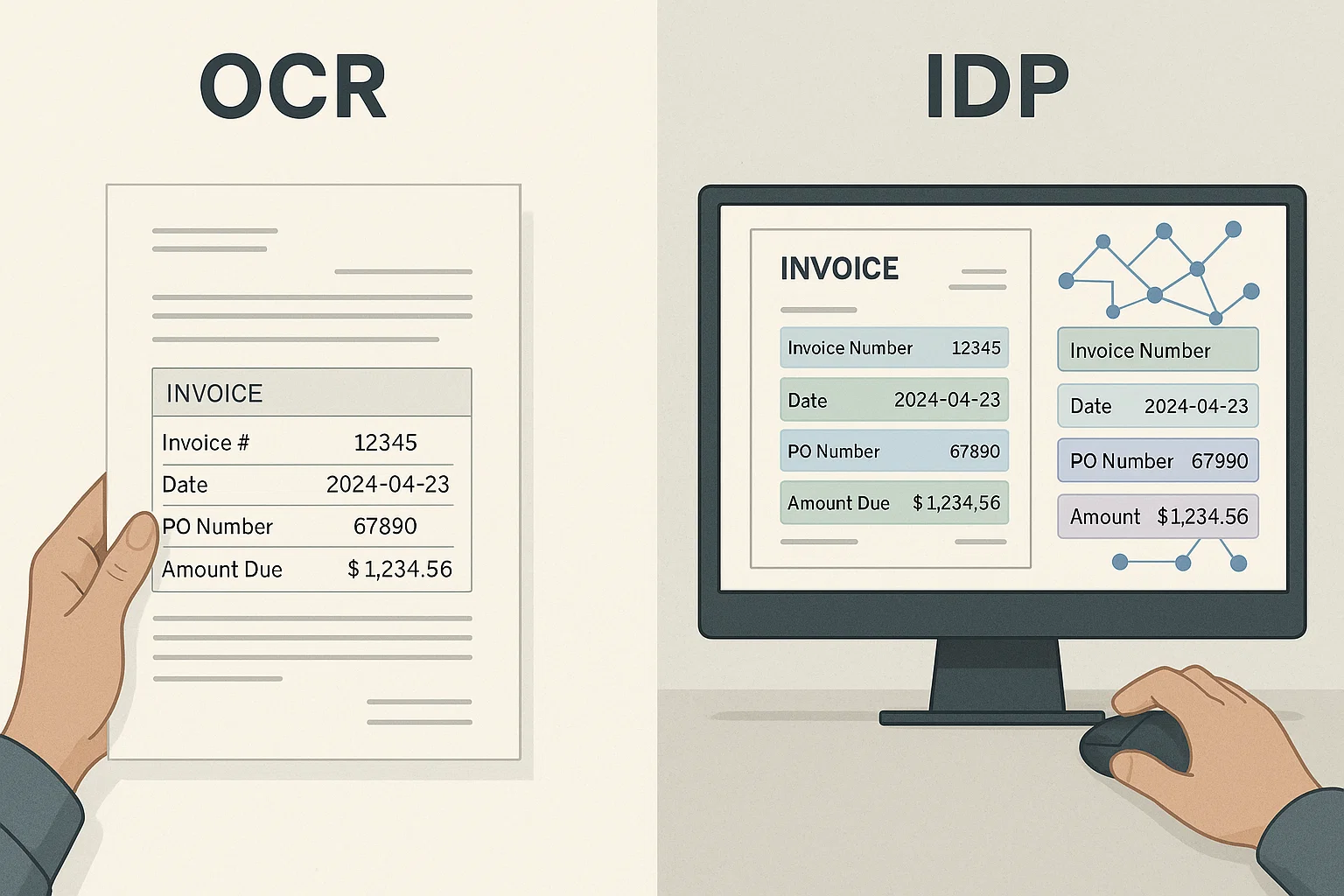
Table of contents
OCR turns an image of text into text. Intelligent document processing (IDP) adds classification, field extraction, validation and routing on top of OCR, so the output is checked data a system can use. Every IDP platform contains OCR; an OCR engine on its own does not do IDP.
The first document AI project I shipped used OCR alone. It stalled on field-level accuracy. The next project used IDP, OCR wrapped with classification, extraction, validation, and routing, and hit 97%. Same OCR engine underneath, 15-point accuracy jump. That gap is the real difference between OCR and IDP: one reads pixels, one runs a workflow. This guide is the honest breakdown of when each wins, with numbers from production and a comparison table you can bring to a vendor meeting.
What's the difference between OCR and IDP?
OCR (optical character recognition) converts pixels into text, nothing more. IDP (intelligent document processing) bundles OCR with four additional layers: classification (what type of document is this?), field extraction (which values matter?), validation (do totals reconcile?), and routing (where does structured output go?). Every IDP platform contains OCR; no OCR API contains IDP. The practical distinction: OCR sells per-page and hands you raw text; IDP sells per-document or per-workflow and hands you structured, validated fields ready to feed into ERP, AP, or lending systems.
How does OCR work on its own?
OCR runs a three-step pipeline: image pre-processing (deskew, rotate, adjust contrast), character recognition (a computer vision or neural model converts pixel regions into characters), and text assembly (characters are ordered into words and lines). Modern OCR engines like Tesseract, AWS Textract, and Google Document AI ship 95-99% character accuracy on clean printed documents. The output is a text stream, no field labels, no validation, no routing. What you do with that text is your problem to solve, which is where IDP starts.
How does IDP extend OCR?
IDP extends OCR with four additional layers stacked on top. Classification decides "this is an invoice" or "this is a bank statement" so the right extraction template runs. Field extraction pulls specific values (vendor, PO number, total, due date) using layout-aware models tuned per document type. Normalization converts dates to ISO 8601, currency to decimal, vendor names to a master list. Validation reconciles extracted totals against document totals and business rules. Finally, routing pushes structured output to downstream systems with confidence scores, sending low-confidence rows to a human review queue.
- OCR: pixels → raw text
- Classification: what type of document is this?
- Field extraction: which values matter and where are they?
- Normalization: standardize format (dates, currency, names)
- Validation: do totals reconcile with document totals?
- Routing: structured output to ERP + confidence scores to review queue
OCR vs IDP comparison table (2026)
The honest side-by-side across the axes that matter for finance, lending, AP, and KYC teams making the build-vs-buy decision:
| Axis | OCR | IDP |
|---|---|---|
| Output | Raw text stream | Structured fields + confidence scores |
| Document types | Any (unlabeled) | Classified (invoice, statement, ID, etc.) |
| Field-level accuracy | N/A (no field labels) | 91-99% depending on doc type (our 2026 benchmark) |
| Validation | None | Totals reconcile, business rules apply |
| Pricing model | Per-page ($0.01-$0.05) | Per-document ($0.05-$0.50) or per-workflow |
| Setup effort | API call, done | Template config, ERP integration, review queue |
| Best for | Text digitization, search | Production workflows with structured downstream |
| Named examples | Tesseract, AWS Textract, Google Document AI, DocsAPI | Bill.com, Ocrolus, Mindee, Rossum, AvidXchange |
When should you pick OCR over IDP?
Pick pure OCR when documents are highly uniform (a single template you control), downstream systems just need raw searchable text (archival, discovery, compliance PDF search), or you have engineering capacity to build classification + validation + routing layers yourself and want to control every step. Pick OCR API + custom stack when your integration requirements don't match any IDP platform's supported ERP list, or when unit economics matter (10K+ documents/month often makes DIY cheaper).
When should you pick IDP over OCR?
Pick IDP when document layouts vary (multiple vendors, multiple document types, unpredictable inputs), when you need structured field extraction that feeds directly into an ERP or workflow tool, or when you don't have engineering capacity to build the classification + validation + routing layers. Also pick IDP when compliance, audit trails, or human-in-the-loop review queues are non-negotiable, those are core IDP features that OCR APIs don't provide out of the box.
How do OCR and IDP work together in production?
In practice, most production document AI stacks use both. OCR is the reading layer at the bottom. Classification + extraction + validation + routing are the layers on top. Vendors like Ocrolus, Bill.com, and AvidXchange build IDP platforms with OCR (often AWS Textract or a proprietary engine) as one component. Builders assembling their own stack use raw OCR APIs (Tesseract, Textract, Google Document AI, DocsAPI) and write the four IDP layers themselves. The choice is not OCR-or-IDP; it's whether you buy the whole stack or build the layers on top of raw OCR.
For finance workflows specifically, see our OCR in finance pillar. For AP-specific pipelines, our accounts payable OCR guide covers the touchless-rate math. For the raw OCR engineering reality, our 4M-pages-a-month production guide.
What I'd do today
Under 500 documents/month with multiple document types: buy IDP. The engineering time to build classification + validation + routing dwarfs the vendor fee. Between 500-10,000 documents/month, trial IDP vendors on your real documents, most win on time-to-value. Above 10,000/month, evaluate the DIY path seriously: OCR APIs at $0.01-$0.05/page plus a custom validation layer often beats IDP unit economics at scale, and you get flexibility IDP platforms don't offer. Single document type with uniform templates: pure OCR wins. Multi-type variable layouts with an existing ERP: IDP wins. (More on build-vs-buy decisions here.)
Frequently asked questions
OCR converts pixels into text and nothing more. IDP bundles OCR with classification (what type of document?), extraction (which values?), validation (do totals reconcile?), and routing (where does structured output go?). Every IDP platform contains OCR; no OCR API contains IDP.
No. IDP is a workflow layer built on top of OCR. OCR reads text; IDP classifies documents, extracts fields, validates business rules, and routes structured output to downstream systems. In production, the validation layer is what catches errors OCR alone can't.
Pick pure OCR when documents are highly uniform (single template), downstream systems need only raw searchable text (archival, discovery), or you have engineering capacity to build the classification + validation + routing layers yourself and want to control every step. Pick OCR at 10K+ docs/month if unit economics matter, DIY often beats IDP at scale.
Pick IDP when document layouts vary, when you need structured field extraction into an ERP or workflow tool, or when you don't have engineering capacity to build the classification + validation + routing layers yourself. IDP is the right pick under 500 docs/month with multiple types, the engineering time to build the layers dwarfs the vendor fee.
OCR alone has no validation layer, so its errors reach downstream systems. IDP reconciles extracted totals against document totals, applies business rules, and routes low-confidence rows to a human review queue.
Raw OCR APIs: Tesseract (free), AWS Textract, Google Document AI, DocsAPI. IDP platforms: Bill.com and AvidXchange for AP, Ocrolus and Plaid CRA for lending, Mindee and Rossum for document AI, Basware and Coupa for enterprise procure-to-pay. Always trial on your real documents before signing, vendor demos use clean files.
Related Blog Posts
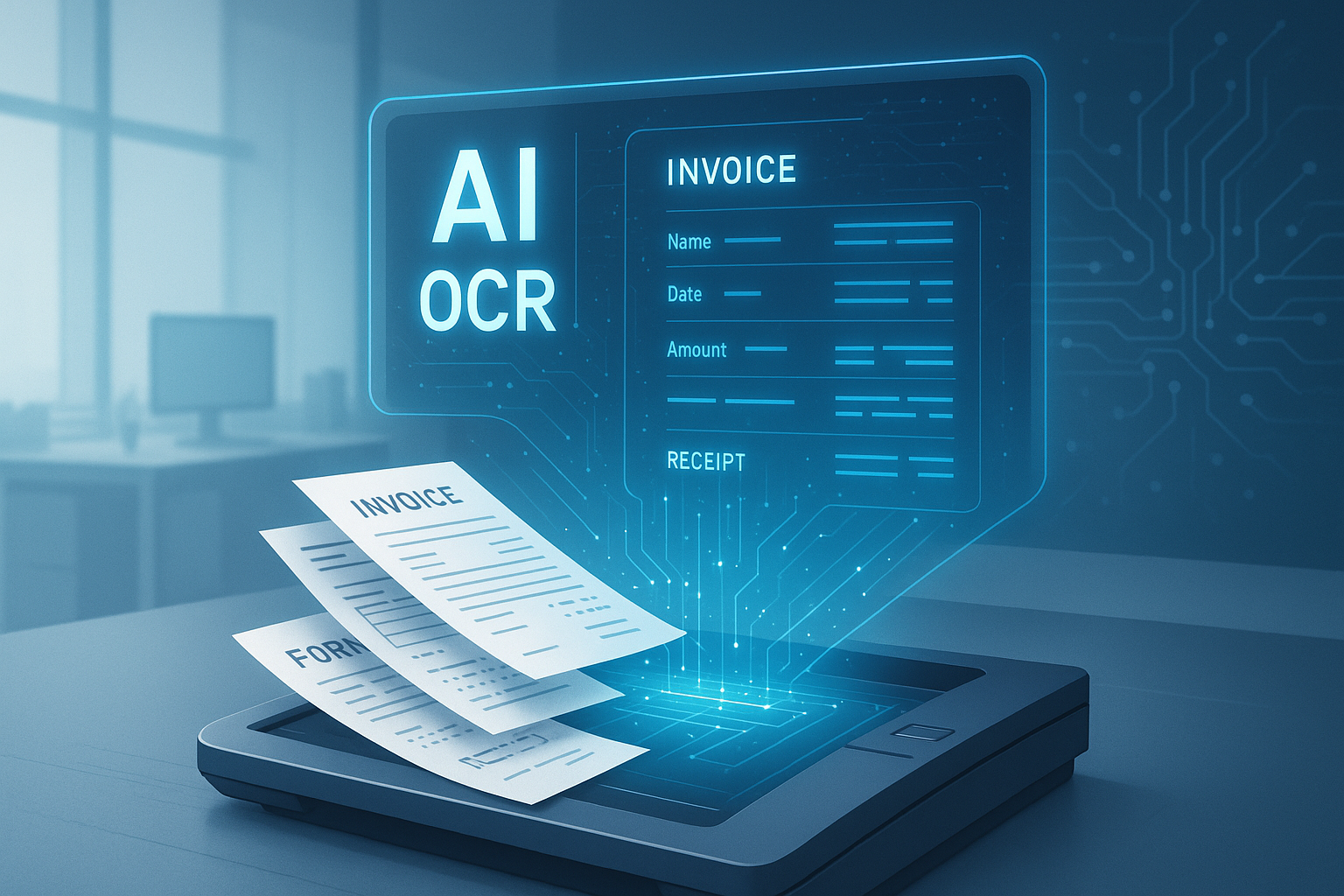
OCR Document Management: The 5 Layers, Not 1
Document management vendors sell one layer and call it the whole stack. Here's the actual 5-layer map, real 2026 cost data, and the 90-day rollout that gets it right.
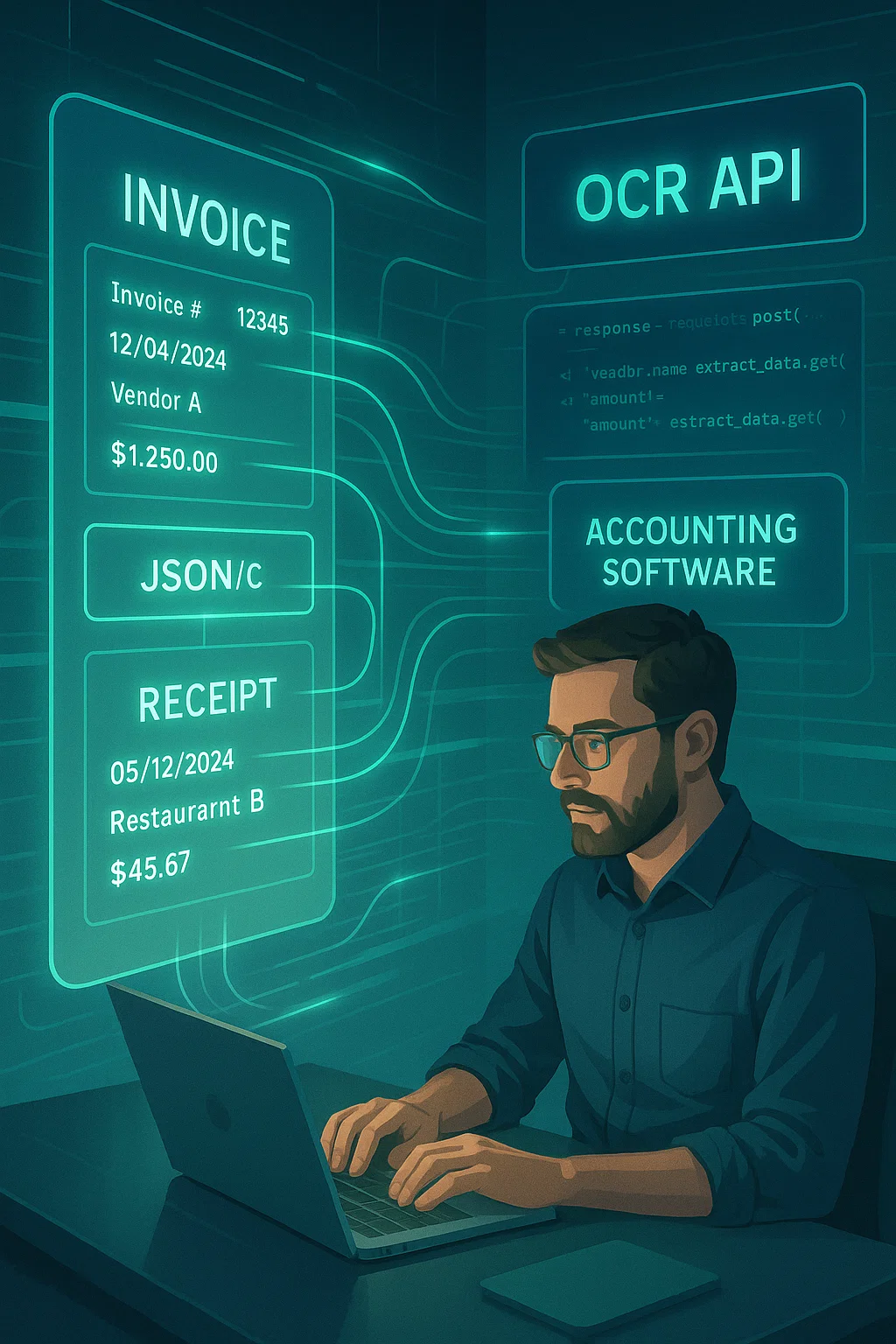
OCR APIs: The 2026 Finance Team Automation Playbook
How OCR APIs help finance teams automate data entry from receipts and invoices, what accuracy to expect by document type, and how to test an API before you commit.
Free Online OCR Tools: I Tested 11. Only 2 Are Worth Using.
Eleven tools, the same 12-page mortgage application, no marketing nonsense. Here is which free OCR tools actually work, which are traps, and which to skip.
Want to see it on your own documents?
Try our free OCR tool in your browser, or book a demo to see how DocsAPI reads the document types covered in this guide.