
Data Normalization for Extracted Documents: The Unsexy Step
After OCR we had 'May 12, 2025' and '05/12/2025' and '2025-05-12' all in the same column. Normalization is the unsexy step that turns extracted text into data your systems can actually use.

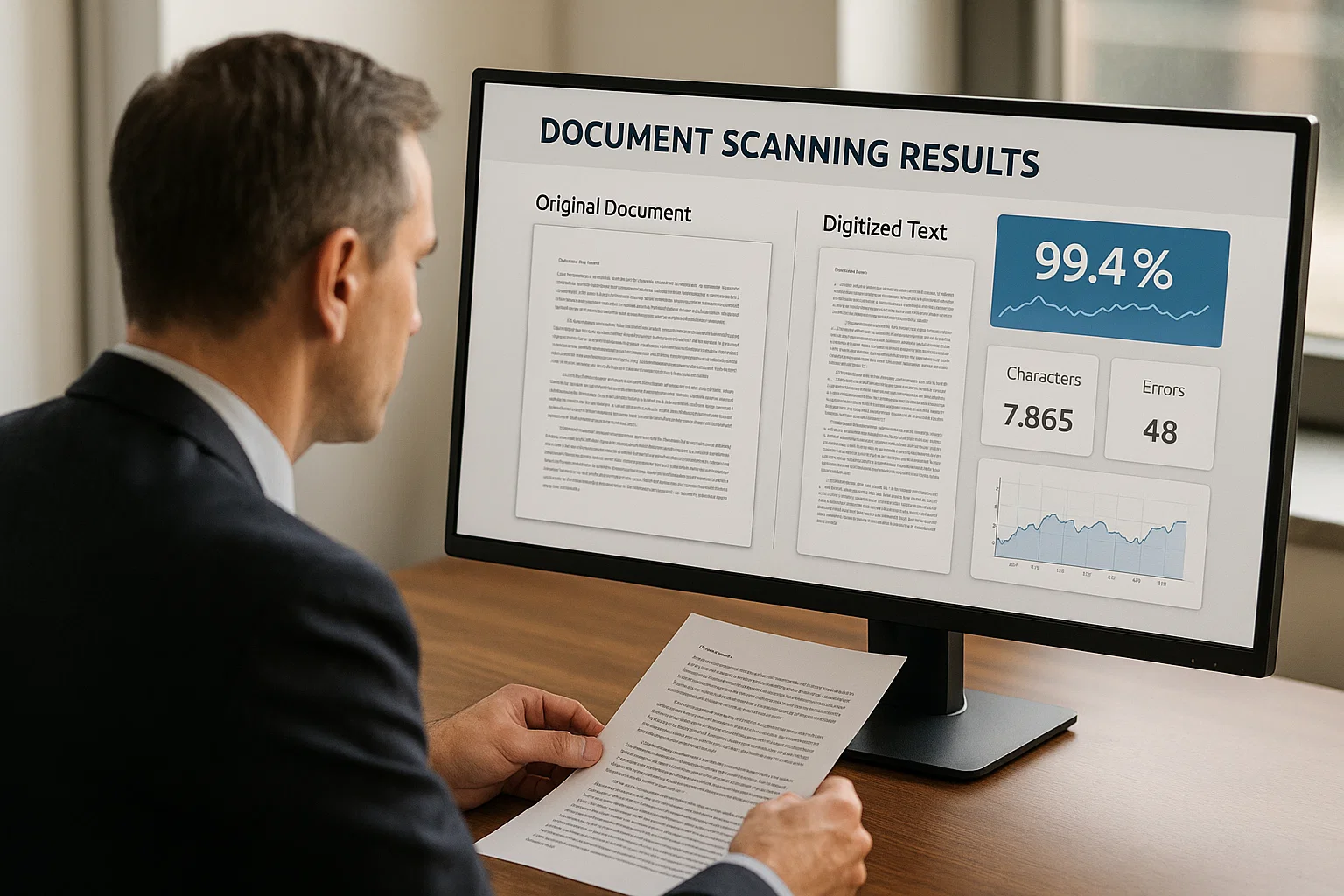
Table of contents
After OCR we had "May 12, 2025" and "05/12/2025" and "2025-05-12" all in the same column. The OCR was right, that is what was on the documents. The downstream system was wrong because it expected one format and got three.
The fix was normalization. Boring, unsexy, and the step that separates "we have text" from "we have data". This guide explains what normalization actually covers and how to do it without losing your mind.
What "Data Normalization" Means in Plain English
Normalization is the work of taking extracted text and converting it into a single, consistent format your systems can use. Same data, same format, every time.
Documents are messy. Vendors write dates differently. Currencies show up with and without symbols. Phone numbers come in seven different shapes. After OCR extracts the text faithfully, you have a wall of variations. Normalization tames the variations.
The classic example: dates. A document might say "May 12, 2025" or "5/12/25" or "12-May-2025" or "May 12 '25". All four refer to the same date. Your accounting system can store only one. Normalization decides what that one looks like and converts everything to it.
If you are brand new to document AI, our optical character reader 2026 guide is the easier starting point. Come back here when you have OCR output that downstream systems are rejecting.
The Eight Categories of Data That Need Normalization
From production experience, these eight come up in almost every document workflow:
1. Dates
The hardest of the eight because there are so many formats. American (MM/DD/YYYY) vs European (DD/MM/YYYY) is ambiguous, "05/04/2025" could be May 4 or April 5 depending on origin. The fix: detect locale from the document context (vendor country, language), then parse accordingly. Default to ISO 8601 (YYYY-MM-DD) as the canonical storage format.
2. Currencies
"$1,234.56" vs "1.234,56 €" vs "1234.56 USD". Different decimal markers, different symbols, different positions. Normalize to a decimal number plus a separate currency code. Never store the formatted string.
3. Phone Numbers
"(555) 123-4567" vs "555-123-4567" vs "+1 555 123 4567" vs "5551234567". Use a library (libphonenumber) that handles all of these. Store as E.164 format ("+15551234567").
4. Addresses
"123 Main St" vs "123 Main Street" vs "123 Main St." Same address. Normalize abbreviations using USPS guidelines (or local equivalents) and parse into structured fields (street, city, state, zip).
5. Names
"John Smith" vs "Smith, John" vs "Smith John" vs "John A. Smith Jr." Decide a canonical order and store first/middle/last/suffix separately.
6. Tax IDs and Account Numbers
"123-45-6789" vs "123456789", same SSN, different format. Normalize by stripping non-digit characters and validating the format matches the expected pattern (length, checksum).
7. Boolean Indicators
"Yes" vs "Y" vs "true" vs "X" (checkbox). All represent the same affirmative. Normalize to a canonical boolean.
8. Document Classifications
"Invoice" vs "Invoice (Original)" vs "INV-2025-0042". Map all the variations to a canonical type. Use the document classification step in your pre-processing pipeline.
The Four Patterns That Make Normalization Hard
Pattern 1: Ambiguity Requires Context
"05/04/2025" is ambiguous without context. You need to know the document's origin country, language, and sometimes the document type to parse correctly. Build a context-aware parser, not a one-size-fits-all regex.
Pattern 2: OCR Errors Compound Normalization Errors
If OCR reads "5/4/2025" as "5/A/2025", normalization will throw an error or worse, silently produce garbage. Always validate after normalization. If the result doesn't look like a date, flag it for review.
Pattern 3: Edge Cases Are Common
"01/01/01", January 1, 2001 or 1901 or 2101? "$1.00", one dollar, or one Argentine peso? Build defaults that are conservative and flag anything ambiguous for human review.
Pattern 4: Normalization Rules Drift
USPS abbreviation guidelines change. Currency codes get added. New formats appear. Treat normalization as living code that needs updates, not a one-time write.
The Three-Layer Normalization Pipeline I Use
Production-tested. Use this template:
Layer 1: Extract Raw Strings
From OCR, get the raw text exactly as it appears on the document. Don't try to clean during extraction. Just capture what's there.
Layer 2: Apply Normalization Rules
For each field, apply normalization based on the field type and document context. Use libraries for hard cases (libphonenumber for phones, USPS address parsers for addresses, ISO-aware date parsers for dates).
Layer 3: Validate Against Expected Patterns
Did the normalized value pass validation? Date in valid range? Currency amount positive? Account number checksum correct? If validation fails, flag for human review. Don't silently store garbage.
The combination of these three layers catches most issues. The remaining few percent get flagged for review. (More on this in our honest guide from 4M pages a month.)
The Library and Tool Recommendations
You should not build normalization from scratch. Use these:
- Dates: dateutil (Python), date-fns (JavaScript), Java 8+ DateTimeFormatter
- Phone numbers: libphonenumber (Google). Available in every major language.
- Addresses: libpostal (international) or USPS web services (US-only)
- Currencies: moneyphp, ISO-4217 list, your own decimal handler with currency code
- Names: python-nameparser, Postel's law principle (be lenient on input)
- Validation: Pydantic (Python), Zod (TypeScript), or schema libraries in your language of choice
The Cost of Skipping Normalization
Teams skip normalization because it is unglamorous and the OCR output looks fine. The cost comes later, in downstream bugs:
- Wrong dates leading to wrong due dates and missed payments
- Phone numbers that fail to dial because of formatting differences
- Addresses that get rejected by shipping carriers
- Duplicate vendors created because "Acme Inc" and "Acme, Inc." look like different vendors
- Failed integrations because downstream systems expect specific formats
I have watched a team spend three weeks tracking down a missing payment that traced back to a date normalized to the wrong year because of an ambiguous "01/02/03" string. Normalization upfront would have prevented the entire incident.
The Way I Explain Normalization to Non-Tech People
Imagine you run a library. Every visitor returns a book and signs the return form. Some sign "John Smith". Some sign "J. Smith". Some sign "Smith, John". Some sign "JOHN SMITH". Same person, four ways.
If you organize your library cards by name, you have a problem. Each variation looks like a different person. You end up with four separate cards for John Smith. The next time he checks out a book, the system thinks he is a new visitor.
Normalization is the work of writing down everyone's name the same way before filing it. "Smith, John" goes in the J-S-M card whether the visitor wrote it as "John Smith" or "JOHN SMITH" or "J. Smith". Now the system works.
The library is your database. The visitors' signatures are your OCR output. The work of standardizing the writing is normalization. Boring. Critical. Almost always skipped until it costs too much to ignore.
Data normalization examples by field type
Normalization turns the many raw ways a value can appear into one canonical form your systems can rely on. The clearest way to understand it is by example, because every field type has its own messy inputs and its own clean target. The table below shows the common cases that break downstream systems when left un-normalized.
| Field type | Raw extracted values | Normalized form |
|---|---|---|
| Date | "01/02/2026", "Jan 2, 2026", "2026-01-02" | 2026-01-02 (ISO 8601) |
| Currency | "$1,234.50", "1234.5 USD", "USD 1,234.50" | 1234.50 with currency code USD |
| Vendor name | "AMZN MKTP", "Amazon.com", "AMAZON" | Amazon (master-list entity) |
| Phone | "(555) 123-4567", "555.123.4567" | +15551234567 (E.164) |
| Account number | "1234-5678", "1234 5678" | 12345678 (digits only) |
Why normalization decides whether extraction is usable
Extraction gets the headlines, but normalization is what makes extracted data usable, and skipping it is why many document pipelines produce data nobody can query. Raw extracted values carry all the inconsistency of the source documents: three date formats, currency with and without symbols, the same vendor under five different strings. A downstream system that expects one canonical form cannot match, sum, or filter that data reliably, so the extraction that looked successful produces reports that are subtly wrong.
The failure is quiet, which is what makes it dangerous. Un-normalized dates sort incorrectly, un-normalized currency sums to the wrong total, and un-normalized vendor names scatter one supplier across several rows so spend analysis understates concentration. None of these throw an error; they just produce wrong answers that surface during an audit or a board meeting. Building normalization as a deliberate step between extraction and storage, rather than hoping the extracted values are clean, is what separates a pipeline that produces data from one that produces trustworthy data.
What I'd Do Today
If your OCR output is fed into downstream systems: build the normalization layer first, before you scale OCR. Cleaning up later is harder than doing it right the first time.
If you have existing OCR data that is messy: pick the field that causes the most downstream bugs (usually dates or addresses) and normalize that first. Each field cleaned up removes a category of downstream errors.
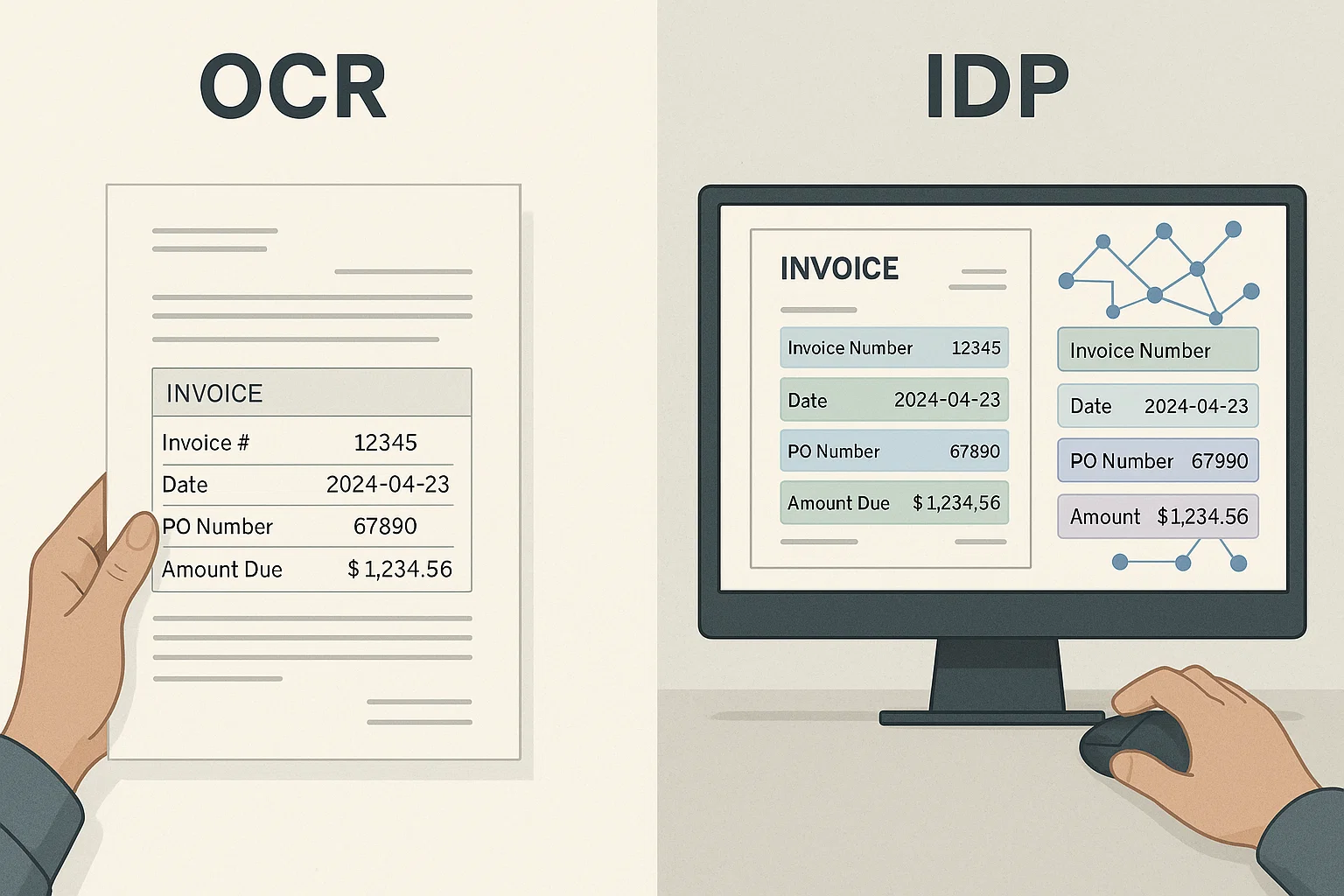
If you are evaluating a document AI vendor: ask what normalization they do. The good ones offer field-level normalization with locale awareness. The bad ones just give you raw OCR output. (I write about this gap a lot.)
Frequently asked questions
Data normalization converts extracted text into a consistent format your systems can use. Dates become ISO 8601, currencies become decimal amounts with codes, phone numbers become E.164, and so on. Without it, you have text, not data.
Because documents are written in many formats. The same date can appear five different ways across vendors. Downstream systems expect one format. Normalization bridges the two.
Use libraries for dates, phones, and addresses. They handle edge cases you do not know about. Write your own only for domain-specific fields (account numbers, custom IDs) where libraries do not exist.
ISO 8601 (YYYY-MM-DD) for dates without time. ISO 8601 with timezone for date-times. It sorts correctly, parses reliably, and is unambiguous across locales.
Use document context, vendor country, language, document type, to pick the most likely parse. Flag anything genuinely ambiguous ('01/02/03') for human review. Do not silently guess.
After OCR extraction, before storage. Extract raw text first. Normalize next. Validate. Then store. Each step has its own concerns; mixing them creates bugs.
Related Blog Posts

Context Engineering for Document AI (Beyond RAG, 2026)
My first RAG demo for invoice Q&A failed in front of the CFO. The fix was not better embeddings, it was better context engineering. Here is what I learned.
Docling vs LlamaParse vs DocsAPI: 1,200-Doc Benchmark (2026)
We benchmarked all three on 1,200 real documents over a weekend. Which won on tables, which on speed, which on developer experience, and which lost.
Document Classification Software (2026 Honest Guide)
The single step that improved our OCR pipeline accuracy by 8 percentage points was not better OCR. It was classification. Here is what classification software actually does and how to pick one.
Ready to Transform Your Lending Process?
See how DocsAPI's AI-powered industry classification can help you process loans faster, improve accuracy, and scale your operations.