
OCR a PDF: 4M-Pages-a-Month Lessons From Production (2026)
Everything I learned running OCR on 4 million PDF pages a month, what breaks, what works, and the engineering corners marketing decks always skip.

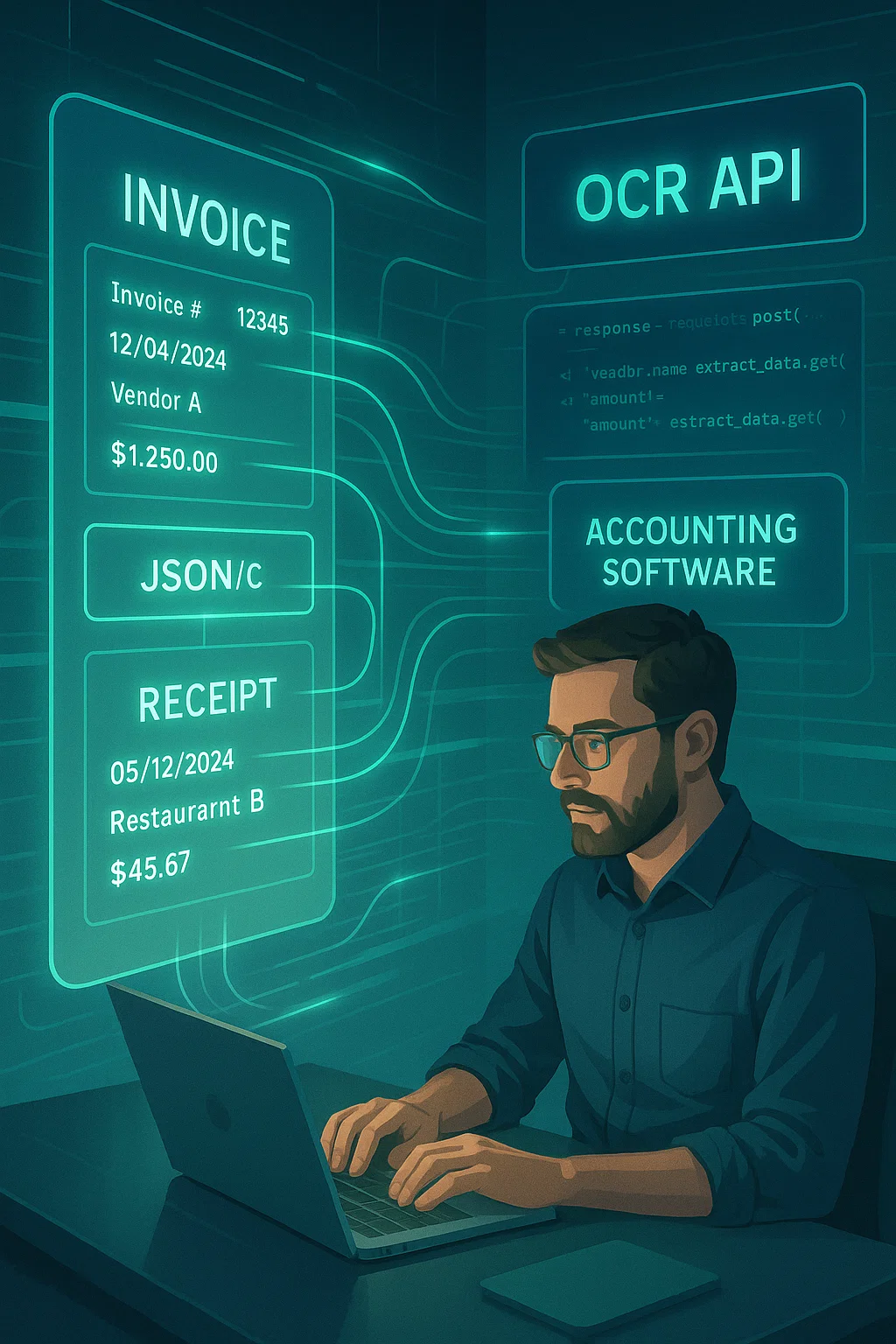
Table of contents
I run a system that turns about four million PDF pages a month into searchable text. None of it is glamorous. Most of my time goes to fighting rotated pages, broken tables, and faded scans that look fine to a human and look like static to a computer.
This guide is the unromantic version of what OCR-ing PDFs is actually like. I will explain it simply enough that a kid could follow along, and honestly enough that an engineer at scale will still find it useful.
What "OCR a PDF" Means in Plain English
OCR stands for Optical Character Recognition. The name sounds fancy but the idea is simple: it is a tool that looks at a picture of words and turns it into real text a computer can use.
When you "OCR a PDF", you are running every page through this tool. The tool reads each page like a person would and writes down all the words it finds. It hides those words in a layer behind the original document, so the PDF still looks the same, but now Ctrl+F works, you can copy text out, and other software can read what is in there.
Think of it like this. You give your friend a stack of photographs. Your friend writes down every word she sees on every photo. She gives you back the photos with a typed list of every word, neatly matched to where on the photo it came from. That is what OCR does, except it takes 30 seconds instead of two hours.
If you are brand new to all this, our companion piece on how to make a PDF searchable in 30 seconds is the friendlier starting point. Come back here when you want the engineering reality.
Why OCR Sounds Simple But Isn't
The basic OCR operation, pixel goes in, text comes out, is solved. Tesseract has done it for two decades. The hard part is everything around it.
Real PDFs are messy. They are scanned at angles. They have stamps. They have signatures across text. They have tables with merged cells. They have foreign-language stamps over English forms. They have coffee stains. They have pages where the bottom 2 inches got cut off.
The OCR engine itself is maybe 30% of the work. The other 70% is preparing the document so the engine has a chance, then cleaning up the output so downstream systems can use it. If your team only thinks about the OCR engine, you will be confused why accuracy is so much worse than the marketing claims.
The Five Failures I See Every Single Week
Across thousands of customer migrations onto our pipeline, five failure modes keep coming back. If your OCR results are disappointing, it is almost certainly one of these:
Failure 1: Rotated Pages
Someone scanned a stapled batch and three pages went in sideways. To a person, you tilt your head and read it. To an OCR engine, those pages are gibberish. The engine reads the rotated text top-to-bottom as if it were upright, and produces garbage.
The fix is auto-rotation. Detect each page's correct orientation, rotate it, then OCR. Modern APIs do this. Free Tesseract does not without an extra flag. Document detection covers this step in depth, it is the single biggest cheap win in any OCR pipeline.
Failure 2: Tables
A bank statement has a table with date, description, debit, credit, balance. Naive OCR reads top-to-bottom across the columns. So the output becomes "1/3 Coffee 4.50 250.00 1/4 Lunch 12.00 238.00" all jumbled together. Useless.
The fix is layout-aware OCR. The engine first detects the table grid, then OCRs each cell separately, then assembles the row/column structure as JSON. AWS Textract and DocsAPI both do this. Plain Tesseract does not.
This is the single most expensive failure I see at small lenders. Their loan-decisioning system thinks the customer earns $238 a month instead of $2,380, because the OCR scrambled the decimal location. The decision flips on garbled input. (More on this in our PDF parser table breakdown.)
Failure 3: Multi-Column Layouts
Same problem as tables, slightly different shape. Legal briefs, academic papers, and newspaper PDFs are typeset in two columns. Naive OCR reads across them and scrambles meaning.
The fix is column detection. A good OCR pipeline identifies column boundaries before reading text within each column.
Failure 4: Faded Thermal Receipts
Receipts printed on thermal paper fade. By the time the receipt is six months old, the contrast is so low that OCR engines either skip the text or hallucinate. The fix is image preprocessing, adaptive thresholding, which dynamically boosts contrast in low-contrast areas without crushing the high-contrast ones.
Most modern OCR APIs do this. Tesseract does not by default. If your input is receipts, do not skip this step.
Failure 5: Mixed Languages
A multinational supplier invoice with English headers, Spanish item descriptions, and Chinese characters on the company stamp. If you OCR with only the English language pack, the non-English parts become hash.
The fix is per-region language detection. The engine identifies which language is in each region before reading, then switches models on the fly. This is invisible to most users but matters a lot when documents come from outside your home market.
The OCR Engines I Have Actually Used in Production
Honest opinions, no marketing:
Tesseract
The free, open-source workhorse. On clean printed English at 300 DPI, it hits 97-99% accuracy. On dirty, rotated, or table-heavy content, it drops to 70-80%, which sounds OK until you do the math. A 200-line bank statement at 80% accuracy means 40 wrong lines per statement. That is not OCR. That is noise dressed up as data.
Use Tesseract when documents are uniform, volumes are low, and you need a free local option.
AWS Textract
Strong on forms and tables. Weaker on free-form text in our testing. Pricing is per-page and rises sharply when you turn on the structured-form API. Good fit if you already live in AWS. We compared Textract directly in our Textract vs DocsAPI breakdown.
Google Document AI
Strong on forms and identity documents. Weaker on long, unstructured content. Pricing similar to Textract. If you already use Google Cloud, low friction.
Modern Vision-Language Models
Claude 4.6, GPT-5 with vision, Gemini Ultra. These models can read complex layouts surprisingly well. They are also 5-15x the cost of dedicated OCR per page and noticeably slower. Best use: small batches where layout matters more than throughput. We dig deeper in VLM vs OCR, when each works.
DocsAPI
What we built. Layout-aware OCR with classification, validation, and a searchable-PDF endpoint. We built it because the Tesseract pipeline I inherited was hitting 4 million pages a month and the per-step error rates were compounding into expensive customer issues. Honest disclosure: I am biased. Try Tesseract first if you are starting; come find us when it breaks.
When Engine Choice Actually Matters (And When It Doesn't)
If your inputs are clean and uniform, one vendor, one layout, scanned at 300 DPI on the same scanner, engine choice barely matters. Tesseract will hit 98% accuracy and so will any API. You are wasting money paying for a layout-aware engine.
Engine choice matters when you have variance. Multiple vendors. Mixed scan quality. Foreign languages. Tables. Forms. Handwriting. The variance is what destroys accuracy, not the engine itself. A good OCR pipeline is roughly 60% pre-processing, 30% engine, 10% post-correction. Most teams obsess over the 30% and ignore the other 70%.
A Production Pipeline That Actually Works
If I had to write the simplest pipeline for anyone running OCR at meaningful volume, here is what every step does and why:
| Step | What it does | Why you need it |
|---|---|---|
| 1. Validate the file is a real PDF | Check magic bytes | People rename .docx to .pdf all the time |
| 2. Render pages to image at 300 DPI | Convert to consistent format | Higher resolution adds no value; lower drops accuracy |
| 3. Deskew and rotation-correct | Fix tilted and sideways pages | The single biggest cheap win |
| 4. Detect language per region | Identify which language each part is in | Mixed-language docs are common |
| 5. Classify document type | Invoice vs bank statement vs ID | Different docs need different downstream rules |
| 6. OCR with a layout-aware engine | Read text respecting columns and tables | Generic OCR scrambles real-world documents |
| 7. Post-correct using known patterns | Fix dates, currency, account numbers | OCR will hallucinate. Catch it before downstream systems do. |
| 8. Emit searchable PDF + structured JSON | Two outputs, two audiences | One for humans, one for downstream systems |
You can buy this pipeline as an API (us, AWS, Google). You can also build it in-house. Building it took us nine months and a small team. Most companies should buy. The reason is not the OCR engine, that is a few weeks of work, it is everything around it. Production OCR is a maintenance problem more than a model problem.
The data normalization step is where post-correction lives. It is what separates "I have text" from "I have data my systems can act on".
What I'd Do Today
If your volume is tiny and documents are simple: Tesseract on a laptop. Free, works, move on.
If your volume is medium (a few hundred a week) and documents are mixed: an OCR API. Almost always cheaper than the engineering hours you'd spend tuning Tesseract.
If your volume is high and the industry is regulated (banking, healthcare, insurance): an OCR API plus a custom validation layer that you own. Let the vendor handle the OCR; you own the business rules.
The mistake I see most: teams pick the cheapest engine, accept 85% accuracy, then build expensive manual review workflows to catch errors. Those review workflows end up costing more than a paid API would have, and they erode confidence in the data forever. Run the numbers before you commit. (I keep writing about this because the math is the same every time.)
The Way I Explain This to My Mom
Imagine you have a giant pile of mail and you want to find every letter that mentions "electric bill". You could read each letter one by one. That would take all day.
Or you could hire a fast typist. You hand her the pile. She types out every letter into a computer. Then you search the computer for "electric bill" and it pops right up.
That typist is OCR. The pile of mail is your stack of PDFs. The computer search is Ctrl+F. The fast typist works for less than a penny per letter, makes some mistakes here and there, and works through 4 million letters a month without complaining. That is OCR at production scale.
Frequently asked questions
A 50-page PDF on a modern OCR API takes about 20-30 seconds end-to-end. Locally on Tesseract: 2-3 minutes. A 1,000-page document via an API takes 3-7 minutes depending on engine.
On clean printed English: 97-99%. On scanned, rotated, or table-heavy documents: 80-95% without pre-processing, 92-98% with proper pre-processing. Handwritten content stays the hardest at 80-90% on neat samples.
Local for one-offs, sensitive content, or air-gapped environments. API for anything recurring above ~50 documents/day. The math typically flips around 200 documents/day when engineers start spending half a day a week maintaining the local pipeline.
For clean documents under 100/month: Tesseract via ocrmypdf, free. For mixed-quality at meaningful volume: a pay-per-page API at $0.01-$0.05/page. The cost difference is almost always less than one engineer-day per month of maintenance.
Partially. Tesseract is bad at handwriting (under 70% on real-world samples). Modern alternatives, Google Document AI, Azure Form Recognizer, VLMs, reach 85-90% on neat handwriting. Doctors' notes and rushed signatures stay hard for everyone.
Usually pre-processing was inconsistent. A page that was scanned upside-down, faded, or skewed will OCR badly even if the rest of the document was perfect. Run deskew, rotation correction, and adaptive thresholding on every page.
Related Blog Posts
PDF Text Recognition: When Tesseract Fails and What to Use
Tesseract is wonderful until it isn't. The four document categories where it breaks every time and the simple alternatives that work better.
How to Make a PDF Searchable in 30 Seconds (No Acrobat)
Your PDF won't let you search inside it? Here is the 30-second fix, the four traps that silently break it, and a simple kid-friendly explanation of what's actually happening.
Readable PDF vs Image PDF: How to Tell the Difference Fast
Your PDF looks normal but Ctrl+F finds nothing. That means it is an image PDF, not a readable one. Here is the 2-second test and the simple fix.
Ready to Transform Your Lending Process?
See how DocsAPI's AI-powered industry classification can help you process loans faster, improve accuracy, and scale your operations.