
AWS Textract vs DocsAPI: Honest 2026 Comparison
I built on AWS Textract for two years. Here is an honest breakdown of where Textract is the right pick and where I eventually moved off.

Table of contents
I built on AWS Textract for two years. It was the right call when we started. By month 20 the gaps were big enough that we moved to a different stack. This is the honest breakdown of where Textract still wins, where it doesn't, and what to consider if you are picking between Textract and DocsAPI today.
Disclosure: I am the founder of DocsAPI. I tried to be tough on my own product to keep the comparison fair.
AWS Textract vs DocsAPI at a glance
The short answer: Textract is the right pick for AWS-native teams processing forms and ID documents, and DocsAPI is the right pick for teams that need multi-page table stitching, classification and extraction in one call, and financial-document workflows. The table below summarizes the decision across the dimensions that actually matter.
| Dimension | AWS Textract | DocsAPI |
|---|---|---|
| Type | AWS managed service | Standalone API |
| OCR pricing | $0.0015/page | Bundled per-page |
| Tables pricing | $0.015/page (10x OCR) | Bundled, no upcharge |
| Multi-page table stitching | Manual (breaks per page) | Automatic |
| Classification + extraction | Two separate calls | One call |
| Forms with visible boundaries | Excellent | Good |
| ID documents | Excellent (AnalyzeID) | Good |
| Best fit | AWS-native, forms, IDs | Financial docs, multi-page tables |
What These Two Tools Actually Do
AWS Textract
AWS Textract is Amazon's managed document understanding service. It does OCR, table extraction, form parsing, and ID document reading. Tightly integrated with the rest of AWS, S3 for storage, Lambda for processing, IAM for access. Pay-per-page.
DocsAPI
What we built. End-to-end document intelligence API with OCR, classification, field extraction, validation, and structured output. Designed for production document workflows in financial services, lending, and compliance. Pay-per-page or per-document.
If you are brand new to OCR, our optical character reader 2026 piece is the friendly introduction. Come back here when you are choosing between specific vendors.
Where AWS Textract Wins
1. AWS-Native Stacks
If your infrastructure is already in AWS, S3 for documents, Lambda for processing, SNS for notifications, Textract slots in without friction. IAM handles auth. CloudWatch handles monitoring. The integration is genuinely seamless.
For a team that lives in AWS, the switching cost away from Textract is real. If your tech debt budget is small, stay on Textract until you need to move.
2. Forms With Visible Field Boundaries
Textract's form extraction is excellent on documents where fields have clear visual boundaries, boxes, lines, labels. Government forms, tax forms (W-2, 1099), structured applications all extract well.
3. ID Documents (Driver's License, Passport)
Textract's AnalyzeID API is solid for US driver's licenses and passports. It returns structured fields directly. For ID-heavy workflows (KYC) that don't need additional intelligence, AnalyzeID is a good fit.
4. Predictable Pricing for Predictable Workloads
Textract pricing is straightforward, per page for OCR, per page for tables, per page for forms. If your volume is consistent and you can predict the page mix, you can model your costs precisely.
5. Compliance Bundle
AWS HIPAA-eligible, SOC 2, PCI compliance all extend to Textract. For regulated industries that already trust AWS for compliance, Textract inherits that trust.
Where AWS Textract Falls Short
1. Multi-Page Tables
The thing that pushed us off Textract. Bank statements with transaction tables spanning 5-15 pages. Textract treats each page as a separate table, which breaks row continuity. The fix required manual stitching code that was fragile to maintain. (Our PDF parser piece covers this exact failure mode.)
2. Non-AWS Stacks
If your infrastructure is on GCP, Azure, or self-hosted, Textract adds friction. You have to authenticate, set up S3 buckets, and route through AWS, all for what is fundamentally a stateless API call. The "AWS-native" advantage becomes a "AWS-required" tax.
3. Customization Is Limited
Textract handles common document types well but customizing for industry-specific documents is expensive. You either accept the generic output or build a translation layer on top.
4. Pricing on Specialty Endpoints
AnalyzeDocument with forms or tables enabled is significantly more expensive than basic OCR ($15 per 1,000 pages vs $1.50). At meaningful volume, the math gets expensive.
5. Slow Async Pipeline for Large Files
Documents over a few pages require Textract's async API, submit job, poll for completion. The pattern is fine but adds 5-30 seconds per document. Real-time workflows feel sluggish.
Where DocsAPI Wins
1. Multi-Page Table Stitching
The reason we exist. Bank statements, multi-page invoices, and other documents with continuous tables stitch correctly. The output is one logical table per document, regardless of how many pages it spans.
2. Document Classification Plus Extraction
One API call handles classification (what kind of document is this?) and extraction (what fields are in it?). Textract requires you to know the type upfront or run two separate calls.
3. Industry-Specific Document Support
DocsAPI ships specialized pipelines for SMB lending documents, fintech compliance, and healthcare claims. For these verticals, we have done the customization that Textract leaves to you.
4. Sync API for Most Workloads
DocsAPI's sync endpoint handles documents up to 100 pages in a single call. No polling required. Real-time onboarding flows feel snappy.
5. Honest, Simple Pricing
Per-page pricing with predictable tier breaks. No "AnalyzeForm" upcharge, no surprise async pricing. Volume discounts available.
Where DocsAPI Falls Short
1. Not Bundled With Existing Cloud
DocsAPI is a standalone API. If you are deep in AWS and your security/billing model is AWS-only, the friction of adopting an external API is real.
2. Smaller Ecosystem
Textract has years of community examples, Terraform modules, and Stack Overflow answers. DocsAPI is newer; you'll find fewer pre-built integrations.
3. Narrower Specialization
DocsAPI is strongest in financial services and lending. For other verticals (research papers, scientific PDFs) we are less optimized than alternatives like Docling. (See our Docling vs LlamaParse vs DocsAPI.)
4. Smaller Compliance Catalog
AWS inherits a massive compliance catalog. DocsAPI's certifications (SOC 2, ISO 27001, HIPAA-eligible) cover most regulated industries but the catalog is smaller than AWS's overall.
The Cost Comparison
Real numbers for 100,000 pages per month with a mix of OCR, tables, and forms:
| Tool | Approximate cost | Notes |
|---|---|---|
| Textract (OCR only) | $150/month | Basic OCR pricing only |
| Textract (OCR + tables) | $1,500/month | Per-page table pricing kicks in |
| Textract (OCR + tables + forms) | $1,650/month | Form analysis adds incremental cost |
| DocsAPI | $1,200/month | All features included in per-page price |
For pure OCR workloads, Textract is cheaper. For workloads using tables or forms, DocsAPI is typically cheaper at this volume. Above 1M pages/month, both providers offer enterprise discounts that change the math.
The Migration Path (If You Decide to Switch)
If you are migrating from Textract to DocsAPI, the work involved:
- Update API endpoint and authentication (Bearer token instead of AWS SigV4). About a day.
- Map Textract's response format to DocsAPI's. Mostly a translation layer. About a week.
- Test on a representative sample of your real documents. About two days.
- Run both in parallel for a sprint to validate. Two weeks.
Total: a few weeks for a typical migration. Not trivial but not enormous.
How Textract compares to Google Document AI and Azure
Teams evaluating Textract almost always also look at Google Document AI and Azure AI Document Intelligence (formerly Form Recognizer), because the three hyperscaler OCR services occupy the same slot in a stack. The pattern that holds across all three: they are strongest on the document types the vendor has pre-trained (forms, IDs, receipts), priced with specialty-endpoint upcharges for tables and forms, and easiest to adopt when you are already on that cloud. Textract is the natural choice on AWS, Document AI on GCP, and Azure Document Intelligence on Microsoft stacks.
Where all three hyperscaler services share the same weakness is multi-page table continuity and vertical-specific extraction. Each reads a single page well but treats a 12-page bank statement as 12 separate tables, and each leaves industry-specific customization to you. This is the gap that specialized APIs like DocsAPI fill: the trade is you give up the native-cloud integration in exchange for table stitching and vertical pipelines the hyperscalers do not provide out of the box.
Looking for a Textract alternative? How to decide
Most teams searching for a Textract alternative are hitting one of three walls: the specialty-endpoint pricing got expensive at volume, the multi-page tables broke and the stitching code became a maintenance burden, or they moved off AWS and the integration advantage turned into a tax. Identify which wall you hit, because it determines the right alternative. If the problem is cost on tables, a bundled-pricing API removes the upcharge. If the problem is multi-page tables, you need an engine that stitches. If the problem is leaving AWS, any standalone API removes the AWS coupling.
The decision rule that works: if you are still happy on AWS and your documents are forms and IDs, there is no reason to switch, and Textract remains the right tool. If you have hit one of the three walls, run your real documents through the top two alternatives (DocsAPI, Google Document AI, or an open-source engine) and pick on the results, not the marketing. The migration itself is a few weeks, so the evaluation matters more than the switching cost.
The Way I Explain This to Non-Engineers
Imagine you need to hire a paperwork specialist. Two candidates apply:
- Textract already works in your office. She's part of the AWS team. She types accurately on standard forms. Reads IDs well. Charges per task. Sometimes the multi-page reports come out as separate files; you have to staple them together.
- DocsAPI works for an outside agency. She specializes in financial paperwork. She types accurately, classifies documents, and never breaks multi-page reports into pieces. Costs roughly the same as Textract for full-service work. Requires you to add an outside vendor.
For most office work, Textract is fine. For workflows where the paperwork is heavy on financial tables and multi-page reports, DocsAPI is the cleaner pick. Run a one-week trial with both before deciding.
What I'd Do Today
If you are AWS-native and your documents are mostly forms and IDs: stay with Textract. The integration advantage is real.
If your documents involve multi-page tables (bank statements, financial reports): try DocsAPI. The table-stitching saves you from building manual fixes that break on every new document type.
If you are starting fresh and don't have AWS lock-in: try both on a representative sample of your real documents. The winner depends on your specific mix. (I write more about real-world evaluation here.)
If you would rather narrow the field first, our free OCR picker asks six questions and tells you whether Textract, a purpose-built document API, or an open-source engine fits your documents best, using the per-category benchmark results.
Frequently asked questions
Neither is universally better. Textract wins for AWS-native stacks, forms, and ID documents. DocsAPI wins for multi-page tables, classification + extraction in one call, and financial services workloads.
$0.0015 per page for basic OCR. $0.015 per page with tables. Additional cost for forms analysis. Volume discounts available above 1M pages/month.
Yes, for common document types (invoices, IDs, forms, bank statements). DocsAPI also handles classification and multi-page tables more cleanly. For research papers or scientific PDFs, alternatives like Docling are stronger.
A few weeks of engineering for a typical workload. The API surface is similar but response formats differ. A small translation layer handles most of the mapping.
DocsAPI's sync endpoint is faster for documents under 100 pages because there is no polling. Textract's sync endpoint handles fewer pages before requiring async. For very large documents, both run async with similar wall-clock times.
AWS Textract is HIPAA-eligible under AWS's BAA. DocsAPI is HIPAA-eligible with a separate BAA available on request. Both can be used in healthcare workflows.
It depends on why you are leaving Textract. If cost on tables and forms is the problem, a bundled-pricing API like DocsAPI removes the specialty-endpoint upcharge. If multi-page table stitching is the problem, DocsAPI or a purpose-built financial-document API handles it. If you are staying on a hyperscaler, Google Document AI and Azure AI Document Intelligence are the closest equivalents.
Textract processes each page independently, so a bank statement table spanning 5 to 15 pages returns as separate tables with broken row continuity. Reassembling them needs custom stitching code that is fragile across bank formats. Engines built for financial documents stitch the pages into one logical table automatically, which is the biggest reason teams move off Textract for statement-heavy workflows.
Textract handles single-page invoices with clear field boundaries reasonably well, but struggles with multi-page invoices, unusual layouts, and line-item tables that need reassembly. For accounts payable at volume, a specialized invoice OCR pipeline usually delivers a higher touchless rate because it validates totals against line items and matches to purchase orders, which Textract leaves to you.
Related Blog Posts
ABBYY FineReader Alternative: Why We Built DocsAPI Instead
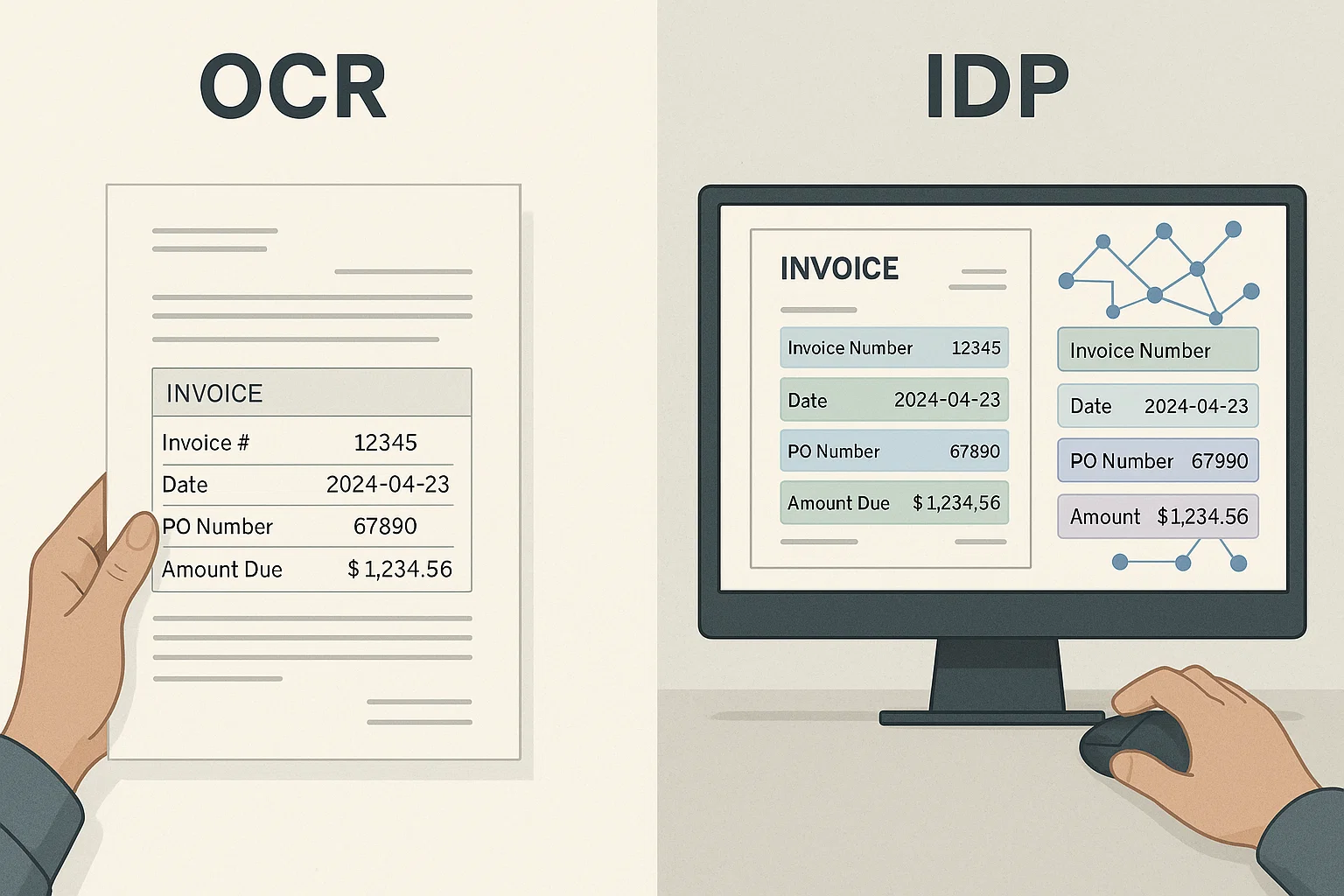
ABBYY was wonderful in 2018. It was expensive in 2022. By 2026 the tradeoffs flipped completely. Here is the honest comparison and the migration story.
PaddleOCR vs Tesseract vs DocsAPI: 2026 Benchmark
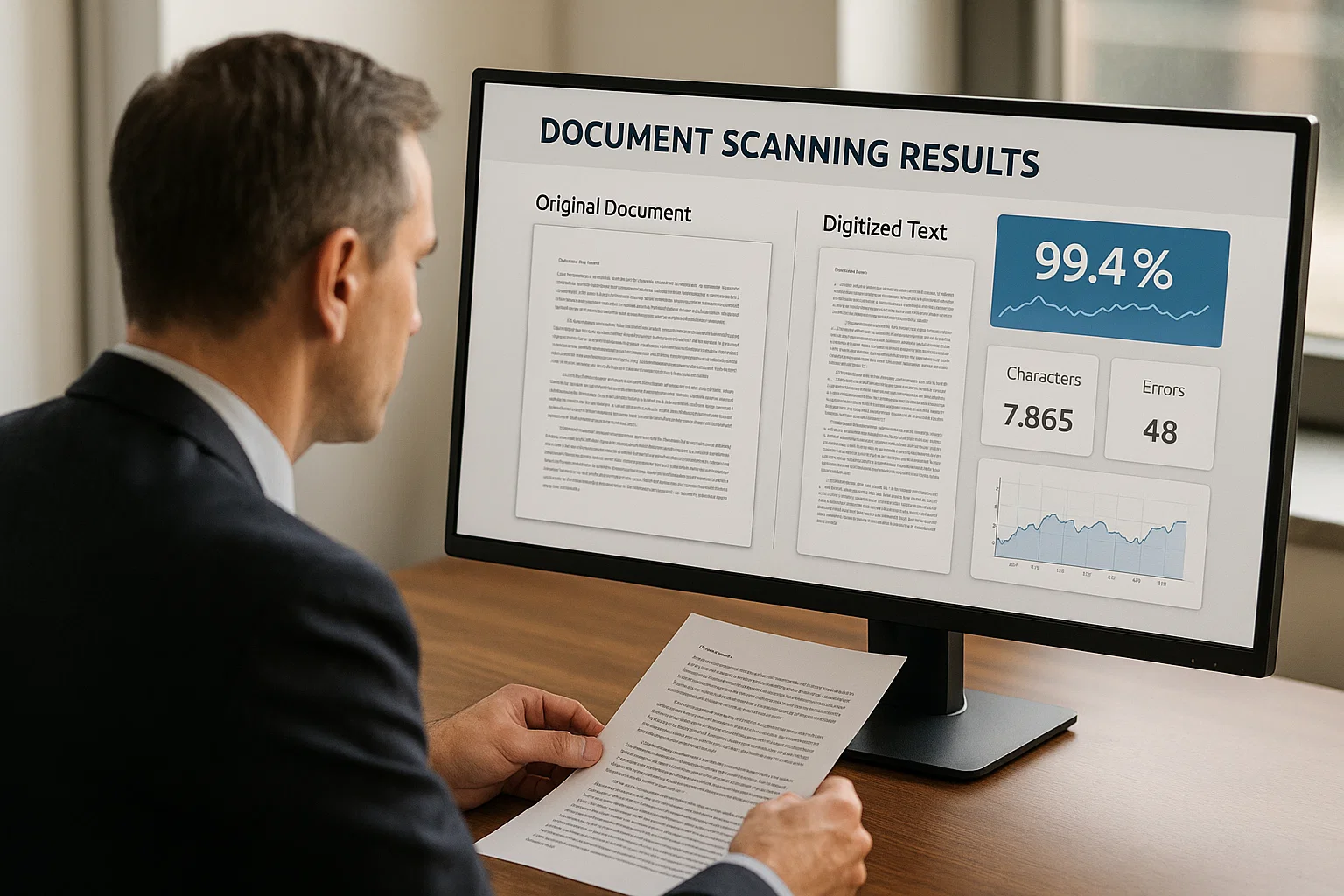
I ran all three on the same 500-document test set. The winner depends on what 'winner' actually means. Here is the unfiltered breakdown.
Invoice OCR Pricing: Same Pages, Wildly Different Bills
Per-page pricing sounds simple until you check which API tier applies. The same 3,000 pages can cost $4.50 or $210 depending on the feature called.
Ready to Transform Your Lending Process?
See how DocsAPI's AI-powered industry classification can help you process loans faster, improve accuracy, and scale your operations.