
Optical Character Reader in 2026: What It Means for Builders
Someone asked me at lunch yesterday what an OCR is. I gave the 2026 answer, not the 2015 one. Here is everything that has changed and what it means for you.

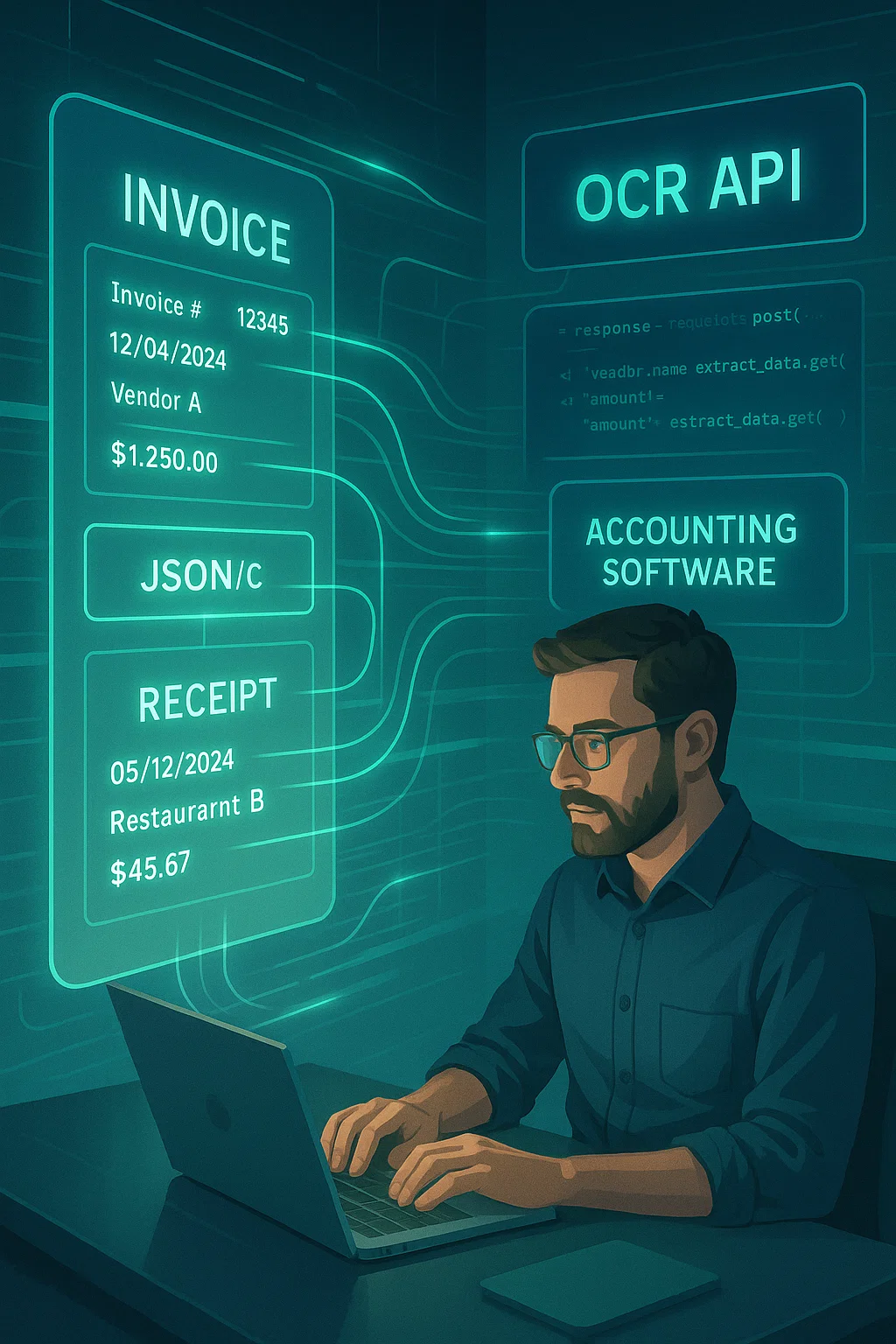
Table of contents
At lunch yesterday someone asked me what an OCR is. I gave the 2026 answer instead of the 2015 one. It made a difference. The person on the other side of the table is building an app and walked away with a much clearer picture of what to actually use.
This guide is the same 2026 answer, written out. If you have read about OCR online and most of it felt outdated, this is for you.
What "Optical Character Reader" Actually Means
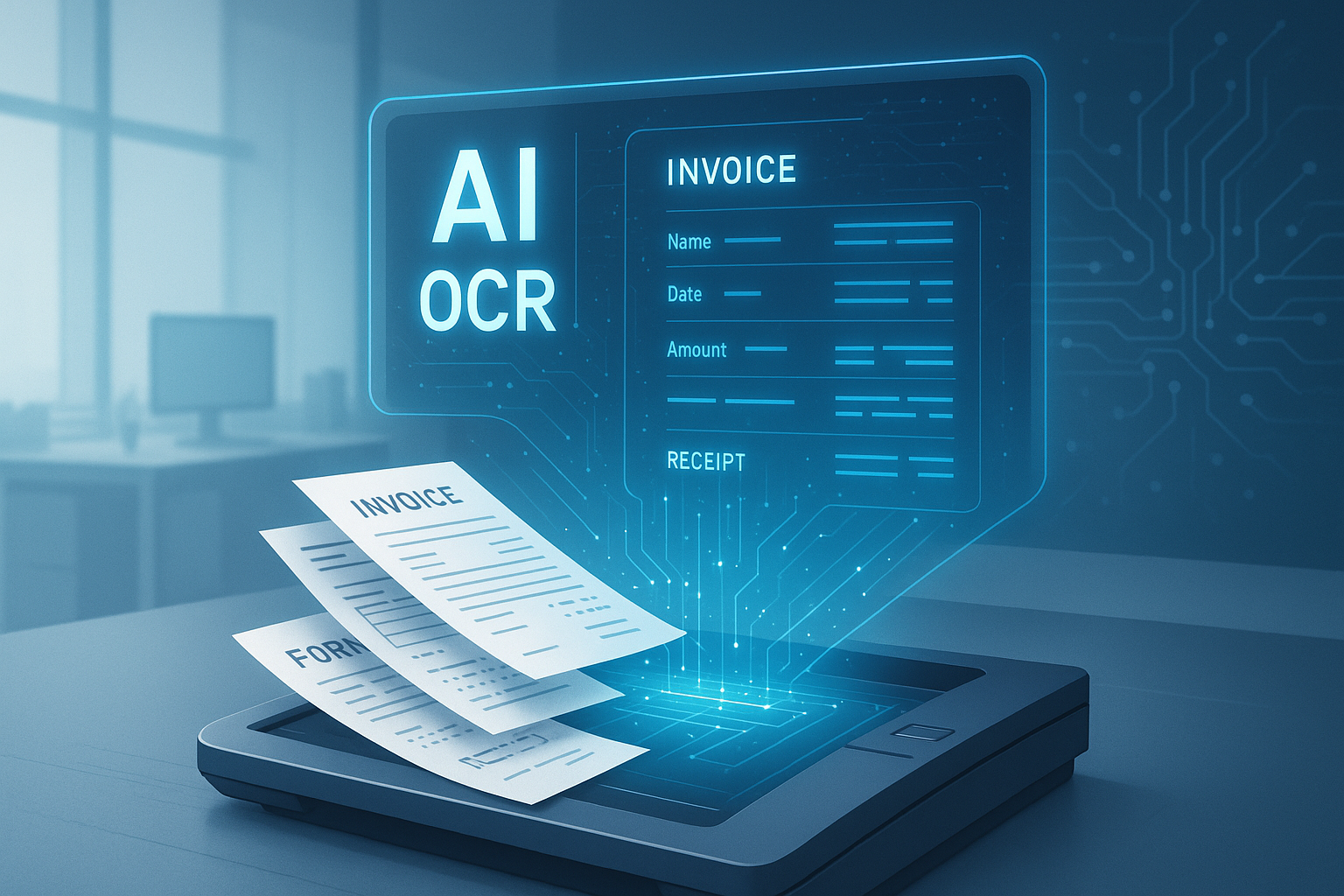
An optical character reader is a tool that looks at a picture of text and turns it into real text a computer can use. The phrase used to refer to physical machines from the 1960s, desk-sized boxes that read mail. The modern usage refers to software that does the same job on PDFs, photos, and screenshots.
The simple version: you give it a picture of words, it gives you back the words as data. The slightly less simple version: it figures out what language the text is in, separates paragraphs from tables, understands handwriting (sometimes), respects layout, and outputs structured data your code can act on.
Most people use "OCR" and "optical character reader" interchangeably. They mean the same thing. The first is what engineers say; the second is what marketing brochures say.
If you are brand new to all this, our make a PDF searchable guide is the simplest possible introduction.
What Changed Between 2015 and 2026
OCR in 2015 was good at clean printed English on flat scans and bad at almost everything else. OCR in 2026 is dramatically better in five specific ways:
1. Layout Understanding Got Real
Old OCR read top-to-bottom across columns and scrambled tables. New OCR understands page structure, columns, tables, headers, footnotes, before it reads words. This is the single biggest practical improvement. Documents that used to be unusable are now structured data.
2. Multi-Language Detection Is Automatic
Old OCR required you to specify the language. Pass the wrong language pack and you got hash. New OCR detects language per region and switches models on the fly. A document with English headers, Spanish item descriptions, and Chinese stamps works without configuration.
3. Handwriting Improved a Lot
Old OCR was about 60% accurate on neat handwriting and terrible on messy. New OCR, especially the engines built on top of vision-language models, clears 90% on neat handwriting and 70-80% on rushed. Doctor's notes are still hard, but everything else moved.
4. Pre-Processing Got Cheap
Old OCR pipelines required you to deskew, rotate, denoise, and threshold manually. New OCR APIs do all of that automatically. The accuracy lift you used to engineer for yourself now comes built in.
5. Vision-Language Models Joined the Field
Claude 4.6, GPT-5 vision, Gemini Ultra can do OCR-like extraction for short documents and read complex layouts surprisingly well. They are not pure OCR, they understand context, can answer questions about the document, can reformat output. They are slower and more expensive than dedicated OCR, but for the trickiest documents they are unmatched. Architecturally, these models share the transformer-decoder generation approach TrOCR pioneered for dedicated OCR, just at a much larger scale and trained on a far broader task than character recognition alone, which is part of why they generalize well to messy layouts without task-specific fine-tuning. (We dig into the tradeoffs in VLM vs OCR.)
The two-stage pipeline every OCR engine actually runs
Almost every OCR engine, from Tesseract to the newest cloud APIs, runs the same conceptual two-stage pipeline underneath whatever marketing language describes it: text detection, finding the bounding boxes where text actually sits on the page, followed by text recognition, reading the specific characters inside each detected box. Understanding this two-stage split explains a lot of OCR's real-world failure modes, since detection and recognition fail in genuinely different ways, and a vendor claiming "99% accuracy" rarely says which stage that number describes.
A detection failure means the engine never found the region containing the text at all. Faint text, unusual fonts, text at an odd angle, or a stamp overlapping a printed line can all cause detection to miss text that a recognition model would have read correctly if it had ever been asked to. A recognition failure means detection found the right region but read the characters inside it incorrectly, the classic confusable-character problem, 0 versus O, 1 versus l versus I, that trips up even strong recognition models on low-resolution or noisy input. These two failure modes need genuinely different fixes: detection failures usually improve with better image pre-processing and higher-resolution capture, while recognition failures usually improve with a stronger recognition model or, for structured fields, a validation rule that catches an implausible character substitution after the fact.
Why the newest engines look architecturally different from Tesseract
Tesseract's modern LSTM-based engine, the version most people mean when they say "Tesseract" today, recognizes text through a specific three-stage pipeline: a convolutional neural network extracts visual features from each detected text region, an LSTM sequence model reads those features left to right, and a CTC, connectionist temporal classification, decoding step converts the LSTM's output into the final character sequence. This architecture has been genuinely effective for two decades, but it processes text strictly sequentially and has no built-in mechanism for using context from elsewhere on the page while recognizing a specific word.
Microsoft's TrOCR, representative of the newer generation of transformer-based OCR models, replaces all three of those stages with pure attention-based architecture. A Vision Transformer encoder processes the image as a grid of patches rather than running convolutional filters over it, and a transformer-based text decoder, built on the same architectural family as RoBERTa, generates the output text autoregressively, one token at a time, attending back over the full image representation at every step rather than reading strictly left to right through a fixed sequence model. The practical difference: a transformer-based recognizer can, in principle, use information from anywhere in the detected region to inform a single character's recognition, where a CNN-plus-LSTM pipeline processes that same region in a fixed, strictly sequential order.
For builders, this architectural split matters less than the practical question of picking the right tool, but it does explain something buyers often notice without understanding why: transformer-based engines tend to handle unusual layouts and mixed content within a single region more gracefully than older CNN-plus-LSTM engines, at the cost of higher compute per page and generally higher latency. If your documents are clean and uniform, the architectural difference rarely shows up in your accuracy numbers. If your documents are messy, mixed layouts, unusual fonts, text embedded near images, the newer transformer-based engines are more often where the accuracy gap actually comes from, not just marketing.
The Four Kinds of OCR Available to Builders in 2026
Kind 1: Local OCR Engines (Free, Open Source)
Tesseract, PaddleOCR, EasyOCR. Free to use, run on your machine, no internet required. Best for: privacy-sensitive content, low volume, developers who want full control. Worst for: tables, foreign languages, handwriting at any meaningful volume. (Our PDF text recognition guide covers when these break.)
Kind 2: Cloud OCR APIs (Pay-Per-Page)
AWS Textract, Google Document AI, Azure Form Recognizer, DocsAPI. Per-page pricing, handle most of the hard cases automatically. Best for: production workflows, mixed-quality documents, multi-language content. Cost: typically $0.01-$0.05 per page.
Kind 3: Vision-Language Models (Per-Token Pricing)
Claude, GPT, Gemini with vision. Read complex layouts, answer questions about documents, output any format you ask for. Best for: tricky one-off documents, semantic understanding beyond text extraction. Cost: 5-15x dedicated OCR per document.
Kind 4: Document Intelligence Platforms (Per-Document or Subscription)
Full platforms, DocsAPI, ABBYY, Hyperscience, IBM Datacap. Include OCR plus classification, validation, workflow routing, and human review. Best for: regulated industries, complex multi-step workflows, teams that want a turnkey solution. Higher cost; lower engineering burden.
What the architecture split means for picking an engine
None of this means a transformer-based engine is automatically the right choice. A CNN-plus-LSTM engine like Tesseract's, running on clean, uniform, printed documents, still delivers strong accuracy at a fraction of the compute cost, and there is no practical reason to pay the latency and cost premium of a transformer-based engine for a document type that a two-decade-old architecture already handles well. The architectural difference genuinely earns its keep specifically on the documents where detection or recognition struggles under the older approach, unusual layouts, mixed content, degraded scans, not as some universal upgrade worth paying for by default regardless of what your actual documents look like.
How to Pick the Right Kind for Your Project
Use this decision tree. It is the same one I use when advising other founders:
- One developer, one document type, small scale: Local OCR engine (Tesseract or PaddleOCR). Free.
- Multiple document types, mixed quality, production: Cloud OCR API. Pay-per-page, handles the hard cases automatically.
- One tricky document type, semantic understanding required: Vision-language model. Expensive per call but powerful.
- Regulated industry, complex workflows, lots of stakeholders: Full document intelligence platform. Lowest engineering burden.
Most builders start with Kind 1 (local OCR), hit limits, then graduate to Kind 2 (cloud API). The jump to Kind 3 or 4 happens later if at all. (Our honest guide from 4M pages a month covers this progression.)
The Five Things Marketing Brochures Will Not Tell You
1. Accuracy Numbers Are Always Best-Case
"99% accuracy" means 99% on the vendor's test set. Your documents are messier. Expect 3-5 percentage points lower on real data.
2. Pricing Looks Cheap Until It Isn't
$0.02 per page sounds tiny. At 100,000 pages per month that is $2,000. At 1 million pages it is $20,000. Most APIs offer volume discounts; ask for them.
3. The OCR Engine Is the Easy Part
Most of the engineering goes into pre-processing, classification, validation, and downstream integration. The vendor sells you OCR; you still have to build the rest unless you pick a full platform. This is exactly why the detection-versus-recognition split covered earlier matters practically, not just architecturally, since diagnosing whether a production accuracy problem is a detection failure or a recognition failure determines whether the fix belongs in your pre-processing step or in the vendor's model, and vendors rarely volunteer which stage their reported accuracy number actually describes.
4. Privacy Policies Vary Wildly
Some APIs delete your content after processing. Others use it for training. Some claim no-training but quietly do it. Read the terms. For sensitive content, prefer providers with explicit no-training and short retention.
5. The Free Tier Is a Sales Funnel
Free tiers are great for testing but rarely cover real production volumes. Expect to hit limits within a week if you have any real workflow.
The Way I Explain Modern OCR to Non-Tech Folks
Imagine you hired a helper to read your mail. Old OCR was like a helper with thick glasses who could only read typed letters, only in English, only on flat paper, and would scramble anything in a table.
New OCR is like a helper with normal eyes who can read printed text, handwritten notes, multiple languages, tables, forms, and receipts faded from sitting in your car too long. She still gets confused by doctor's handwriting. Nobody's perfect.
The helper costs about a penny per page. For most workflows, that is cheaper than the time you would spend yourself.
What I'd Do Today
If you are building a new project: skip Tesseract unless your documents are uniform and privacy is critical. Start with a cloud OCR API. The setup is minutes; the engineering you avoid is days.
If you have an existing Tesseract pipeline that mostly works: measure your error rate honestly. If you are below 95% on the fields you care about, the marginal cost of a paid API is almost always lower than the cost of fixing OCR errors downstream.
If you are evaluating vendors: do not trust the demos. Run your real documents through their free tier. Compare output side-by-side. The winner is rarely the one with the prettiest marketing. (I write a lot about the gap between vendor demos and reality.)
Frequently asked questions
None. 'OCR' is the acronym; 'optical character reader' is what it stands for. Engineers usually say OCR. Marketing materials and older textbooks tend to spell it out.
Yes. AI vision models can do OCR-like work but are 5-15x more expensive per page and slower. For high-volume production, dedicated OCR is still the right answer. Vision models excel at the trickiest documents where semantic understanding matters.
Depends on the document. AWS Textract leads on forms and tables. Google Document AI leads on IDs. DocsAPI leads on multi-page financial documents in our internal benchmarks. Match the engine to the document type.
Free for local engines (Tesseract, PaddleOCR). $0.01-$0.05/page for cloud OCR APIs. $0.05-$0.20/page for vision-language models. Full platforms run on monthly subscriptions or per-document pricing of $0.05-$0.30.
Better than ever. Neat printed handwriting reaches 90% on the best engines. Cursive and rushed handwriting drop to 70-80%. Doctor's notes remain hard for everyone. Critical handwritten fields still benefit from human review.
Almost certainly not. The engines available today reflect decades of work and billions of training documents. Build the layers around OCR (classification, validation, workflow) where the differentiation actually is.
Related Blog Posts
How to Make a PDF Searchable in 30 Seconds (No Acrobat)
Your PDF won't let you search inside it? Here is the 30-second fix, the four traps that silently break it, and a simple kid-friendly explanation of what's actually happening.
Readable PDF vs Image PDF: How to Tell the Difference Fast
Your PDF looks normal but Ctrl+F finds nothing. That means it is an image PDF, not a readable one. Here is the 2-second test and the simple fix.
OCR a PDF: 4M-Pages-a-Month Lessons From Production (2026)
Everything I learned running OCR on 4 million PDF pages a month, what breaks, what works, and the engineering corners marketing decks always skip.
Ready to Transform Your Lending Process?
See how DocsAPI's AI-powered industry classification can help you process loans faster, improve accuracy, and scale your operations.