
VLM vs OCR: When to Use Each in Production (2026)
We tried Claude 4.6 vision on tables. It cost 12x dedicated OCR per page. Here is when that math works, when it doesn't, and the hybrid that wins most.

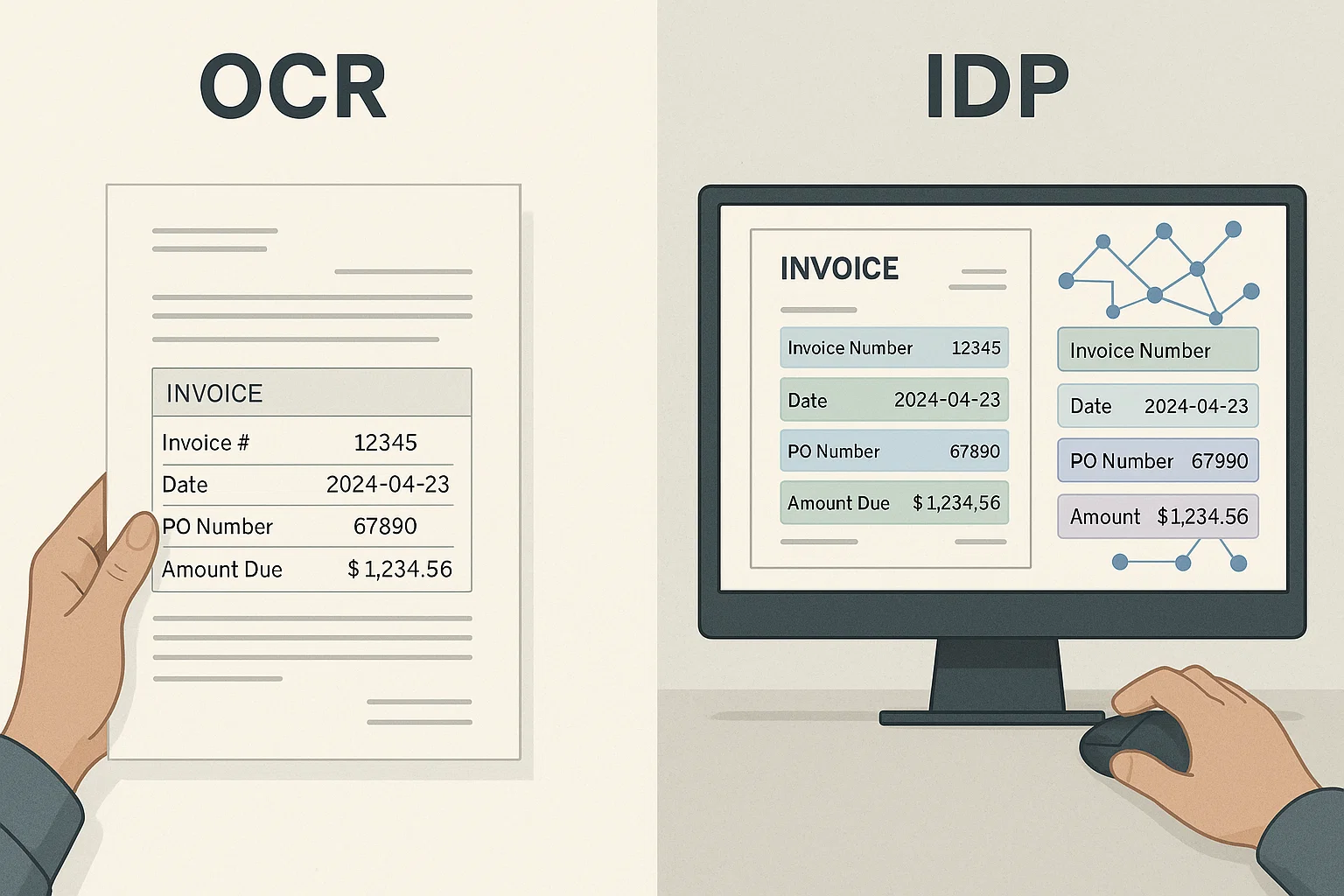
Table of contents
We tried Claude 4.6 vision on a batch of complex tables in March. The accuracy was beautiful. The bill was twelve times what dedicated OCR would have cost. We learned a lot about when that math works and when it doesn't.
This guide is the honest answer on VLM vs OCR, when to use a vision-language model, when to stick with dedicated OCR, and the hybrid pattern that handles most real workloads cheaply and well.
VLM vs OCR at a glance
The short answer: dedicated OCR is faster, cheaper, and deterministic, so it wins for high-volume and real-time work, while a vision-language model understands meaning and adapts to any layout, so it wins for varied, low-volume, or semantic tasks. Most production teams run a hybrid, cheap OCR for the bulk and a VLM for the tricky few percent. The table below shows the tradeoff across the dimensions that decide the choice.
| Dimension | Dedicated OCR | VLM (vision-language model) |
|---|---|---|
| Cost per page | $0.01-$0.05 | $0.05-$0.20+ |
| Speed per page | Under 1 second | 3-15 seconds |
| Understanding | Text only | Meaning, context, Q&A |
| Varied layouts | Needs templates | Adapts automatically |
| Determinism | Repeatable | Can vary run to run |
| Best for | High volume, real-time, audit | Varied, low volume, semantic |
| Examples | Tesseract, Textract, DocsAPI | Claude vision, GPT vision, Gemini |
What "VLM" and "OCR" Mean in Plain English
OCR (Optical Character Recognition) is a specialized tool that does one job: turn pictures of text into real text. It is fast. It is cheap. It knows nothing about meaning.
A VLM (Vision-Language Model) is a general AI model that can look at pictures and answer questions about them in natural language. It is slower. It is more expensive. It understands meaning, context, layout, and even questions you ask in plain English.
Examples of OCR engines: Tesseract, AWS Textract, Google Document AI, DocsAPI. Examples of VLMs: Claude 4.6 with vision, GPT-5 vision, Gemini Ultra vision, Llama 3 vision.
The two overlap. Both can look at a document and produce text. The differences are everything else: cost, speed, understanding, output format.
If you are brand new to OCR, our optical character reader 2026 piece is the friendlier introduction. Come back here when you are deciding which tool to use for a real workload.
The Five Honest Differences
1. Cost
Dedicated OCR: $0.01-$0.05 per page. VLMs: $0.05-$0.20 per page or higher, depending on the model and how many tokens the document consumes. For high-volume workloads, this gap dominates everything else.
2. Speed
Dedicated OCR: under 1 second per page on a modern API. VLMs: 3-15 seconds per page depending on model and document complexity. For real-time applications, OCR wins.
3. Understanding
Dedicated OCR: gives you text. That's it. You have to write code to interpret. VLMs: can answer "what was the total?" or "is this a real invoice?" directly. Massive difference when semantic understanding is needed.
4. Layout Handling
Dedicated OCR (layout-aware): handles tables, forms, multi-column layouts reliably. VLMs: handle complex layouts including hand-drawn diagrams, weird formatting, and mixed content surprisingly well. VLMs win on the trickiest 5% of documents.
5. Output Flexibility
Dedicated OCR: fixed output formats (JSON, XML, text). VLMs: any format you ask for. "Give me this invoice as JSON with these specific fields" works.
When VLMs Win
From production experience, VLMs are the right pick when:
1. Layouts Are Unique and Vary Significantly
If every document looks different and you don't have time to build templates, a VLM can adapt. It does not need to be trained on each new layout, it just looks and figures it out.
2. You Need Semantic Understanding
"Is this contract more favorable to us or to the vendor?" is not an OCR question. VLMs can read a contract and reason about it. Dedicated OCR cannot.
3. The Document Type Is New
For one-off or rare document types where building an extraction pipeline is overkill, VLMs let you skip the setup. Just ask the question.
4. Volume Is Low
Below a few thousand documents per month, the cost difference is small. Use the more powerful tool.
5. The Tricky 5%
The hardest 5% of documents, weird layouts, mixed languages, complex tables, low-quality scans, often benefit from a VLM. Route just those to the VLM and use OCR for the easy 95%.
When Dedicated OCR Wins
1. High Volume
At 100K+ pages per month, the 5-15x cost difference between OCR and VLMs is real money. Use OCR for the bulk.
2. Real-Time or Low-Latency Requirements
Customer onboarding that needs to OCR an ID in under a second. VLMs cannot meet this. Dedicated OCR can.
3. Uniform Documents
If your documents are mostly the same shape, same invoice template, same form layout, dedicated OCR with a small extraction pipeline beats VLMs on cost and speed.
4. Strict Audit Requirements
Regulated industries that need deterministic, repeatable extraction. VLMs can produce slightly different output on the same input across runs. Dedicated OCR is more predictable.
The Hybrid Pattern That Wins Most
Production-tested at meaningful scale: use both. Route by document complexity.
- Run every document through cheap, fast OCR first.
- If confidence is high (clean output, all fields populated, validation passes): ship it. About 90-95% of documents fall here.
- If confidence is low (low OCR scores, missing fields, validation fails): route to the VLM. About 5-10% of documents.
- The VLM handles the tricky cases at higher cost. OCR handles the bulk cheaply.
Average cost per page lands around $0.03, close to dedicated OCR cost, but with the accuracy of a VLM on the hard cases. (More on this in our honest guide from 4M pages a month.)
The Quick Decision Table
| Your situation | Pick |
|---|---|
| 1,000+ documents/day, uniform | Dedicated OCR |
| Real-time customer-facing | Dedicated OCR |
| Highly varied layouts, low volume | VLM |
| Need semantic Q&A on documents | VLM |
| Mixed workload, want best of both | Hybrid (OCR for bulk, VLM for tricky) |
| Compliance/audit requirement | Dedicated OCR (deterministic) |
| Doctor's notes, complex handwriting | VLM (better on hard cases) |
The Cost Math Worked Example
Let's run real numbers. Imagine 50,000 documents per month:
- OCR only: 50K × $0.02 = $1,000/month. 90% accurate. The 5,000 bad documents need manual review at $5 each = $25,000/month. Total: $26,000.
- VLM only: 50K × $0.15 = $7,500/month. 95% accurate. The 2,500 bad documents need review at $5 each = $12,500/month. Total: $20,000.
- Hybrid (OCR + VLM on low-confidence 10%): 45K × $0.02 + 5K × $0.15 = $1,650/month. 96% accurate. The 2,000 bad documents need review at $5 each = $10,000. Total: $11,650.
Hybrid wins by a lot. It almost always does at meaningful scale. The setup is a confidence threshold on the OCR step, under a few hundred lines of code.
VLM vs OCR accuracy: what the numbers actually show
Accuracy is where the VLM-vs-OCR debate gets oversimplified, because the winner depends entirely on document type. On clean printed text, dedicated OCR and VLMs are effectively tied at 97-99%, and the VLM's extra cost buys you nothing. On clean structured tables, layout-aware OCR is competitive and much cheaper. The gap opens on the hard cases: unusual layouts, mixed content, hand-drawn elements, and messy handwriting, where a strong VLM can be 10 to 20 points more accurate than dedicated OCR because it reasons about the document rather than pattern-matching it.
The practical takeaway is that "which is more accurate" is the wrong question. The right question is "which is more accurate on my hardest 5 to 10 percent of documents, and is that worth 5 to 15 times the cost on those documents." For most teams the answer is to route only the hard documents to the VLM, which is exactly what the hybrid pattern does. Buying VLM accuracy on the easy 90 percent is pure waste.
Using a VLM for document extraction: the practical setup
Using a vision-language model for document extraction is simpler than teams expect: you pass the document image to the model and prompt it for the fields you want in the format you want, for example "extract this invoice as JSON with vendor, total, date, and line items." The model returns structured output directly, which is why VLMs feel magical for one-off or highly varied documents where building an OCR extraction pipeline would be overkill. No templates, no training, just a prompt.
The catches that matter in production are cost, latency, and determinism. Every page is a model call that consumes tokens, so cost scales with volume and document length in a way dedicated OCR does not. Latency of several seconds per page rules VLMs out of real-time flows. And because the model can return slightly different output on the same input across runs, workflows with strict audit requirements need either a deterministic OCR path or careful validation on top of the VLM output. Design for these three realities and VLM extraction works well; ignore them and the bill or the audit will surprise you.
The Way I Explain VLMs vs OCR to Non-Engineers
Imagine you need to extract data from a stack of forms. You have two options:
- A super-fast data entry temp. Costs $5/hour. Types accurately on standard forms. Gets confused by weird handwriting and unusual layouts.
- An experienced analyst. Costs $50/hour. Can read anything, weird handwriting, unusual layouts, foreign languages. Also slower at routine forms because she's reading them carefully.
For a thousand standard forms, hire the temp. For a hundred weird forms, hire the analyst. For a mixed stack, hire the temp for the easy ones and the analyst for the hard ones. That mixed model is the hybrid pattern.
OCR is the temp. VLMs are the analyst. Hybrid is using both wisely.
What I'd Do Today
If you have a high-volume workload with uniform documents: dedicated OCR, with a small VLM fallback for the trickiest 5%. The cost is dominated by OCR; the accuracy is lifted by the VLM.
If you have a low-volume workload with varied documents: VLM directly. The cost difference is small at low volume, and the layout flexibility saves engineering time.
If you do not know your volume yet: prototype with VLMs because they are easier to set up. Migrate to OCR for the bulk when volume grows. The transition is a confidence threshold and a routing rule, not a rebuild. (I have written about this transition in more detail.)
Once you decide OCR is the right layer for the bulk, our free OCR selector tool helps you pick the engine: six questions on your document type, quality, and volume, mapped to the tools that won those categories in our benchmark.
Frequently asked questions
For low-volume workloads, yes. For high-volume production, cost and speed make it impractical. The 2026 standard is hybrid, OCR for bulk, VLM for the trickiest documents.
Claude 4.6 leads on table extraction in our testing. GPT-5 vision is strong on layout understanding. Gemini Ultra is competitive across the board. Differences are small; pick based on the rest of your stack.
Typically 5-15x per page. The exact multiplier depends on model, document length, and tokens consumed. At high volume the difference is significant.
Yes, generally. Neat handwriting accuracy on top VLMs is 90%+, versus 70-80% on dedicated handwriting OCR. Doctor's notes remain hard for everyone.
Roughly, yes. 'VLM' is the general term; 'GPT vision' or 'Claude vision' are specific instances. The technique is the same: pass the document image to the model and prompt for extraction.
Usually not. Base models are already capable on most document types. Fine-tuning helps for very domain-specific content (medical, legal jargon) but adds engineering cost. Most teams skip it and rely on prompting.
It depends on the document. On clean printed text they are effectively tied at 97-99%, so the VLM's extra cost buys nothing. On hard cases like unusual layouts, mixed content, or messy handwriting, a strong VLM can be 10 to 20 points more accurate because it reasons about the document instead of pattern-matching. Send only the hard documents to the VLM.
Use a VLM when layouts vary widely and you cannot build templates, when you need semantic understanding or Q&A over the document, when the document type is new or one-off, or when volume is low enough that cost does not matter. Use dedicated OCR for high volume, real-time flows, uniform documents, and audit-critical workflows needing deterministic output.
Pass the document image to the model and prompt for the fields you want in the format you want, such as extract this invoice as JSON with vendor, total, date, and line items. The model returns structured output directly, with no templates or training. Plan for per-page token cost, multi-second latency, and non-deterministic output that audit-heavy workflows must validate.
Related Blog Posts
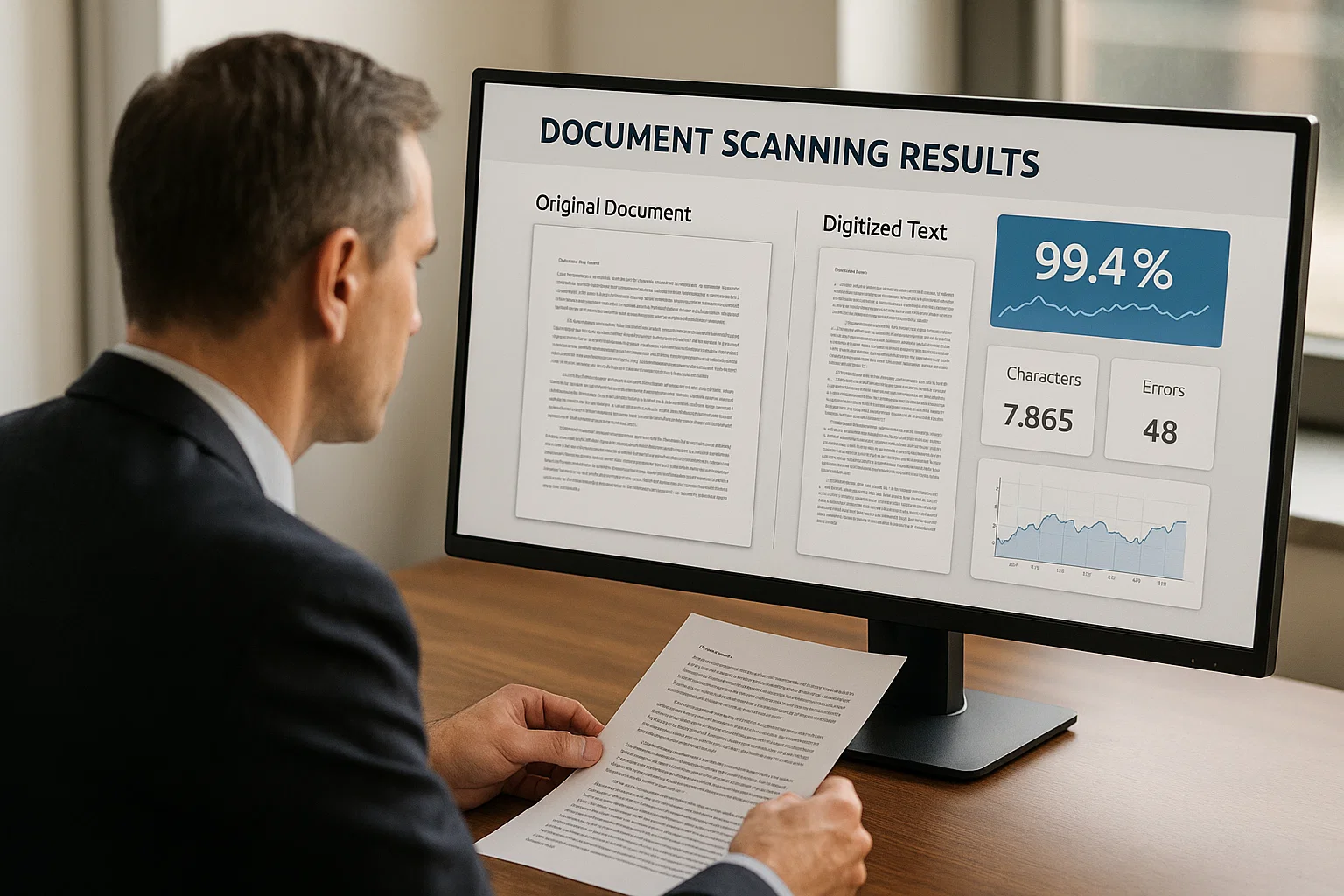
OCR Accuracy Benchmark 2026: 8 Engines on Real Documents
We tested eight OCR engines and document APIs on 1,900 real documents across invoices, bank statements, receipts, and academic papers. The full accuracy numbers, methodology, and per-category winners, free to cite.
Best OCR Software in 2026: What Actually Wins, By Use Case
There is no single best OCR software. There is a best tool for your document type, your volume, and whether you need a desktop app or an API. We break it down by use case, backed by real benchmark data instead of star ratings.
Document Detection: The Step Everyone Skips Before OCR
Our OCR accuracy jumped four percentage points the day we stopped feeding rotated junk into the engine. Document detection is the cheapest, most-skipped accuracy win in the field.
Ready to Transform Your Lending Process?
See how DocsAPI's AI-powered industry classification can help you process loans faster, improve accuracy, and scale your operations.