
Invoice OCR Pricing: Same Pages, Wildly Different Bills
Per-page pricing sounds simple until you check which API tier applies. The same 3,000 pages can cost $4.50 or $210 depending on the feature called.
 Nupura Ughade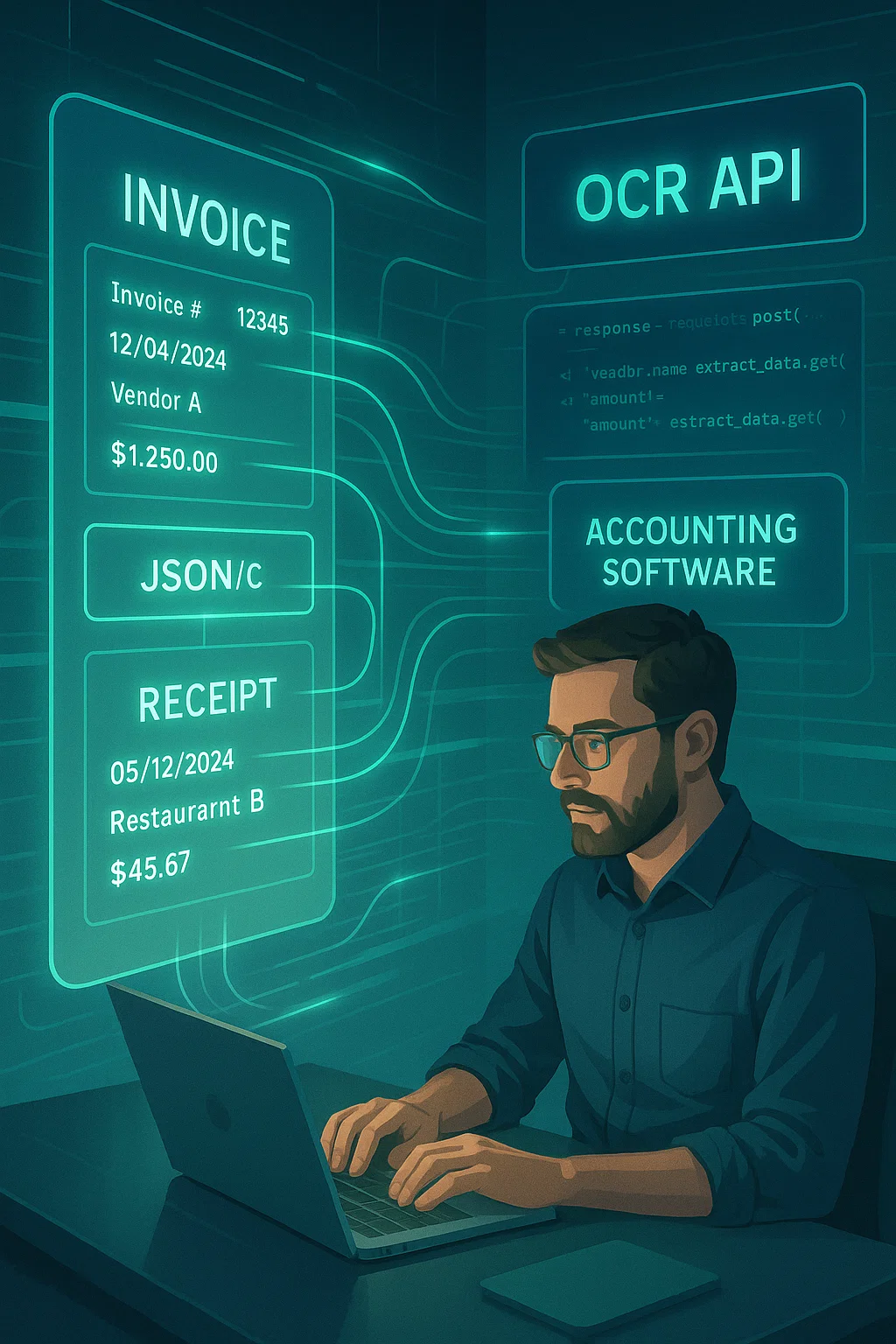
Every OCR pricing comparison you will find online says the same thing: "per-page pricing." It is technically true and almost useless as information, because the same document processed through the same vendor's platform can cost radically different amounts depending on which specific API feature you actually call. Our own AP OCR buyer guide covers blended vendor-tier pricing; this is the layer underneath that, why "per page" is not one number even within a single vendor.
This is a worked example using AWS Textract's real, current published pricing, chosen because it publishes exact rates rather than requiring a sales call, for invoice automation teams trying to actually forecast their bill.
The same 3,000 pages, five different prices
A batch of 1,000 invoices averaging 3 pages each is 3,000 pages. Here is what that exact batch costs depending on which Textract API and feature tier processes it, using published rates for the first 1M pages/month tier.
| API / feature | Rate per page | Cost for 3,000 pages | What you actually get |
|---|---|---|---|
| DetectDocumentText (basic OCR) | $0.0015 | $4.50 | Raw text only, no structured fields, unusable for invoice automation on its own |
| AnalyzeExpense (invoice-specific) | $0.01 | $30.00 | Structured invoice fields: vendor, total, line items, dates |
| AnalyzeDocument, Tables only | $0.015 | $45.00 | Table structure extraction, useful for line items specifically |
| AnalyzeDocument, Forms only | $0.05 | $150.00 | Key-value pair extraction for form-style fields |
| AnalyzeDocument, Forms + Tables + Queries combined | $0.07 | $210.00 | Full structured extraction with custom query support |
Same 3,000 pages. A 46x spread between the cheapest and most expensive way to process them, all from a single vendor's own published rate card, not a comparison across competitors. This is not a vendor being deceptive, each tier genuinely does something different and the pricing reflects real computational difference, it is a structural feature of how granular OCR pricing actually works that a single blended "per-page cost" figure completely hides from anyone comparing headline rates alone.
Why this matters more than which vendor you pick
Two teams evaluating "the same" OCR API can end up with wildly different real bills not because they negotiated different rates, but because they called different features for what they assumed was equivalent work. A team using AnalyzeExpense specifically for invoices pays $0.01/page. A team that defaults to the general-purpose Forms+Tables+Queries combination, because it seemed like the safer, more complete option, pays seven times more for output that may not even be better suited to invoices specifically, since AnalyzeExpense is purpose-built for this exact document type. Reading the actual API documentation for which endpoint matches your document type, not just the headline per-page number, is worth more to your total bill than most vendor-negotiation effort.
This mistake is easy to make honestly, not out of carelessness. A general-purpose "extract everything" endpoint sounds like the safer default when you are not yet sure exactly which fields you need, and vendor documentation does not always make the cost implication of that choice obvious up front. The fix is simple once you know to look for it: confirm your document type has a purpose-built endpoint before defaulting to the general-purpose one, since invoices specifically usually do.
Why the price gap between tiers is real, not arbitrary
The 46x spread between basic text detection and full structured extraction reflects genuine computational and model differences, not an arbitrary markup. Raw text detection is a mature, comparatively cheap problem, extracting characters from an image. Structured extraction, understanding that a specific number is "the total" rather than just a number, that a block of text is a line-item description rather than a header field, requires layout understanding and semantic classification on top of character recognition, a meaningfully harder and more compute-intensive problem. The pricing tiers exist because the underlying work genuinely differs, which is worth understanding before assuming a vendor's premium tier is simply upselling the same output at a markup.
This also explains why a cheaper, less-structured tier is a false economy for invoice processing specifically. Raw text detection at $0.0015 a page looks attractively cheap next to AnalyzeExpense at $0.01, but raw text alone requires you to build the field-classification logic yourself downstream, which is real engineering cost, not a savings, just a relocated one. The apples-to-apples comparison is never "cheapest tier" against "cheapest tier," it is "total cost including whatever you have to build on top of a cheaper, less-structured output" against a purpose-built tier that already does that classification work.
The line-item pricing gotcha some vendors use instead of per-page
Beyond per-page and per-document models, some vendors price by extracted line item or extracted field, a third dimension worth checking explicitly, since it changes the calculation entirely for invoices with long line-item tables. A vendor charging per extracted line item makes a simple two-line invoice cheap and a fifty-line itemized invoice, common in distribution, manufacturing, and detailed service billing, meaningfully more expensive than the same page count would suggest under per-page pricing. If your invoice mix includes vendors who send long, itemized invoices, ask explicitly whether any quoted rate is per page or per extracted line, since these two invoices could look identical in page count and cost very differently under a line-item pricing model.
Volume tiers apply on top of feature selection, not instead of it
Volume discounts (the "after 1M pages/month" rate drop most vendors offer) are a real second lever, but they apply within a feature tier, not across them. Textract's AnalyzeExpense API drops from $0.01 to $0.008 per page after 1 million pages a month, a real but modest 20% reduction. That volume discount does not change which feature you should be calling in the first place; a team overpaying by calling Forms+Tables+Queries instead of AnalyzeExpense is still overpaying by roughly the same ratio even after volume discounts kick in, since the discount applies proportionally to whichever base rate you started from.
Per-page vs. per-document: the other pricing dimension
Some vendors bill per page (Textract, most cloud OCR platforms), others bill per document regardless of page count, and the difference matters enormously for multi-page invoices specifically, which are common in this space, particularly for detailed line-item-heavy invoices or those with attached supporting documentation. A vendor billing $0.10 per document is dramatically cheaper than one billing $0.07 per page once your average invoice exceeds two pages, and dramatically more expensive if your invoices average under a page each. Neither pricing model is inherently better; the right comparison depends entirely on your actual average page count per invoice, which is exactly the number most pricing comparisons never ask you to check before quoting a headline rate.
Overage and rate-limit costs the headline number never mentions
Committed-volume pricing plans, quite common at mid-market and enterprise pricing tiers specifically, quote a favorable per-page rate for a specified monthly volume, then handle overage in one of several ways that materially affect real cost: some bill overage at the same committed rate, some at a meaningfully higher standard rate, and some require throttling or a contract renegotiation entirely once you exceed the committed volume. A team that grows invoice volume faster than expected, a genuinely common and desirable outcome, can find their effective per-page cost quietly climbing well above the number in their original pricing conversation, simply because nobody asked what happens past the committed ceiling before signing.
This is worth modeling explicitly against a realistic growth scenario, not just your current volume, before committing to a specific tier. A rate that looks excellent at today's volume can become the more expensive choice within a year if your actual growth trajectory pushes you into overage pricing regularly, and switching tiers or renegotiating mid-contract is rarely as smooth as the original sales conversation implied it would be.
What this means for realistic budget forecasting
Before comparing vendor rates, establish two numbers about your own actual document mix: average pages per invoice (pull this from a real sample, not an assumption), and which specific structured fields you actually need extracted (do you need full table-level line-item extraction, or just header fields, since these often price differently even within one vendor's API). Only once you know these two numbers does a per-page or per-document rate translate into a real forecast, rather than a headline figure that looks comparable across vendors but is actually measuring different things.
A practical way to get both numbers quickly: pull 50 real invoices from your actual vendor mix, count pages and identify which fields you genuinely need from each, and use that sample as your forecasting baseline rather than any vendor's published example. Fifty invoices takes an afternoon to review manually and produces a forecast meaningfully more accurate than any generic per-page number a sales conversation will offer, because it reflects your actual documents rather than an idealized example built to make the pricing look as favorable as possible.
What I would check before signing any OCR pricing agreement
Ask specifically which API endpoint or feature tier the quoted rate applies to, not just the generic question "what's your per-page price." Then calculate your actual expected bill using your own average pages-per-invoice and required field set, not the vendor's example document. Finally, ask what happens above your committed volume, whether overage is billed at the same rate, a penalty rate, or requires a contract renegotiation, since this is where surprise bills most commonly originate after the pricing conversation is long over.
Run this comparison across at least two vendors using identical inputs, your actual sample invoices, not each vendor's own demo document, since a vendor's demo is inevitably chosen to flatter their pricing and accuracy simultaneously. A rate that looks competitive on a vendor's own clean sample invoice can look very different once run against your real, messier document mix, both in accuracy and in which pricing tier your documents actually require to get usable structured output rather than raw, unstructured text you would have to process further yourself.
The math above is genuinely simple once you have the right inputs in hand. Most teams never actually get there, not because the math is hard, but because nobody tells them which specific inputs matter before they sign.
Sources: AWS Textract pricing figures from Amazon Web Services' official Textract pricing page. Written by Nupura Ughade.
Related guide: OCR for invoices, receipts and purchase orders.
Frequently asked questions
Per-page pricing applies to specific API features, not a single blanket rate. Basic text detection, invoice-specific extraction, table extraction, and combined forms-and-tables extraction are priced separately, often varying by 10x or more for the same physical pages.
It depends on your average pages per invoice. Per-document pricing favors longer, multi-page invoices; per-page pricing favors shorter ones. Compare using your own actual average page count, not a vendor's example document.
No. Volume discounts apply proportionally within whichever feature tier you are already using, so overpaying by calling a more expensive feature continues at roughly the same ratio even after discounts apply.
Which specific API endpoint or feature tier the quoted rate covers, how overage above committed volume is billed, and whether the rate matches your actual average pages per invoice and required field set.
AnalyzeExpense, purpose-built for invoices and receipts, at $0.01 per page for the first 1M pages monthly, significantly cheaper than the general-purpose Forms+Tables+Queries combination at $0.07 per page.
This varies by vendor: some bill overage at the committed rate, some at a higher standard rate, and some require throttling or contract renegotiation. Ask explicitly before signing and model against realistic growth.
Related Blog Posts
Invoice OCR API: Fields, Prices and Limits Compared (2026)
What AWS, Azure, Google, Mindee and Veryfi invoice OCR APIs actually return, the field names you will map, list prices per invoice, their limits, and code to check the output before you post it.
AWS Textract vs DocsAPI: Honest 2026 Comparison
AWS Textract pricing per 1,000 pages for every API, its real limits (six languages, one-page synchronous PDFs, US-only ID reading), and when Textract or DocsAPI is the better fit.
Bank Statement OCR Pricing: What 99% Actually Means
Pricing pages list per-page costs and headline accuracy numbers clearly. Almost none explain what 99% field accuracy actually means once it compounds.
Want to see it on your own documents?
Try our free OCR tool in your browser, or book a demo to see how DocsAPI reads the document types covered in this guide.