
Best OCR Software for Accounts Payable (2026 Buyer Guide)
 Nupura Ughade
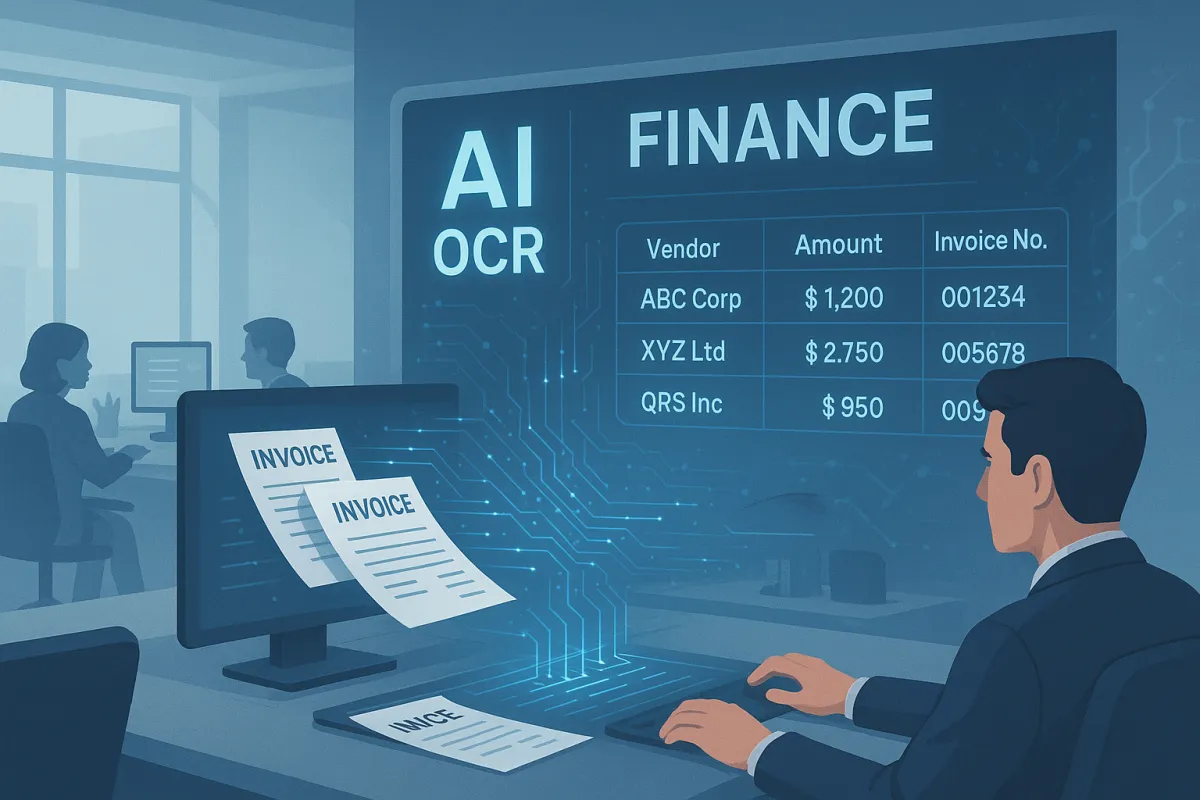
The best OCR software for accounts payable depends on invoice volume and your ERP: small teams on QuickBooks or Xero usually start with BILL or Melio, mid-market teams with AvidXchange or Tipalti, SAP and Oracle enterprises with Basware or Coupa, and teams with developers with an OCR API. Test finalists on your own invoices.
Every AP OCR vendor advertises a very high touchless rate. In practice the rate depends on your vendor mix, and first-time vendors and scanned invoices pull it down. Some tools ship the workflow you need out of the box, some need months of template tuning, and some are platforms built around a per-page OCR API. Below are 8 tools compared by who they suit, how they fit your ERP and how you pay. We have not run a head-to-head trial of them, so there are no touchless rates here. Test finalists on your own invoices.
New to the topic? Our accounts payable OCR guide explains how AP OCR works, the checks it must run before payment and a cost model you can fill in. This page compares the software.
What is the best OCR software for accounts payable in 2026?
The best OCR software for accounts payable in 2026 depends on invoice volume and existing ERP. As a rule of thumb, for SMBs under 500 invoices/month on QuickBooks or Xero, Bill.com or Melio is quickest to start. For mid-market at 500-5,000/month, AvidXchange or Tipalti balances feature depth with ERP integration. For enterprise at 5,000+/month on SAP or Oracle, Basware or Coupa offer end-to-end procure-to-pay. For builders at any volume who want to own the workflow, a custom stack on AWS Textract (AnalyzeExpense lists $0.01 per page), Google Document AI, or DocsAPI (from $0.02 per page) gives full control.
How these 8 AP OCR tools were compared
We compared the tools on public information: who each one is built for, which ERPs it connects to, and how you pay for it. We did not run them on a shared set of invoices, so we do not publish touchless rates or per-invoice costs for them. Those depend on your vendor mix and invoice quality, and vendor pricing changes, so confirm current features and prices with each vendor. The tools are listed roughly from smaller teams to larger ones, not ranked.
The 2026 comparison table
| Tool | Best for | Accounting and ERP links named by the vendor | Published price (checked October 22, 2026) |
|---|---|---|---|
| Bill.com | SMB on QuickBooks or Xero | QuickBooks Online and Xero: automatic 2-way sync on Team and Corporate, manual CSV on Essentials. NetSuite, Sage Intacct and QuickBooks Enterprise on Enterprise only | Per user per month: Essentials $49, Team $65, Corporate $89, Enterprise custom. AI bill coding on Team and above |
| Melio | US SMB with a tight budget | QuickBooks Online, QuickBooks Desktop, Xero, NetSuite | Go $0 (one user, 5 free ACH a month), Core $25, Boost $55, Unlimited $80 a month; first 90 days free |
| Tipalti | Mid-market with global suppliers | NetSuite, Sage Intacct, QuickBooks, Microsoft Dynamics, SAP | AP plans start at $99 a month, plus per-invoice and per-payment pricing that is quoted |
| AvidXchange | Mid-market real estate and HOA | Mid-market ERPs, confirm yours with the vendor | No public list price found, quote based |
| DocsAPI (builder stack) | Any volume, custom workflow | Any, because you build the posting step | From $0.02 per page, volume discounts above 100K pages a month |
| Basware | Enterprise SAP and Oracle | SAP and Oracle | Quote based, not checked here |
| Coupa | Enterprise, procurement-led | SAP, Oracle, Workday | Quote based, not checked here |
| SAP Ariba | Enterprise on SAP | SAP | Quote based, not checked here |
Prices and integrations come from each vendor's own pricing page on the date above, and the entries marked "not checked" are ones we did not verify. They change, so confirm before you buy.
What the published prices tell you. The three vendors that publish prices charge for the platform, not for reading an invoice. BILL charges per user, so a three-person AP team on the Team plan pays $195 a month before payment fees. Melio's plans are priced by how many ACH payments you make. Tipalti starts at $99 a month and then adds per-invoice and per-payment pricing. None of them quotes a price per page of OCR, which is why an OCR API at $0.01 to $0.02 per page and a suite cannot be compared on one number. Ask every vendor for the all-in monthly cost at your invoice and payment volume.
DocsAPI is our product, so weigh our description of it accordingly. AWS Textract's AnalyzeExpense lists $0.01 per page, and DocsAPI starts from $0.02 per page.
Bill.com, best AP OCR software for SMB
Bill.com fits SMBs on QuickBooks or Xero with straightforward AP. On the Team and Corporate plans, QuickBooks Online and Xero sync automatically in both directions, while the Essentials plan is manual CSV import and export. Its payment network handles vendor payments. Where it can fall short: invoices with unusual layouts may need manual fixing, and you get little control over the OCR layer if you want to build your own validation on top. Best fit: small teams with simple workflow requirements.
AvidXchange, best for mid-market real estate and HOA
AvidXchange is built for mid-market AP in real estate, HOA management and similar vertical stacks. Its vertical templates are meant for formats that generic tools struggle with, such as property management fees, utility bills and contractor invoices. Where it can fall short: confirm setup time and pricing with the vendor, because it is more than you need for standard AP without industry-specific requirements. Best fit: mid-market teams with industry-vertical layouts.
Tipalti, best for global supplier networks
Tipalti suits AP teams with international suppliers. Built-in W-8/W-9 tax compliance, multi-currency payments and supplier onboarding are core features that other tools add later. Where it can fall short: pricing is not published, and the platform is heavier than many SMBs need. Best fit: mid-market teams where a large share of suppliers are international.
DocsAPI (builder stack), best for custom workflows
For teams that want to own the workflow, DocsAPI is a builder-stack option for accounts payable. It is layout-aware OCR from $0.02 per page with tables and classification included, so there is no per-invoice price to scale against your growth. In our 2026 benchmark it read invoice line items at 93%, which means some lines will still be wrong and need checking. You build the four IDP layers (classification, extraction, validation, routing) yourself. Best fit: teams with engineering capacity, or any volume where you need to own the workflow.
Basware, best enterprise SAP/Oracle e-invoicing
Basware is an enterprise pick for SAP and Oracle shops that need e-invoicing and AP OCR in one platform. Its supplier network handles e-invoice ingestion, and the OCR layer covers paper and PDF invoices from suppliers not yet on the network. Where it can fall short: expect a long implementation and enterprise pricing, and confirm both with the vendor. Best fit: enterprise SAP/Oracle teams with active e-invoicing initiatives.
Coupa, best for procurement-led enterprise
Coupa is the choice for enterprises where procurement drives AP, rather than finance-led AP driving procurement. Its source-to-pay platform covers the procurement lifecycle with AP as one module. Where it can fall short: the procurement-heavy workflow is more than a finance-led AP team needs, and pricing is by quote. Best fit: enterprise procurement-led operations.
Melio, best for US SMBs on a tight budget
Melio is built around payments for US small businesses, with basic invoice capture and accounting sync, which makes it an easy starting point at low invoice volumes. Where it can fall short: test it on scanned invoices and check how it handles international payments, which carry their own fees (a $20 flat fee for global ACH to USD on its pricing page). Best fit: US-only SMBs with low volume and a tight budget.
SAP Ariba, best only if you are already on SAP
SAP Ariba is included because it is frequently evaluated, but it is mainly the right pick if you are an existing SAP customer. Native SAP integration is its strength, and integration with other systems takes more work. Where it can fall short: pricing, implementation complexity and vendor lock-in make it a hard sell outside SAP shops. Best fit: enterprise SAP customers who prefer one vendor to best-of-breed features.
How to pick AP OCR software for your specific stack
Pick accounts payable OCR software by first identifying your invoice volume tier and existing ERP. Under 500/month with QuickBooks or Xero: default to Bill.com or Melio. 500-5,000/month mid-market: choose AvidXchange (vertical templates), Tipalti (global suppliers), or DocsAPI (custom workflow). 5,000+/month enterprise: Basware or Coupa depending on whether e-invoicing or procurement leads, or DocsAPI for the DIY path. Then trial the 2-3 finalists on 20 of your worst real invoices before signing anything. Vendor demos use clean files; your invoices are messier.
The five-test evaluation checklist
- Real invoice touchless rate: run 20 of your own repeat-vendor invoices and decide your pass bar in advance.
- PO matching by vendor + PO number: not PO number alone, that enables duplicate payments.
- Field-level confidence scores in the API response: without them, your exception queue is guesswork.
- Native ERP connector: not "we support CSV export nightly." Nightly CSV = broken workflow.
- SOC 2 Type II + no-training clause: mandatory for financial data.
How much should AP OCR software cost?
There is no single price. Some tools have a free tier, suites charge per invoice, per user or by quote, and enterprise platforms add implementation costs, so ask each vendor for the all-in cost per invoice. On the builder path you pay per page: AWS Textract's AnalyzeExpense lists $0.01 per page and DocsAPI starts from $0.02 per page. Multiply by the pages in a typical invoice, then add the engineering time to build the layers on top.
Accounts payable OCR software or an OCR API: which do you need?
Choose an AP automation suite if you want intake, OCR, approvals and payments in one product and have little engineering time. Choose an OCR or document API if you have developers and want to control the checks, routing and posting yourself. The API is cheaper per page; the suite is cheaper in engineering hours.
With an API you build what the suites include: a duplicate check, the invoice math check, vendor and PO matching, a review queue, and posting into your ERP. Those steps are where most AP automation fails, not the reading. Our guides on duplicate invoice detection and 3-way match automation cover the two checks that prevent most wrong payments, and our AWS Textract comparison lists the published per-page prices for Textract, Google and Azure.
Whichever path you take, the posting step differs by system. See our field-mapping guides for QuickBooks and NetSuite before you sign, because a tool that reads invoices well can still post them badly. To see what the API route looks like in practice, here is how DocsAPI handles invoice processing.
What I'd do today
For most teams under 5,000 invoices/month with a standard ERP, Bill.com or AvidXchange is the usual starting point. Trial both on 20 of your real invoices for 2 weeks before signing. For teams with unusual requirements, global suppliers (Tipalti), vertical-specific layouts (AvidXchange), enterprise SAP (Basware), or full workflow control (DocsAPI), pick the specialist, not the generalist. Above 10,000/month or with engineering capacity, the builder path on raw OCR APIs plus a custom validation layer often wins on unit economics and flexibility. (For the broader AP context, our accounts payable OCR pillar covers the workflow. For OCR-vs-IDP context, see our IDP vs OCR guide. For invoice-specific detail, our invoice processing OCR playbook.)
Sources and how we checked this
- Vendor prices and integrations in the table: BILL pricing, Melio pricing and Tipalti pricing, checked October 22, 2026. AvidXchange does not publish a list price that we could find.
- We have not run a head-to-head trial of these tools. Descriptions reflect each vendor's public positioning, and features and prices change, so confirm current details with each vendor before you decide.
- API list prices: Amazon Textract pricing and Microsoft's public retail prices for Azure AI Document Intelligence, checked September 28, 2026. DocsAPI's price is from our own published pricing.
- NetSuite Bill Capture behavior and limits: Oracle's Bill Capture documentation.
- For industry-wide cost and exception benchmarks, see Ardent Partners' State of ePayables 2025 benchmarks.
Frequently asked questions
Depends on invoice volume and ERP. SMB on QuickBooks/Xero (under 500/month): Bill.com or Melio. Mid-market (500-5,000/month): AvidXchange (vertical templates), Tipalti (global suppliers). Enterprise (5,000+/month) on SAP/Oracle: Basware or Coupa. Builder path (any volume, custom workflow): DocsAPI (from $0.02 per page) or AWS Textract (AnalyzeExpense lists $0.01 per page).
It varies a lot with your vendor mix. Ardent Partners' benchmarks report an average touchless rate of 32.6% and 49.2% at best-in-class companies. Expect lower on first-time vendors, scanned files and complex multi-page invoices, and measure the rate on your own invoices before you trust any vendor's figure.
Suite pricing varies by vendor and is often by quote, so ask each one for the all-in cost per invoice, including implementation. On the builder path, AWS Textract's AnalyzeExpense lists $0.01 per page and DocsAPI starts from $0.02 per page, times the pages per invoice, plus engineering time.
Bill.com has the deepest QuickBooks native integration with two-way sync, marketplace payments, and vendor management built in. Melio offers a lighter QuickBooks integration with a free tier for US SMBs. Both handle standard AP workflows without CSV wrangling.
DocsAPI is the builder-stack option: layout-aware OCR from $0.02 per page, with access starting with a demo and a free 30-day trial for qualified lenders. It suits teams that want to own the workflow. You build the validation and routing layers yourself.
Run 20 of your worst real invoices through the top 2-3 finalists, not their clean demo files. Measure touchless rate, field-level accuracy on vendor, PO, total and due date, and whether their PO matching reconciles vendor and PO number together. Set your pass bar before you start, based on what a manual review costs you.
Start by testing NetSuite's built-in Bill Capture: it fills the bill header and suggests line items from the matched purchase order or your history, and a person confirms each bill. Oracle lists it as US only, with file limits. If you need non-US entities, new vendors without history or higher volume, compare an AP suite or an OCR API.
Usually the capture feature in your accounting system or a small AP suite such as BILL or Melio, because they connect to QuickBooks or Xero without engineering work. Test with 20 of your real invoices, including scanned and multi-page ones, and check that duplicates and wrong totals are caught before payment.
AP OCR software is IDP focused on invoices, bundling OCR with classification, extraction, validation, and routing into your AP system. Generic OCR is just the reading layer. See our IDP vs OCR guide for the full breakdown of what's included at each layer.
Related Blog Posts
Accounts Payable OCR: How It Works and What It Costs (2026)
Accounts payable OCR turns supplier invoices into data your AP system can approve and pay. How it works step by step, the checks that stop wrong payments, a cost model you can fill in, and how to choose software.

OCR in Finance: The 2026 Pillar Guide (Tools, Cost, Accuracy)
OCR in finance handles invoices, bank statements, tax forms, loan packets, and IDs. Accuracy runs from 91% to 99% depending on the document, and DocsAPI starts from $0.02 per page. The pillar guide, what it does, the tools that work, and the cost math.
Free Online OCR Tools: I Tested 11. Only 2 Are Worth Using.
Eleven tools, the same 12-page mortgage application, no marketing nonsense. Here is which free OCR tools actually work, which are traps, and which to skip.
Want to see it on your own documents?
Try our free OCR tool in your browser, or book a demo to see how DocsAPI reads the document types covered in this guide.