
OCR Accounting, From Hours to Seconds Per Invoice
I watched a five-person accounts payable team work Saturdays for 18 months before OCR. Here is exactly what changed when we automated their stack, and what still needs a human.

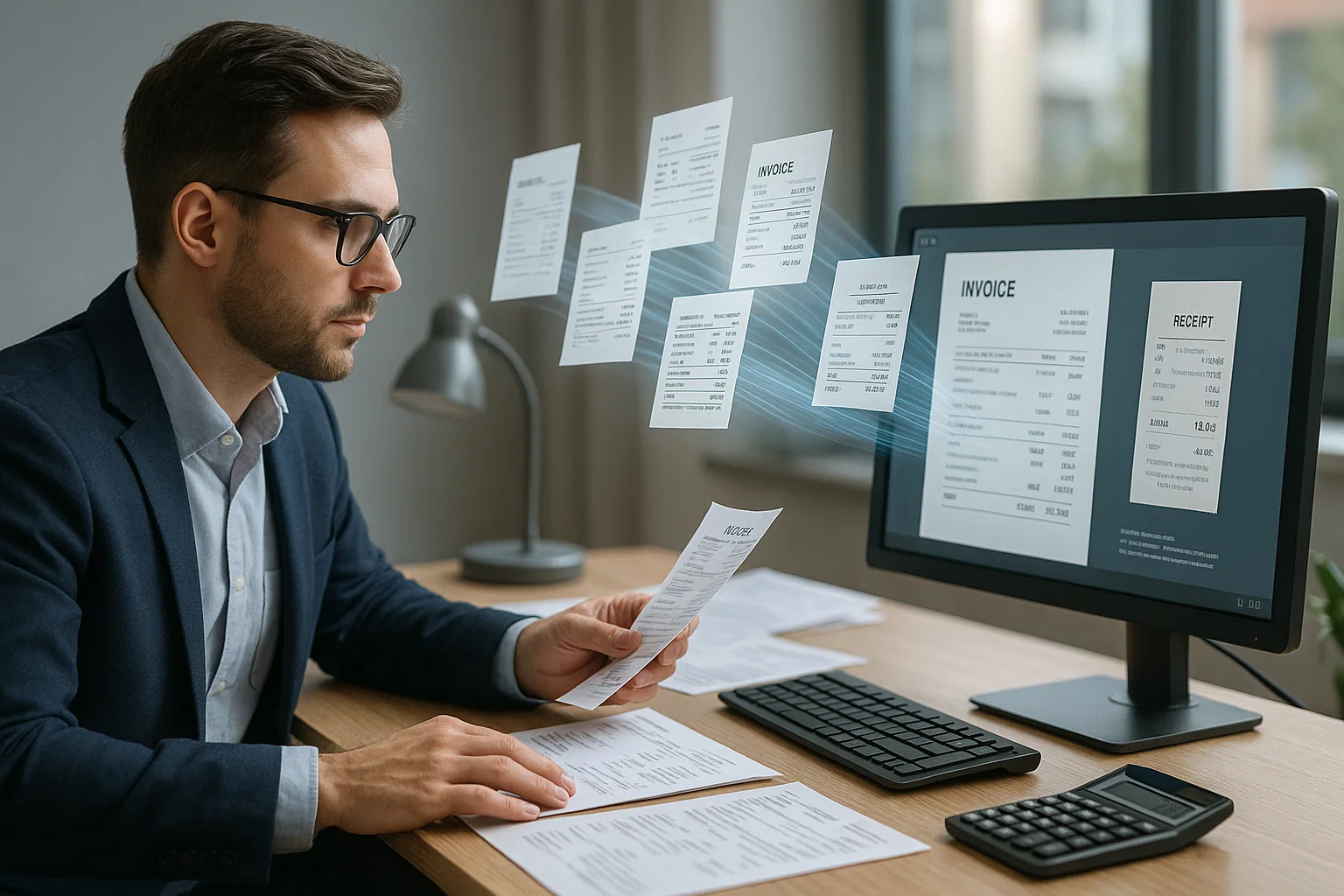
Table of contents
The first accountant I ever shadowed worked at a 12-person logistics firm in 2019. Her Saturday job was matching invoices to purchase orders by hand. Stack of paper on the left, ERP terminal on the right, a coffee that had gone cold by 10 AM. She told me she had been working Saturdays for 18 months. The OCR pilot we rolled out the next quarter cut her Saturdays to zero by the third month. This guide is the unromantic version of what changed and what we still got wrong.
If you are weighing whether OCR makes sense for an accounting team, this is the honest field manual. Not a vendor pitch, not a buzzword tour. Just numbers and what to do this month.
What "OCR Accounting" Actually Means
OCR stands for Optical Character Recognition. In plain English: software that reads pictures of text and turns them into real text a computer can use. When applied to accounting, the job is to read invoices, receipts, bank statements, expense reports, purchase orders, and tax forms, then push the data into your bookkeeping system without anyone retyping.
The friendlier way to describe it: you hire a typist who never sleeps, never misreads a 6 as a 0, and works for less than a penny per page. Modern OCR is that typist. Picky about a few things, but otherwise easy.
The picky parts: handwritten notes, tables with merged cells, faded thermal receipts, and any document where the layout breaks the rules. The fix for each is well-documented. I will cover all of them below. Our honest guide to OCR-ing PDFs at scale is the developer-focused companion piece to this article.
The Five Accounting Documents OCR Handles First
Not every paper your accounting team touches is a great OCR target. Start with these five, they have the cleanest ROI and the fewest edge cases.
1. Vendor Invoices
The highest-volume, highest-cost document in most AP workflows. Manual processing runs $10-15 per invoice when you count touch time, exceptions, and rework. OCR drops that to under $3. The fields that matter for accounting: vendor name, invoice number, date, due date, total, tax, and line items. Modern OCR APIs extract all seven with 95%+ accuracy on clean PDFs.
If you are processing more than 200 invoices a month, this is where you start. (Our production OCR guide covers the multi-vendor edge cases.)
2. Receipts and Expense Reports
The frustration factor of receipts is high because they come from everywhere, phone photos, scanned PDFs, faded thermal paper from a gas station two months ago. The good news: receipts are short, fields are limited (merchant, date, total, category), and mobile-capture has gotten genuinely good. Most expense-management tools now include OCR by default.
3. Bank Statements
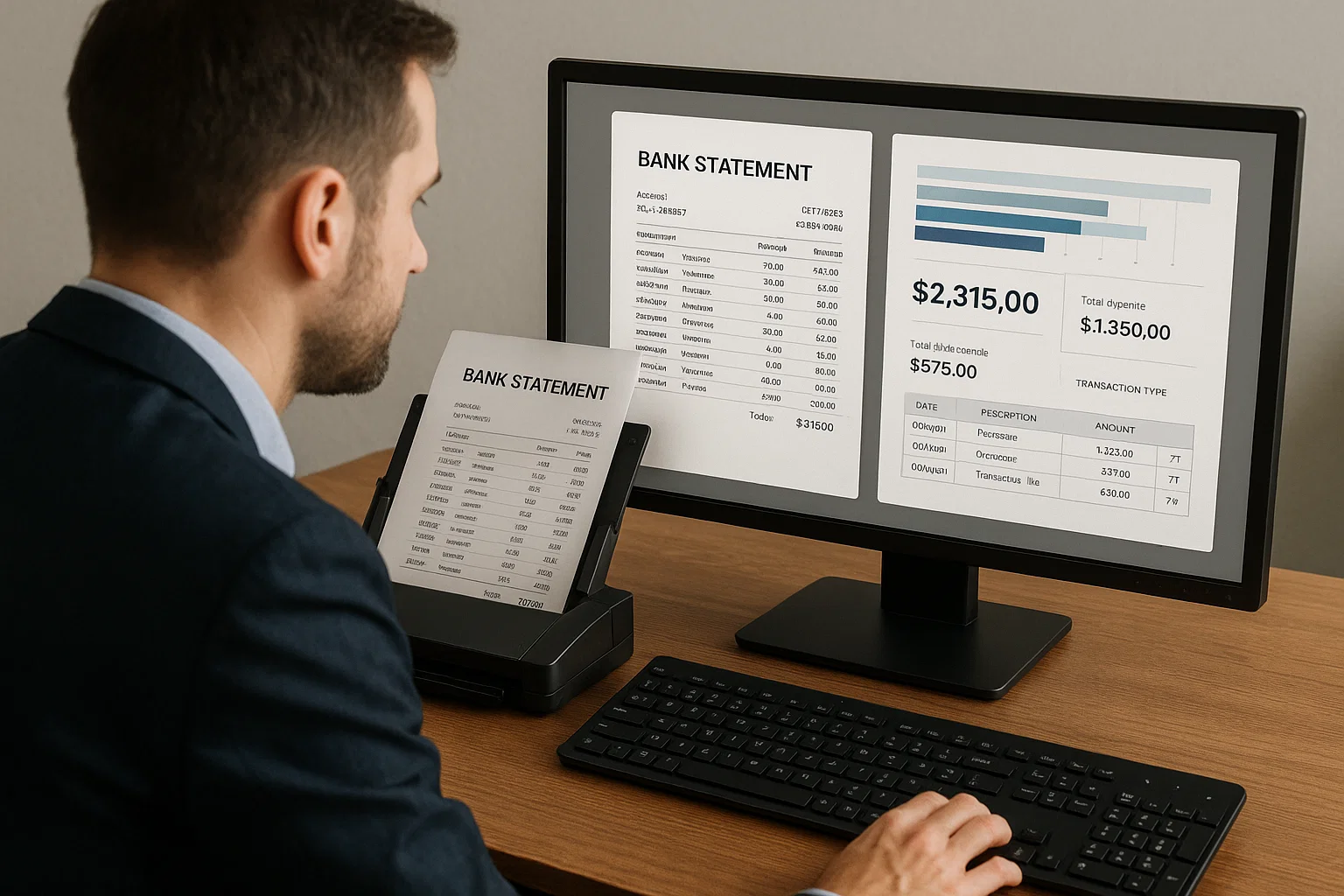
The trickiest of the five because the data lives in tables that span multiple pages. Naive OCR scrambles the columns. You need layout-aware OCR that respects rows and columns. Done right, monthly reconciliation drops from hours to minutes.
Our data normalization piece covers the post-OCR cleanup that turns extracted rows into a balanced ledger.
4. Purchase Orders
POs feed the three-way match (PO + invoice + receiving). When OCR extracts PO data automatically, the match becomes a one-click approval instead of a 10-minute investigation. AP teams running automated three-way match report 60-80% touchless processing.
5. Tax Forms (W-2, 1099, W-8BEN, W-9)
Standardized forms are the easiest OCR target. The fields and positions are fixed, the layouts rarely change, and validation against IRS rules catches most extraction errors automatically. Year-end tax season cycles drop dramatically once these are automated.
The Honest Money Math
This is the section every CFO wants. I will show the math two ways.
Per-Invoice Cost (US Mid-Market, 2026)
| Step | Manual | With OCR |
|---|---|---|
| Receive and triage | $1.20 | $0.10 |
| Data entry | $5.40 | $0.30 |
| Validation and exception handling | $3.10 | $1.20 |
| Approval routing | $2.40 | $0.80 |
| Storage and retrieval | $1.00 | $0.20 |
| Audit prep amortized | $0.80 | $0.10 |
| Total per invoice | $13.90 | $2.70 |
These are 2025-2026 benchmarks from APQC and our own customer data. Your numbers may be 20% higher or lower. The shape is consistent.
Break-Even at Volume
A typical OCR API for accounting documents costs $0.02-$0.05 per page. Set up costs about a half-day of engineering plus a week of validation testing on real documents. Below 100 invoices/month the math is borderline. Above 500/month the payback is under three months. Above 2,000/month the payback is under one month.
The Pipeline I Recommend
If you are building or evaluating an OCR pipeline for an accounting team, here is the order of operations that survives audits, scales, and does not require a full-time engineer to maintain.
- Capture the document, email forward, scan, drag-and-drop, or API upload
- Detect document type, invoice, receipt, statement, PO, tax form (see our document detection guide)
- Run OCR, layout-aware engine that respects tables
- Extract structured fields, vendor, total, date, line items, tax
- Normalize the data, dates to ISO 8601, currency to decimal, vendor names to your master list
- Validate against business rules, three-way match, duplicate detection, fraud flags
- Route exceptions to a human queue with the suspect fields highlighted
- Push approved data into your accounting system via API
The boring middle steps (3-6) are where most of the value is. They also where most projects skip work because "we will fix it later." Later costs five times as much. Do it now.
The Three Patterns That Break OCR Accounting Projects
Pattern 1: Trying to Automate Everything On Day One
Teams pick the largest, messiest document category first because it looks like the biggest win. Wrong. Pick the most uniform document category first, usually tax forms or invoices from your top five vendors. Win the easy 80%. Then expand.
Pattern 2: Skipping the Validation Layer
"OCR is 99% accurate, so we will skip validation." Then a vendor sends an invoice with a missing decimal and your AP posts $42,000 instead of $420. Always validate. Always.
Pattern 3: No Human Review Queue
The remaining 5-10% of documents that OCR cannot handle cleanly need a place to go. Without a structured human review queue, they sit in someone's inbox forever and the project loses trust. Build the queue on day one.
How OCR Accounting Talks to Bookkeeping Software
Modern accounting platforms, QuickBooks, Xero, NetSuite, Sage Intacct, Microsoft Dynamics, all accept structured JSON via API. The OCR layer pushes extracted data straight into your bills, expenses, journal entries, or transactions module. Some platforms have built-in OCR (Xero's HubDoc, QuickBooks Receipt Capture); they are fine for tiny volumes but break above a few hundred documents a month.
For meaningful volume, use a dedicated OCR API (like DocsAPI or competitors) and integrate via their webhooks or polling.
QuickBooks Online integration deep-dive
QuickBooks Online's Bills API accepts vendor bills with line items via a single JSON POST. The typical flow: OCR extracts fields, your code maps them to the QBO Bill schema (Vendor, Line[], DueDate, TotalAmt, VendorRef), and POST /v3/company/{realmId}/bill creates the bill in the correct state. Common gotchas: QBO requires vendor to exist before the bill can be posted (create-if-missing logic needed), the line-item Account mapping usually needs a lookup table maintained by the accounting team, and duplicate bill detection isn't automatic, you need to check invoice-number uniqueness before POST or handle the 400 response cleanly.
Xero integration deep-dive
Xero's Accounts Payable Invoices endpoint is friendlier: POST /api.xro/2.0/Invoices with Type=ACCPAY handles vendor creation, line items, and tax mapping in one call. The tax handling is smarter than QBO, you can pass tax_code or let Xero derive from the line item's tracking category. Watchouts: Xero's rate limiting is aggressive (60 requests per minute per organization), so batch-processing 500+ invoices per hour needs queue management. Also: the tracking-category system for cost accounting is Xero-specific, plan the mapping before you build the OCR-to-Xero bridge.
NetSuite integration deep-dive
NetSuite is the most flexible and the most complex. SuiteScript 2.x + the REST Web Services API give you full control, but expect 4-6x the engineering time compared to QuickBooks or Xero. The right integration model: vendor bill created via SuiteScript with GL account inference driven by a per-vendor mapping table maintained in NetSuite as a custom record. Advantage: NetSuite handles multi-book accounting, multi-entity, and multi-currency natively, which matters at enterprise scale. Common failure mode: teams underestimate the effort and end up doing manual CSV imports for 6 months while the "real" integration slips.
Year-end close: what OCR unlocks in Q4
The single busiest period for accounting teams is Q4 close, and OCR's impact compounds specifically at year-end. Three specific Q4 workflows benefit: expense report catchup (employees dumping November-December receipts in mid-January), 1099 preparation (contractor invoices need vendor totals aggregated by tax ID), and audit prep (the auditor asks for supporting documentation for 40-100 samples across the year). Each of these historically consumes 40-80 hours of a senior accountant's time during the two weeks before books close.
With OCR properly deployed, the same three workflows compress dramatically. Expense report catchup: employees submit phone photos, OCR extracts merchant + date + amount + category, expenses post to the correct GL accounts within hours instead of days. 1099 prep: the aggregate-by-tax-ID query runs against the OCR-extracted data with no manual scanning of invoice files. Audit prep: the auditor's sample of 40-100 documents pulls up the OCR-extracted structured data alongside the source PDF, with a documented reconciliation trail. One controller told me the OCR deployment saved her team 200 hours in Q4 2025, mostly recovered as senior time redirected to actual close and reporting work instead of document hunting.
The 90-day rollout for a five-person accounting team
Most implementation guides target enterprise AP teams. Here's the rollout playbook for a small accounting team (2-5 people) at a $10M-50M revenue business, the segment where OCR ROI is strongest but implementation guidance is thinnest.
Month 1, pick, connect, pilot. Week 1: baseline how many invoices, receipts, bank statements, and POs the team processes monthly, and how many hours each type consumes. Week 2: pick an OCR API that matches your accounting software (Bill.com or Melio for QuickBooks/Xero SMBs, AvidXchange for mid-market with vertical needs). Week 3: connect the OCR to your accounting software via native integration or a simple webhook. Week 4: pilot on your top 3 vendors' historical invoices (past 90 days). Track touchless rate + field accuracy on vendor, total, date, and PO reference.
Month 2, expand, harden, train. Week 5-6: expand from top 3 vendors to top 20 vendors, adding 5-8 per week. Week 7: build the exception queue in your accounting software or a simple spreadsheet with three columns (extracted fields, source PDF, human decision). Week 8: train the AP team on the exception review workflow, the goal is 15-30 minute daily queue clearing, not batch-review-Fridays.
Month 3, scale, measure, celebrate. Week 9-10: expand to remaining vendors and add second document type (receipts or POs). Week 11: measure fully-loaded per-document cost against your Month-1 baseline. Week 12: present results to leadership with the specific dollars saved and the redirected time. Most 5-person accounting teams see 30-40 hours per week recovered by end of Month 3, enough to close monthly books 2-4 business days faster and free up capacity for actual financial analysis work.
The Way I Explain This to a Skeptical CFO
Imagine you hire a third bookkeeper for the price of half a senior bookkeeper's salary. The third bookkeeper never takes vacation, never gets tired, never typos a 4 into a 9. She handles the boring 80% of the work, the invoices that look like every other invoice from the same five vendors. Your two real bookkeepers now spend their time on the messy 20% that needs human judgment and on closing the books.
That is OCR accounting. Not magic. Not a job-eliminator. A patient junior employee who handles the routine work cheaply so the senior people focus on what they were hired to do.
What I'd Do Today
If you process under 100 invoices/month: do not buy OCR yet. The ROI math does not work. Try Google Drive OCR or QuickBooks Receipt Capture for occasional documents.
If you process 100-1,000 invoices/month: trial an OCR API on the 50 most recent invoices from your top three vendors. Measure accuracy on vendor name, total, date, and line items. If you clear 95% on those fields, the rest of the project is repeatable.
If you process 1,000+ invoices/month: do not waste time evaluating. The payback is fast enough that even an imperfect first pick is cheaper than not starting. Pick an API with classification + extraction + validation in one product. Start with invoices, expand to receipts and bank statements within 90 days. (I write about these rollout patterns often.)
Frequently asked questions
OCR in accounting is the use of optical character recognition software to extract data from accounting documents, invoices, receipts, bank statements, purchase orders, tax forms, and push that data into bookkeeping systems automatically, without manual data entry.
On clean PDF invoices: 95-99% accuracy on the seven critical fields. On scanned or photographed invoices: 90-95%. The remaining errors are caught by validation rules and exception queues.
No. OCR handles the routine data entry that bookkeepers find tedious. Real judgment work, vendor disputes, reconciliation discrepancies, audit prep, close cycles, still needs experienced people. Most teams keep the same headcount and redeploy to higher-value work.
For a single document type (usually invoices): 2-4 weeks from API signup to production-ready. For a full multi-document rollout: 8-12 weeks. The slow part is not the OCR, it's the validation rules and exception handling.
QuickBooks, Xero, NetSuite, Sage Intacct, Microsoft Dynamics, FreshBooks, and Zoho Books all accept API-extracted data. Cleanest fits are usually QuickBooks Online, Xero, and NetSuite.
Reputable OCR APIs encrypt in transit, isolate customer data, delete after processing per a published retention policy, and provide SOC 2 Type II reports. Avoid free online OCR sites for any accounting document, most have weak privacy terms.
Related Blog Posts
OCR Technology in Banking, What Actually Works (2026)
I have spent the last 18 months helping mid-market banks pick OCR vendors. Most marketing claims do not survive a real document set. Here is the unfiltered truth.

Mortgage OCR: 412-Page Packets Closed in 90 Minutes
A 412-page mortgage packet took 73 days to close by hand. The same packet through modern mortgage OCR runs in 90 minutes. Field guide from production.

Credit Card Statement OCR, Honest Setup Guide
I once had to reconcile 400 expense reports against credit card statements by hand. Two weeks I will never get back. Here is how to never let that happen to anyone again.
Ready to Transform Your Lending Process?
See how DocsAPI's AI-powered industry classification can help you process loans faster, improve accuracy, and scale your operations.