
Real-Time Document Validation API: 1.8s p50 in 2026
Our first real-time validation API took 47 seconds per doc. After three architecture rewrites it runs at 1.8s p50. The patterns that got us there.


Table of contents
Our first attempt at a real-time document validation API took 47 seconds per document. The customer onboarding team called it "real-time only by lawyer standards." Six months and three architecture rewrites later, we shipped a 1.8-second median latency. This guide is what changed.
If you are building or buying a real-time document validation pipeline, for KYC, customer onboarding, payment processing, or payroll, and the word "real-time" actually matters to your users, read this.
What "Real-Time Document Validation API" Actually Means
Real-time document validation is the practice of checking that a document is what it claims to be, contains the data it should contain, and matches business rules, all within the window of a user-facing workflow. For most product teams, that means under 5 seconds. For payment workflows, under 2 seconds. For customer onboarding, the window can stretch to 10 seconds before users abandon.
The friendly description: a security guard who checks every document the moment it arrives, decides "this is real and complete," "this is suspicious," or "this is missing fields," and responds before the user has time to wonder what is happening.
Our document fraud detection piece covers the security checks. This guide focuses on the API and pipeline architecture that makes the whole thing fast.
What "Real-Time" Means in Practice
In document validation, "real-time" means the full verification verdict, file integrity, OCR extraction, fraud checks, and sanctions screening, completes within the user-facing workflow window. For login or in-line fraud checks, that means under 1 second. For payment workflows and onboarding, under 5 seconds. Anything past 10 seconds is a background job dressed up as real-time, and users will start to wonder if the system is broken.
| Latency | User experience | Use cases |
|---|---|---|
| Under 1 second | Instant, user does not notice the wait | Login, IDV step in a wizard, real-time fraud check |
| 1-3 seconds | Feels fast | Customer onboarding, payment verification, point-of-sale |
| 3-10 seconds | Noticeable but acceptable with a progress indicator | Mortgage qualification, complex multi-document KYC |
| 10-30 seconds | User starts to wonder if it is broken | Background jobs masquerading as real-time |
| 30+ seconds | Not real-time | Batch processing |
The Eight Validation Checks Every Document Workflow Needs
Real-time validation is not one check. It is a pipeline. The pipeline must complete in your latency budget. Here are the checks in order:
1. File Integrity
Is this a valid image or PDF? Magic-byte check, size limits, virus scan. Should take under 50 milliseconds.
2. Pre-Processing
Deskew, rotation correction, page boundary detection. Should take under 200 milliseconds (see our document detection guide).
3. Classification
What type of document is this? Driver's license? Bank statement? W-2? Should take under 150 milliseconds (covered in our document classification piece).
4. OCR and Field Extraction
Read the text, pull the fields specific to the document type. Should take 300-800 milliseconds depending on document complexity.
5. Field-Level Validation
Are the fields populated? Are they in expected formats? Do checksums pass (MRZ on passports, PDF417 on driver's licenses)? Should take under 100 milliseconds.
6. Cross-Field Consistency
Do the fields agree with each other? Date of birth consistent with expiry date? Issue date before today? Should take under 50 milliseconds.
7. Fraud Detection
Tampering detection, template matching, computer vision artifacts. Should take 200-400 milliseconds.
8. External Reference Validation
Sanctions screening, PEP lists, fraud database cross-reference. Should take 200-500 milliseconds.
Total budget across all eight: 1.3-2.4 seconds. The hard part is keeping them parallel where possible and short where required.
The Architecture That Works
1. Parallel Execution Wherever Possible
Steps 1-3 run sequentially (each depends on the prior). Steps 4-8 run in parallel because they take the same OCR'd text and check different things. The wall-clock time is the slowest single step, not the sum of all steps.
2. Early-Exit on Failure
If file integrity fails, do not waste compute on OCR. If classification fails, do not run field-specific validation. Each step gates the next, and failures return immediately.
3. Tight Latency Budgets per Step
Every step has a deadline. If OCR is taking too long, kill it and return a "low-confidence, please re-upload" response. Users prefer a fast retry to a slow success.
4. Async Webhooks for Slow Checks
Some external checks (full sanctions screening with watchlist refresh) cannot be done in under 2 seconds. Run the fast checks synchronously and return a preliminary result. Push the slow check results via webhook within 10-30 seconds.
5. Edge Caching for Frequent Documents
If the same document is uploaded twice (user retries, system error), cache the result. Idempotent requests should return instantly.
The Three Patterns That Break Real-Time Validation
Pattern 1: Sequential Pipeline Without Parallelism
Running each step in sequence adds latency unnecessarily. A 2-second pipeline becomes a 6-second pipeline because steps 4-8 are not parallelized. Cheap fix; huge impact.
Pattern 2: No Latency Monitoring
Without per-step P50/P95/P99 latency metrics, you cannot find the slow step. Production pipelines that "feel slow" usually have one step that occasionally takes 8 seconds, dragging the P95 up.
Pattern 3: All-or-Nothing Failure Handling
When step 6 fails, the whole pipeline should not crash. Return what you have, flag what failed, route to human review. Partial results are better than no result.
The Pipeline I Recommend
Pseudo-code, simplified:
1. Receive document upload
2. file_integrity() [50ms]
3. preprocess() [200ms]
4. classify() [150ms]
5. // Parallel block, fan out
   - ocr_and_extract() [800ms]
   - tampering_detection() [400ms]
6. // After OCR returns
   field_validation() [100ms]
   cross_field_check() [50ms]
   sanctions_screening() [500ms] (async if slow)
7. Aggregate results, return verdict
8. Total P50: 1.5-2 seconds
The Way I Explain Real-Time Document Validation to Non-Engineers
Imagine a security guard at a venue. He looks at every ticket, checks it is real, scans the barcode, checks the name against the guest list, decides if the person can come in. All of this happens in under 5 seconds while you are still standing at the door. The guard is fast because he is doing several checks at once, looking at the ticket, scanning the barcode, glancing at the photo, not one after the other.
That is real-time document validation. The user uploads a document. The pipeline does five different checks in parallel. The result comes back in 2 seconds. The user feels like the system "just works" instead of waiting.
What I'd Do Today
If you are building this from scratch: use an off-the-shelf vendor for the eight-step pipeline. Build is too expensive and too slow to optimize for sub-2-second latency without ML infrastructure expertise.
If you have an existing pipeline that "feels slow": add per-step latency monitoring first. You will find that one or two steps are the problem. Fix those before redesigning the architecture.
If you are evaluating vendors for real-time validation: ask for their P50/P95 latency numbers on a representative document. If they cannot answer in seconds (not minutes), the vendor is not actually optimized for real-time. (I write about API architecture decisions often.)
Frequently asked questions
A real-time document validation API takes a document upload and returns a complete verification verdict, authenticity, field extraction, fraud checks, sanctions screening, within a user-facing latency budget, usually under 5 seconds and ideally under 2.
Depends on the workflow. Customer onboarding tolerates 5-10 seconds with a progress indicator. Payment verification needs under 2 seconds. Real-time fraud checks need under 1 second. Match latency to the use case.
Partially. The API handles the routine 90-95% of documents that pass all checks. The remaining 5-10% (low confidence, ambiguous, flagged for fraud) still need human review.
Modern fraud detection adds 200-400 milliseconds when run in parallel with OCR. When run sequentially, it can double the total pipeline time. Always run fraud checks in parallel with extraction.
For most teams: buy. The infrastructure to deliver sub-2-second latency across an 8-step pipeline requires significant engineering investment. Vendors specialize in this and their per-document cost is lower than your engineering payroll.
Payroll validation focuses on pay stubs, tax withholding forms, and direct deposit instructions. The architecture patterns are the same; the field extraction templates are payroll-specific. Vendors that handle KYC and payroll usually share infrastructure.</p>
Related Blog Posts

Context Engineering for Document AI (Beyond RAG, 2026)
My first RAG demo for invoice Q&A failed in front of the CFO. The fix was not better embeddings, it was better context engineering. Here is what I learned.
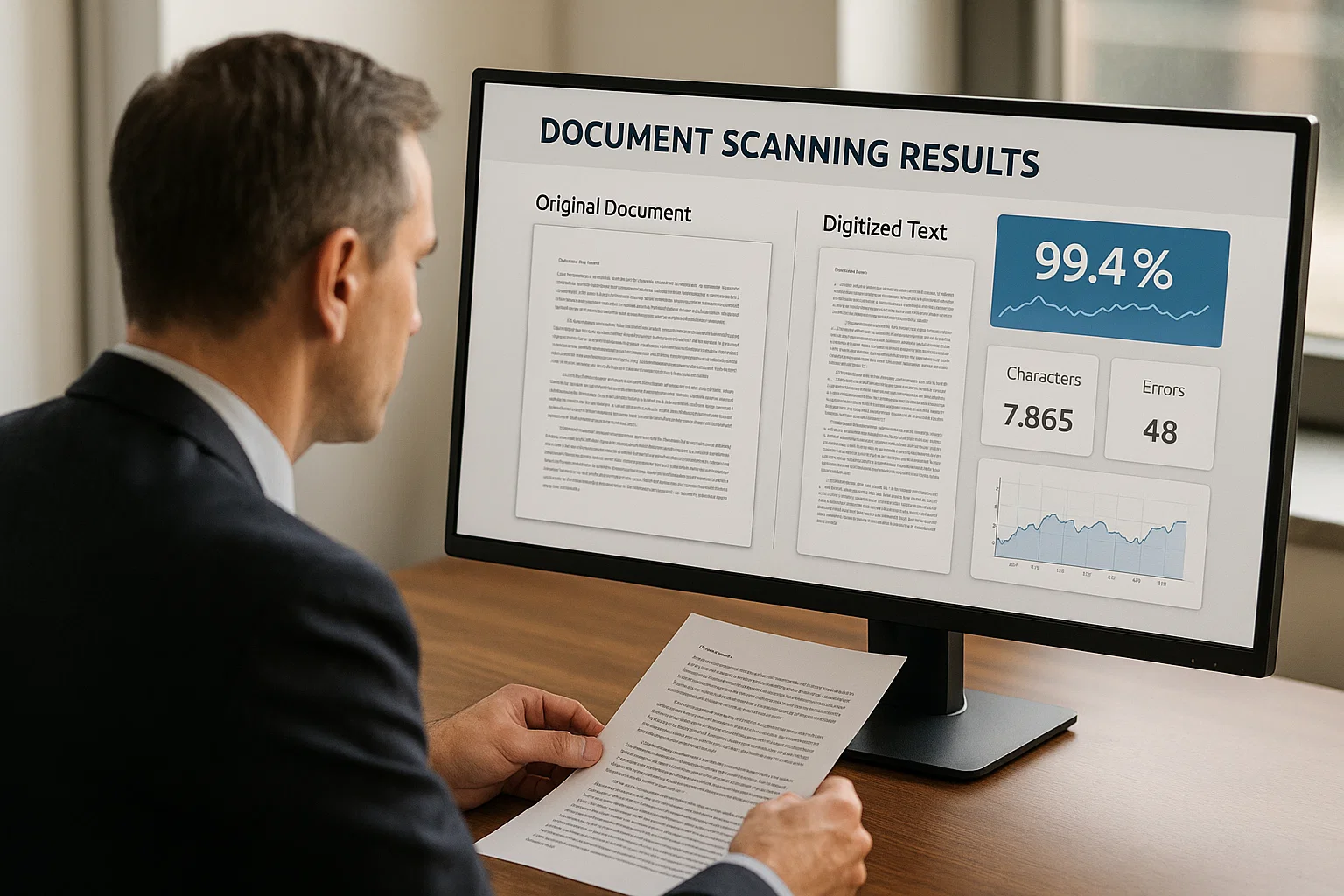
Document Detection: The Step Everyone Skips Before OCR
Our OCR accuracy jumped four percentage points the day we stopped feeding rotated junk into the engine. Document detection is the cheapest, most-skipped accuracy win in the field.
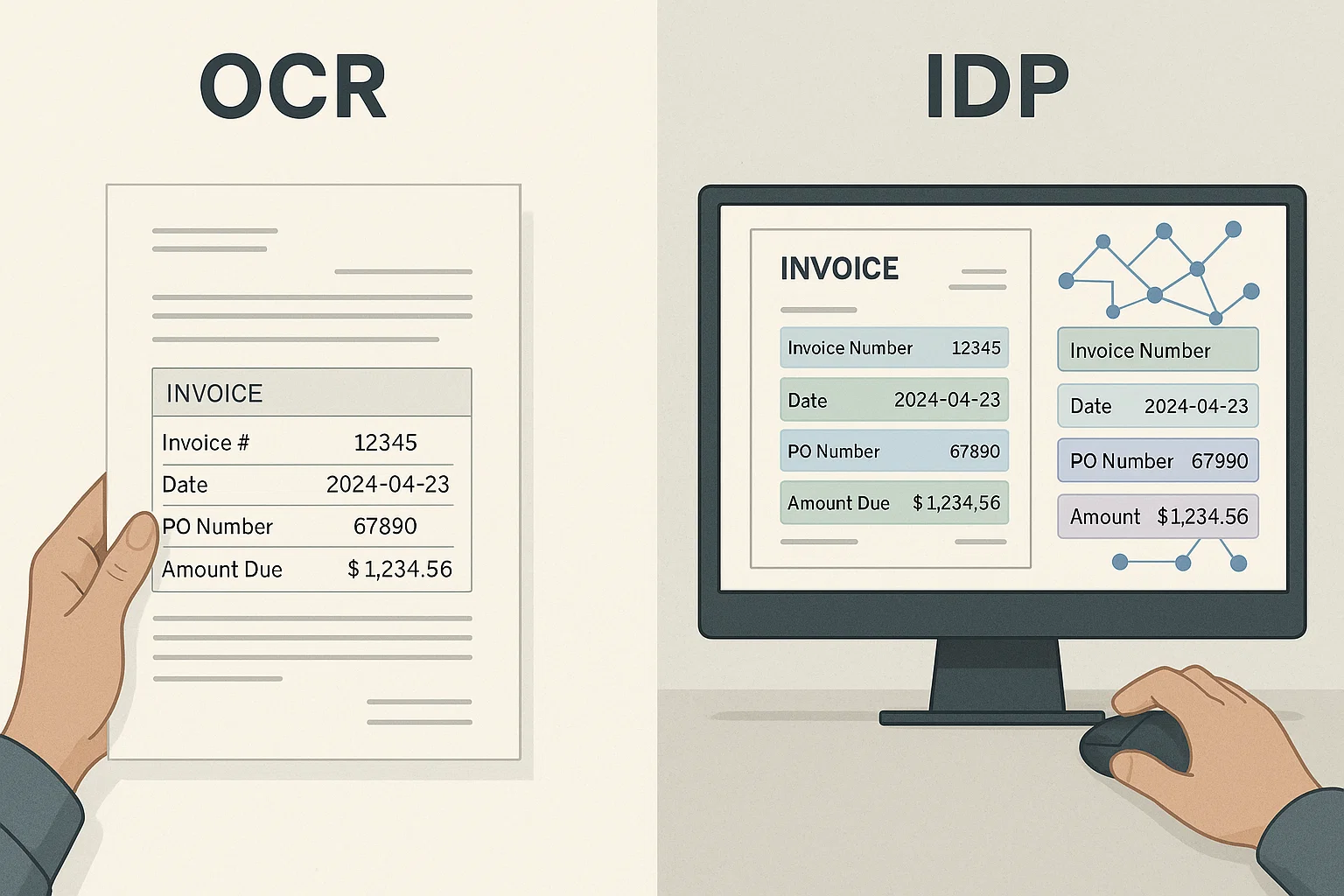
Docling vs LlamaParse vs DocsAPI: 1,200-Doc Benchmark (2026)
We benchmarked all three on 1,200 real documents over a weekend. Which won on tables, which on speed, which on developer experience, and which lost.
Ready to Transform Your Lending Process?
See how DocsAPI's AI-powered industry classification can help you process loans faster, improve accuracy, and scale your operations.