
Credit Card Statement OCR, Honest Setup Guide
I once had to reconcile 400 expense reports against credit card statements by hand. Two weeks I will never get back. Here is how to never let that happen to anyone again.


Table of contents
Two weeks of my life are gone forever. They went into reconciling 400 quarterly expense reports against credit card statements at a previous company. The process: print the statement, highlight the transactions, find the matching expense report, compare line by line, write a memo. Forty seconds per transaction, multiplied by 400 reports of 20 transactions each. Two weeks. This guide is how to make sure no one ever has to do that again.
If you process credit card statements at any meaningful volume, for AP reconciliation, T&E expense management, fraud detection, or lending, this is the field manual.
What "Credit Card Statement OCR" Actually Means
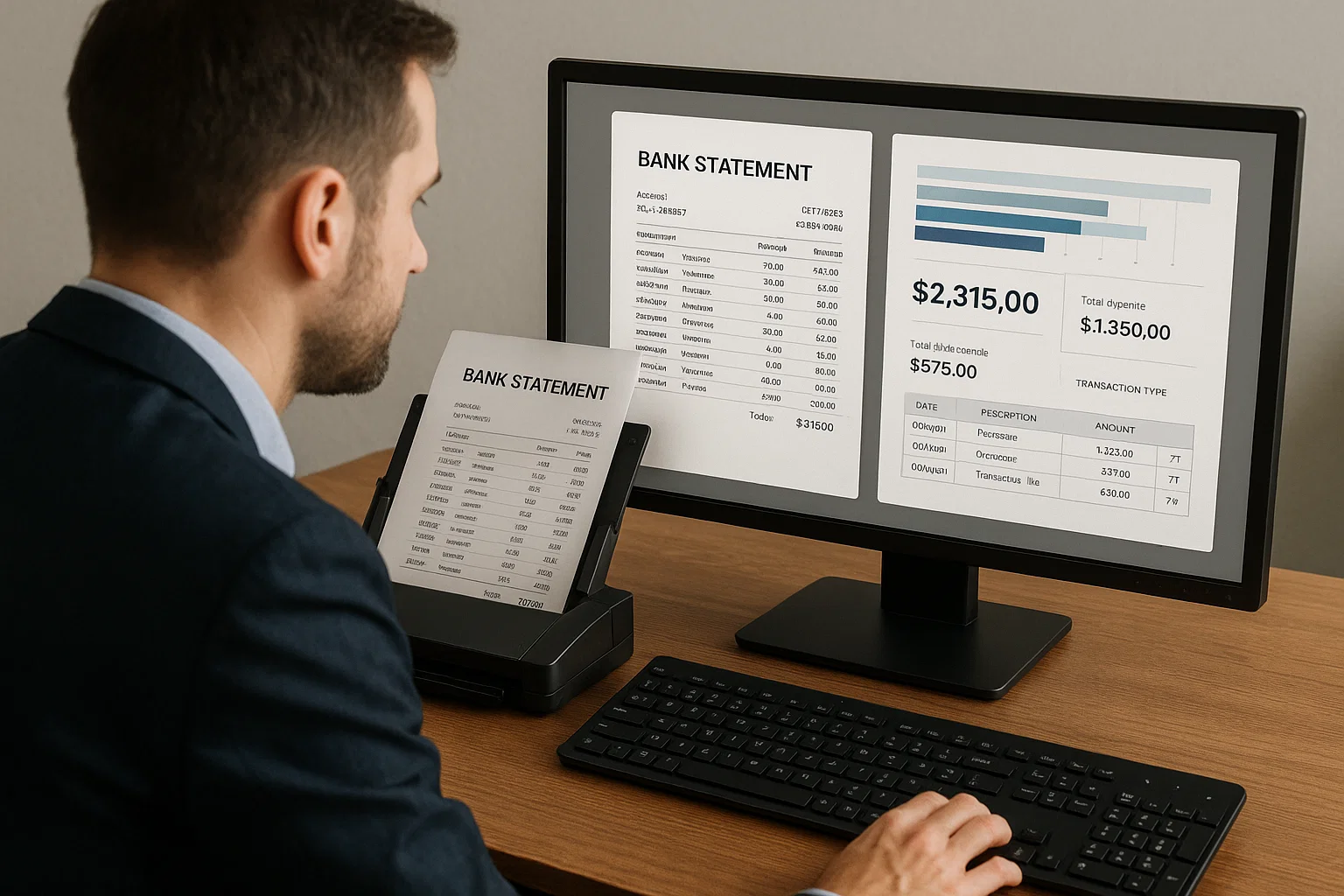
Credit card statement OCR is software that takes a credit card statement (PDF or scan) and extracts the structured data: cardholder name, account number, statement period, transactions, totals, fees, and interest. The output is JSON or CSV ready for your accounting system, expense tool, or underwriting model.
The friendly description: a careful clerk who types every transaction from every statement into your system, in under 30 seconds per statement, at less than a penny per page. The clerk catches duplicates. The clerk flags suspicious patterns. The clerk works at 3 AM if you need it.
This sits next to bank statement OCR, different layouts, similar patterns. Our data normalization piece covers the post-extraction cleanup both share.
The Four Workflows Where Credit Card OCR Pays For Itself
1. T&E Expense Reconciliation
Match employee expense reports against the corporate credit card statement. Without OCR, this is a manual line-by-line exercise. With OCR, it is an automated match with a small exception queue. Saves a week per quarter for most finance teams.
2. SMB Lending Underwriting
Credit card processor statements are a primary income document for small businesses applying for working capital loans. Manual review of these statements is the single longest step in many lending workflows. OCR cuts review from hours to minutes.
3. Tax Preparation and Audit Defense
Categorizing transactions for tax deductions or audit response. Manual categorization runs $0.50-$2 per transaction. OCR plus automated category rules drops this to under $0.05.
4. Personal Finance and Budgeting Apps
For consumer fintech apps that accept statement uploads, OCR enables onboarding without bank account linking. Better privacy story for the user, faster onboarding, and a fallback when Plaid or Yodlee cannot connect.
The Five Fields That Matter
Every credit card statement has dozens of fields. For most workflows, these five carry 90% of the value.
- Statement period, start and end dates. Critical for matching transactions to time windows.
- Cardholder name and account number, for matching to the right person and detecting duplicate statement uploads.
- Transaction list, date, merchant, amount, category. The bulk of the value.
- Statement totals, previous balance, payments, charges, fees, interest, new balance. Used for cross-validation against the transaction list.
- Minimum payment and due date, relevant for collections, account management, and lending decisions.
The Honest Difficulty Curve
Credit card statements look uniform until you start processing them at scale. Then the variance shows up.
Easy: Standard PDF Statements From Major Issuers
Amex, Chase, Citi, Capital One, Discover. Consistent layouts. Modern OCR clears 98-99% accuracy on the five critical fields.
Medium: Statements From Regional Banks
Different layouts per issuer. Some compress transaction tables into tiny font. Modern OCR clears 95-97% with proper pre-processing.
Hard: Scanned Statements
Customer photographs the statement on their phone. Angled, dim, sometimes one page at a time. Pre-processing (deskew, rotation correction, page boundary detection, see our document detection guide) is critical.
Brutal: Multi-Page Statements With Continuation Tables
Annual summary statements where transactions span 20+ pages. Naive OCR treats each page as a separate table. Layout-aware OCR stitches the rows correctly. Pick the latter.
The Pipeline I Recommend
- Capture, upload, email, or API
- Pre-process, deskew, rotate, handle multi-page boundaries
- Identify issuer, Chase, Amex, etc. Routes to issuer-specific templates when available.
- Run layout-aware OCR
- Extract structured fields, the five fields above plus any issuer-specific ones
- Normalize, dates to ISO, currency to decimal, merchant names to a master list
- Validate, transaction totals add up to statement totals, dates within statement period
- Categorize, apply category rules (merchant category codes when available)
- Route exceptions, anything flagged goes to a human queue
- Push to downstream, accounting, expense, lending
The Three Patterns That Break Credit Card OCR Projects
Pattern 1: Trying to Build a Universal Parser
Every issuer has a slightly different layout. Building one parser to rule them all takes longer and works worse than a small set of issuer-specific templates plus a generic fallback. Use the templates first, fall back to generic for unknown issuers.
Pattern 2: Skipping Validation Against Totals
Sum of transactions should equal new charges. Previous balance plus charges minus payments minus credits should equal new balance. If the math does not check out, your extraction is wrong. Always validate.
Pattern 3: Treating Merchant Names as Strings
"AMZN MKTP US" and "AMAZON.COM" and "AMZN PRIME" are all Amazon. Without merchant normalization, your categorization is garbage. Use a merchant master list or a normalization service.
Credit card statement OCR vs bank statement OCR
Credit card statement OCR and bank statement OCR are close cousins, but the differences matter for accuracy and vendor choice. Both extract transaction tables from financial documents, but credit card statements add merchant category codes, interest and fee breakdowns, minimum-payment and due-date fields, and a rewards or points section that bank statements do not have. Credit card statements are also more standardized across major issuers than bank statements are across banks, which makes issuer-specific templates more effective.
The practical implication: a general bank statement OCR tool will read a credit card statement, but it will miss the credit-specific fields (interest rate, minimum payment, merchant category) unless it has been tuned for them. If your workflow depends on those fields, for lending decisions or fraud detection, pick a tool that handles credit card statements specifically rather than a generic bank statement parser. For the bank statement side, see our bank statement OCR guide.
How transaction categorization works
The highest-value output of credit card statement OCR for most workflows is not the raw transaction list, it is the categorized transaction list. Categorization assigns each transaction to a spending category (travel, meals, software, office supplies) so the data feeds expense management, tax preparation, or spend analysis without manual sorting. Modern categorization combines three signals: the merchant category code (MCC) that the card network assigns, the normalized merchant name, and pattern rules your team defines for the categories that matter to you.
The step teams underestimate is merchant normalization, because the same merchant appears under many raw strings. Without normalizing "AMZN MKTP US", "AMAZON.COM", and "AMZN PRIME" to a single Amazon entity, categorization scatters one vendor across several buckets and the spend analysis is wrong. A merchant master list or a normalization service is what turns messy transaction strings into clean, categorizable data, and it is worth building or buying before you rely on the categorized output.
Credit card statement OCR cost and ROI
Credit card statement OCR pays for itself fastest in reconciliation-heavy and lending workflows, where the manual alternative is measured in staff-days per cycle. Per-statement OCR cost runs a few cents to a few dollars depending on statement length and whether categorization is included, while the manual cost of reconciling or underwriting a statement runs $5 to $30 in loaded staff time. The break-even is low: most teams processing more than a few hundred statements a month clear it within the first cycle.
| Statements/month | Manual cost | OCR cost | Monthly savings |
|---|---|---|---|
| 200 | $2,000 | $600 | $1,400 |
| 1,000 | $10,000 | $2,000 | $8,000 |
| 5,000 | $50,000 | $7,000 | $43,000 |
| 20,000+ | $200,000+ | $20,000 | $180,000+ |
Manual cost assumes roughly 10 minutes of reconciliation or review per statement at a loaded rate. OCR cost includes extraction, categorization, and a human pass on the exceptions. The savings hold as long as your exception rate stays low, which is why validation and issuer templates matter.
The Way I Explain Credit Card Statement OCR to a Finance Lead
Imagine you hire a meticulous junior employee whose only job is to read every credit card statement, type every transaction into your accounting system, match payments to expense reports, and flag anything that does not add up. She processes a hundred statements per hour. She does not get tired. She does not lose her place in a 20-page annual summary.
That is credit card statement OCR. Your team stops the line-by-line reconciliation and starts the analysis you were actually hired to do.
What I'd Do Today
If you process under 100 statements per month: build it yourself with Tesseract or use a generic OCR API. Volume does not justify a specialty vendor.
If you process 100-10,000 per month: pick a vendor with proven statement OCR. The five-field extraction plus validation plus categorization saves a junior employee's worth of time within the first quarter.
If you process 10,000+ per month: build a hybrid, vendor for the major issuers (templates ready), in-house pipeline for the long tail. Most lenders I have advised end up here. (I write about the build-buy decisions often.)
Frequently asked questions
Credit card statement OCR is software that extracts structured data from credit card statements, cardholder info, transactions, totals, fees, and pushes it into accounting, expense, lending, or analytics systems automatically.
On standard PDF statements from major issuers: 98-99% on the five critical fields. On scanned or photographed statements: 92-97%. On multi-page summary statements: depends entirely on layout-aware extraction quality.
OCR extracts the merchant name and amount. Categorization is a separate step that applies merchant category codes (MCCs) or a custom rules engine. Most vendors offer both extraction and categorization as bundled features.
Yes. Personal and corporate cards use similar statement layouts. Use case differs (personal finance apps vs. expense reconciliation) but the OCR pipeline is the same.
Plaid and Yodlee pull transaction data from the issuer via API. OCR extracts from the statement PDF. The API path is faster and more reliable when available. OCR is the fallback when the customer does not authorize API access or when data needs come from historical statements.
Per-statement pricing typically runs $0.05-$0.30 depending on length and complexity. Volume discounts apply above 10K statements/month. Compare against manual cost, usually $5-15 per statement reconciled.
Related Blog Posts

OCR Accounting, From Hours to Seconds Per Invoice
I watched a five-person accounts payable team work Saturdays for 18 months before OCR. Here is exactly what changed when we automated their stack, and what still needs a human.
OCR Technology in Banking, What Actually Works (2026)
I have spent the last 18 months helping mid-market banks pick OCR vendors. Most marketing claims do not survive a real document set. Here is the unfiltered truth.

Mortgage OCR: 412-Page Packets Closed in 90 Minutes
A 412-page mortgage packet took 73 days to close by hand. The same packet through modern mortgage OCR runs in 90 minutes. Field guide from production.
Ready to Transform Your Lending Process?
See how DocsAPI's AI-powered industry classification can help you process loans faster, improve accuracy, and scale your operations.