
Invoice OCR API: Fields, Prices and Limits Compared (2026)

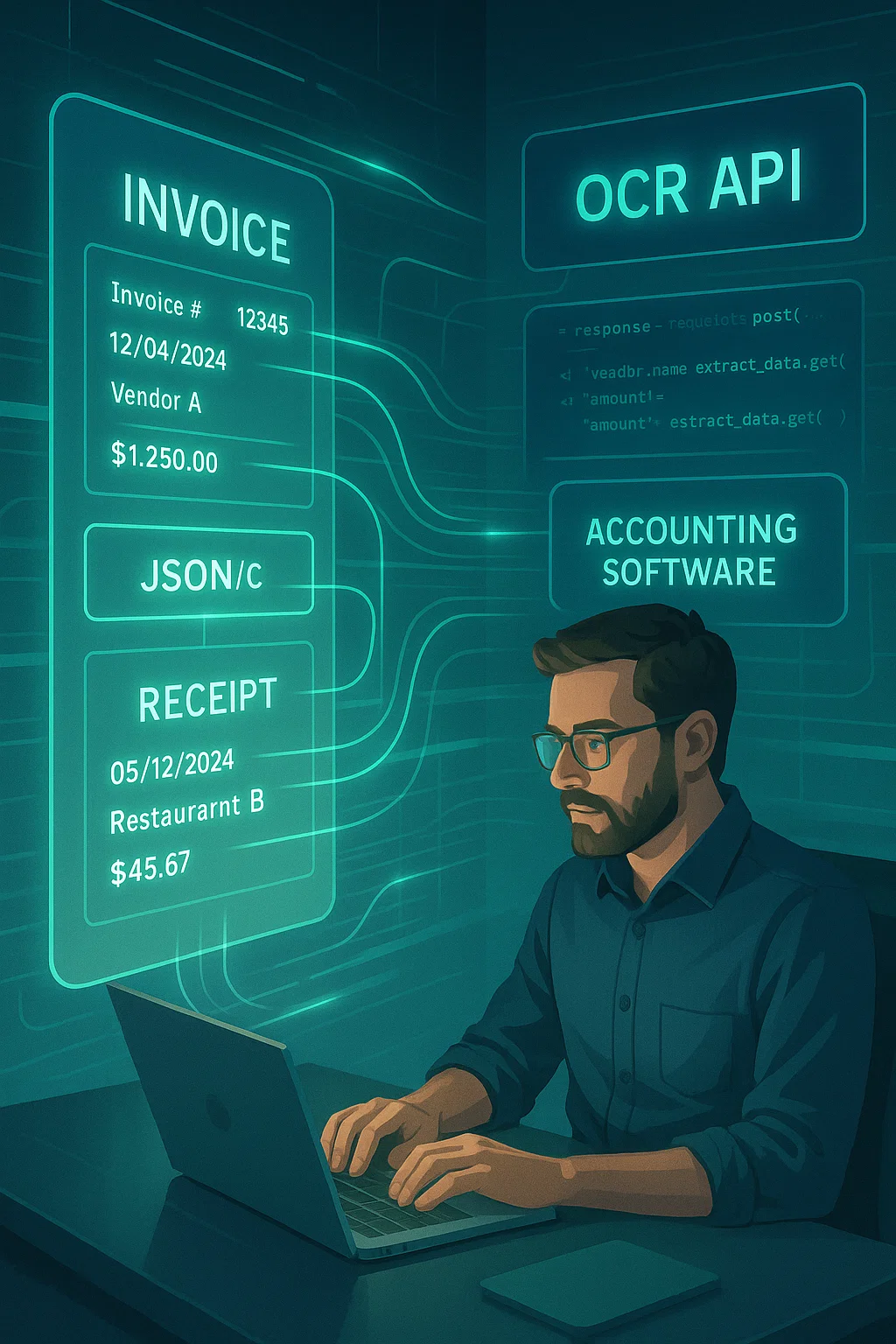
Table of contents
An invoice OCR API reads a PDF or photo of an invoice and returns the vendor, invoice number, dates, line items, tax and total as JSON. AWS, Azure, Google, Mindee and Veryfi return the same core fields under different names, at list prices from under a cent to 16 cents per one-page invoice.
Short answer: for plain invoice extraction, AWS Textract AnalyzeExpense and Azure's prebuilt invoice model both cost $0.01 a page and return the same core fields. Google charges per document, Veryfi per invoice, Mindee by monthly credits. This page compares the fields each API returns, the real prices, the limits, and gives you code to check the output before it reaches your books.
What is an invoice OCR API?
An invoice OCR API, sometimes sold as an invoice processing API, is a web service you send an invoice file to, and it returns the invoice's fields as structured JSON: vendor, invoice number, invoice and due dates, PO number, line items, subtotal, tax and total, usually with a confidence score and the position of each value on the page. You still decide what to do with the data.
That last point matters. The API reads; it does not approve or pay. Checking the math, catching duplicates, matching purchase orders and posting to your accounting system are your code's job, or the job of an AP tool built on top. Our accounts payable OCR guide lists the seven checks an invoice should pass before payment.
Which invoice OCR API should you use?
The right OCR invoice API depends on your stack and your invoices. On AWS, use Textract AnalyzeExpense; on Azure, the prebuilt invoice model; on Google Cloud, the Invoice Parser. Choose Mindee or Veryfi for a focused invoice API outside a big cloud, and a document API when invoices arrive mixed with other documents.
| If you... | Start with | Why |
|---|---|---|
| Run on AWS and read English or Western European invoices | AWS Textract AnalyzeExpense | $0.01 a page, stays in your AWS account and IAM |
| Run on Azure or need more languages | Azure prebuilt-invoice | $0.01 a page, 27 languages, invoices up to 2,000 pages |
| Run on Google Cloud with European invoices | Google Invoice Parser | 12 languages including Baltic and Nordic ones; priced per document |
| Want a small, invoice-focused API with monthly plans | Mindee | From $44 a month for 6,000 page credits |
| Process receipts, checks and statements as well | Veryfi | Priced per document type; free up to 100 documents a month |
| Receive invoices mixed with statements, pay stubs and IDs | A document API that classifies first, such as DocsAPI | One call decides the document type before extracting fields |
How much does an invoice OCR API cost?
At list prices, a one-page invoice costs $0.01 on AWS and Azure, $0.10 on Google (priced per document of up to 10 pages), about $0.007 to $0.009 on Mindee's Starter plan, and $0.16 on Veryfi. Per-page and per-document pricing rank very differently once invoices run to several pages, so price your own page mix.
| API | List price | Free tier | 10,000 one-page invoices a month | 10,000 three-page invoices a month |
|---|---|---|---|---|
| AWS Textract AnalyzeExpense | $10 per 1,000 pages ($8 above 1 million) | 100 pages a month for 3 months | 10 x $10 = $100 | 30 x $10 = $300 |
| Azure prebuilt-invoice | $10 per 1,000 pages | 500 pages a month (F0; first 2 pages of each document) | 10 x $10 = $100 | 30 x $10 = $300 |
| Google Invoice Parser | $0.10 per document of up to 10 pages | See Google's pricing page | 10,000 x $0.10 = $1,000 | 10,000 x $0.10 = $1,000 |
| Mindee Starter | $44 a month for 6,000 credits (1 credit per page); overage at the plan rate plus 20% | 14-day trial | $44 + 4,000 x $0.0088 = $79.20 | $44 + 24,000 x $0.0088 = $255.20 |
| Veryfi Starter | $0.16 per invoice, $500 a month minimum | 100 documents a month | 10,000 x $0.16 = $1,600 | 10,000 x $0.16 = $1,600 |
| DocsAPI (our product) | From $0.02 per page, tables and classification included | 100 pages a month | 10,000 x $0.02 = $200 | 30,000 x $0.02 = $600 |
How the Mindee overage works: $44 buys 6,000 credits, so the plan rate is $44 / 6,000 = $0.0073 a credit, and overage adds 20%, giving $0.0088. Mindee also counts 1.5 credits for a page when you ask for confidence scores, which raises these figures. Prices were read from each vendor's pricing page on September 28, 2026 and exclude volume discounts. For how per-page, per-document and subscription pricing play out across vendors, see our invoice OCR pricing models guide.
What fields does each invoice OCR API return?
All four big invoice APIs return the same core fields: vendor, invoice number, dates, PO number, subtotal, tax, total and line items with description, quantity, unit price and amount. Only the names differ. Here is the crosswalk from each vendor's own documentation, which you need the day you switch APIs or run two side by side.
| Field | AWS AnalyzeExpense | Azure prebuilt-invoice | Google Invoice Parser | Mindee |
|---|---|---|---|---|
| Vendor name | VENDOR_NAME | VendorName | supplier_name | supplier_name |
| Invoice number | INVOICE_RECEIPT_ID | InvoiceId | invoice_id | invoice_number |
| Invoice date | INVOICE_RECEIPT_DATE | InvoiceDate | invoice_date | date |
| Due date | DUE_DATE | DueDate | due_date | due_date |
| PO number | PO_NUMBER | PurchaseOrder | purchase_order | po_number |
| Payment terms | PAYMENT_TERMS | PaymentTerm | payment_terms | Not in the field list |
| Subtotal | SUBTOTAL | SubTotal | net_amount | total_net |
| Tax | TAX | TotalTax | total_tax_amount | total_tax |
| Total | TOTAL | InvoiceTotal | total_amount | total_amount |
| Vendor tax ID | VENDOR_VAT_NUMBER, VENDOR_GST_NUMBER and others | VendorTaxId | supplier_tax_id | supplier_company_registration |
| Line: description | ITEM | Items.*.Description | line_item/description | line_items.description |
| Line: quantity | QUANTITY | Items.*.Quantity | line_item/quantity | line_items.quantity |
| Line: unit price | UNIT_PRICE | Items.*.UnitPrice | line_item/unit_price | line_items.unit_price |
| Line: amount | PRICE | Items.*.Amount | line_item/amount | line_items.total_price |
| Line: product code | PRODUCT_CODE | Items.*.ProductCode | line_item/product_code | line_items.product_code |
Two naming traps to catch in your mapping code. On AWS, PRICE is the line total and UNIT_PRICE is the price of one unit, so mapping PRICE to "unit price" breaks every multi-quantity line. And "subtotal" is called net_amount by Google and total_net by Mindee, which is easy to confuse with the total. Beyond these, Azure also returns AmountDue and payment details such as IBAN, and AWS returns ADDRESS blocks for bill-to, ship-to and remit-to.
What are the limits of each invoice OCR API?
The limits that matter are languages, pages per invoice and how multi-page files are handled. Azure's invoice model supports 27 languages and up to 2,000 pages; Google's Invoice Parser lists 12 languages and handles up to 10 pages per synchronous request; Textract reads six languages and needs its asynchronous API for any PDF longer than one page.
| API | Languages | Pages and files | Worth knowing |
|---|---|---|---|
| AWS AnalyzeExpense | Textract's six: English, French, German, Italian, Portuguese, Spanish | Synchronous: 1 page per PDF; asynchronous for longer files | Returns a confidence score and position for every field |
| Azure prebuilt-invoice | 27 languages | Up to 2,000 pages, 500 MB on the paid tier; the free tier reads only the first 2 pages | Also reads utility bills, sales orders and purchase orders |
| Google Invoice Parser | 12: German, English, Spanish, Estonian, French, Italian, Latvian, Lithuanian, Dutch, Portuguese, Romanian, Swedish | Up to 10 pages per synchronous request; batch requests up to 200 pages per document | Price is per 10-page block, so a 1-page invoice pays for 10 |
| Mindee | See Mindee's documentation | Credit per page | Confidence scores cost extra credits |
| Veryfi | See Veryfi's documentation | Priced per document | $500 a month minimum on the Starter plan |
How do you check invoice OCR API output before posting it?
Map every API's field names to your own, then check that each line's quantity times unit price equals its amount, that lines plus tax plus shipping minus discount equal the total, and that the due date matches the payment terms. These three checks catch most misreads before they become wrong payments.
Here is the code we ran, on an example invoice that contains a typical OCR misread (600.00 read as 6000.00 on line 3):
from datetime import date, timedelta
from decimal import Decimal as D

def money(v):
    return D(str(v).replace(",", "").replace("$", "")) if v not in (None, "") else D("0")

def check_invoice(inv, tolerance=D("0.02")):
    problems = []
    lines_total = D("0")
    for n, line in enumerate(inv["lines"], 1):
        qty, price, amount = money(line["quantity"]), money(line["unit_price"]), money(line["amount"])
        if abs(qty * price - amount) > tolerance:
            problems.append(f"line {n}: {qty} x {price} = {qty * price} but amount is {amount}")
        lines_total += amount
    expected = lines_total + money(inv.get("tax")) + money(inv.get("shipping")) - money(inv.get("discount"))
    if abs(expected - money(inv["total"])) > tolerance:
        problems.append(f"lines + tax + shipping - discount = {expected} but total is {money(inv['total'])}")
    terms = inv.get("payment_terms", "").lower().replace(" ", "")
    if terms.startswith("net") and inv.get("due_date"):
        want = date.fromisoformat(inv["invoice_date"]) + timedelta(days=int(terms[3:]))
        if want.isoformat() != inv["due_date"]:
            problems.append(f"due date {inv['due_date']} does not match {inv['payment_terms']} (expected {want})")
    return problems
On the example invoice (three lines of 2,250.00, 1,600.00 and 600.00, tax 367.13, total 4,817.13, net 30 from August 14, 2026), the output was:
line 3: 12 x 50.00 = 600.00 but amount is 6000.00
lines + tax + shipping - discount = 10217.13 but total is 4817.13
With line 3 corrected, it printed "all checks passed". Add a duplicate check on vendor plus a normalized invoice number before approval; our duplicate invoice detection guide shows how to normalize numbers such as INV-0042 and 42. Line items are where APIs disagree most, so read our invoice line-item OCR guide before trusting them.
How accurate are invoice OCR APIs?
On clean, digital invoices, header fields such as vendor, number, date and total are usually right; line items are the hard part. In our 2026 benchmark, the best engine extracted invoice line items at 93%, and general document parsers scored 81 to 87%. Test any API on 50 of your own invoices, including scans and multi-page ones, before you commit.
Our OCR accuracy benchmark has the full results, and our AWS Textract comparison covers Textract's full price list and limits.
Where DocsAPI fits
Disclosure: DocsAPI is our product. It classifies each document first, so invoices can arrive mixed with bank statements, pay stubs and IDs; it returns fields as JSON, joins line-item tables that run across pages, and runs validation before you use the data. It costs from $0.02 per page with tables and classification included, and has a free tier of 100 pages a month. If you only process single-page invoices on AWS or Azure, their $0.01 a page is cheaper.
What to do next
- Pick two APIs from the table that fit your cloud and languages, and run the same 50 invoices through both.
- Map both to your own field names using the crosswalk above, and run the check code on every result.
- Price your real page mix, not a one-page example: per-page and per-document pricing rank differently for long invoices.
- If you would rather not build the checks and routing yourself, compare AP tools in our best OCR software for accounts payable guide, or see how DocsAPI handles invoice processing.
Sources and how we checked this
- AWS: field names from Analyzing invoices and receipts; limits from Set quotas in Amazon Textract; prices from AWS's public price list and the Textract pricing page.
- Azure: capabilities and limits from Invoice data extraction; field names from Microsoft's published invoice model schema; prices from Microsoft's public retail prices API (East US).
- Google: field names and languages from the Document AI processor list; price and the 10-page count rule from Document AI pricing.
- Mindee: field names from its invoice model documentation; plans from Mindee pricing. Veryfi: plans from Veryfi pricing.
- All pages read on September 28, 2026. The validation code was run on the example invoice shown; the invoice is illustrative, not real customer data. DocsAPI facts come from our own published product information.
Frequently asked questions
The one that fits your cloud, languages and page mix. On AWS, Textract AnalyzeExpense; on Azure, the prebuilt invoice model with 27 languages; on Google Cloud, the Invoice Parser. Mindee and Veryfi suit teams outside the big clouds. Run the same 50 invoices through two options before you choose.
Several have free tiers: Azure's F0 tier covers 500 pages a month (reading the first two pages of each document), AWS gives 100 AnalyzeExpense pages a month for three months, Veryfi covers 100 documents a month, and DocsAPI 100 pages a month. Mindee offers a 14-day trial.
For one-page invoices at list prices, Mindee's Starter plan works out to under a cent a page, and AWS and Azure charge $0.01 a page. For long invoices, per-document pricing can win instead. Always price your real page mix, and add the cost of building checks and review yourself.
Yes. All four big APIs return line items with description, quantity, unit price and amount, and most add a product code. Line items are also where errors concentrate, so check that quantity times unit price equals the amount on every row before you use them.
Yes, with limits. Azure processes up to 2,000 pages, Google up to 10 pages per synchronous request and more in batch, and Textract needs its asynchronous API for PDFs longer than one page. Tables that continue across pages may still need joining and checking in your code.
An invoice OCR API returns fields; you build the checks, approvals and posting. Invoice processing or AP software includes intake, OCR, approval routing and payments in one product. APIs cost less per page but need engineering time; software costs more per invoice but works sooner.
Map both APIs to your own field names, run them in parallel on the same invoices, and compare field by field. Watch the naming traps: on AWS, PRICE is the line total and UNIT_PRICE the unit price, and Google and Mindee call the subtotal net_amount and total_net.
Header fields on clean digital invoices are usually right. Line items are harder: the best engine in our 2026 benchmark reached 93% on invoice line items and general document parsers 81 to 87%. Scans, photos and new vendors lower accuracy, so validate every result.
Of the ones compared here, Azure's prebuilt invoice model lists 27 languages, Google's Invoice Parser 12, and Textract six (English, French, German, Italian, Portuguese and Spanish). Check Mindee's and Veryfi's documentation for their current language lists, and test your own invoices in each language.
Related Blog Posts
AWS Textract vs DocsAPI: Honest 2026 Comparison
AWS Textract pricing per 1,000 pages for every API, its real limits (six languages, one-page synchronous PDFs, US-only ID reading), and when Textract or DocsAPI is the better fit.
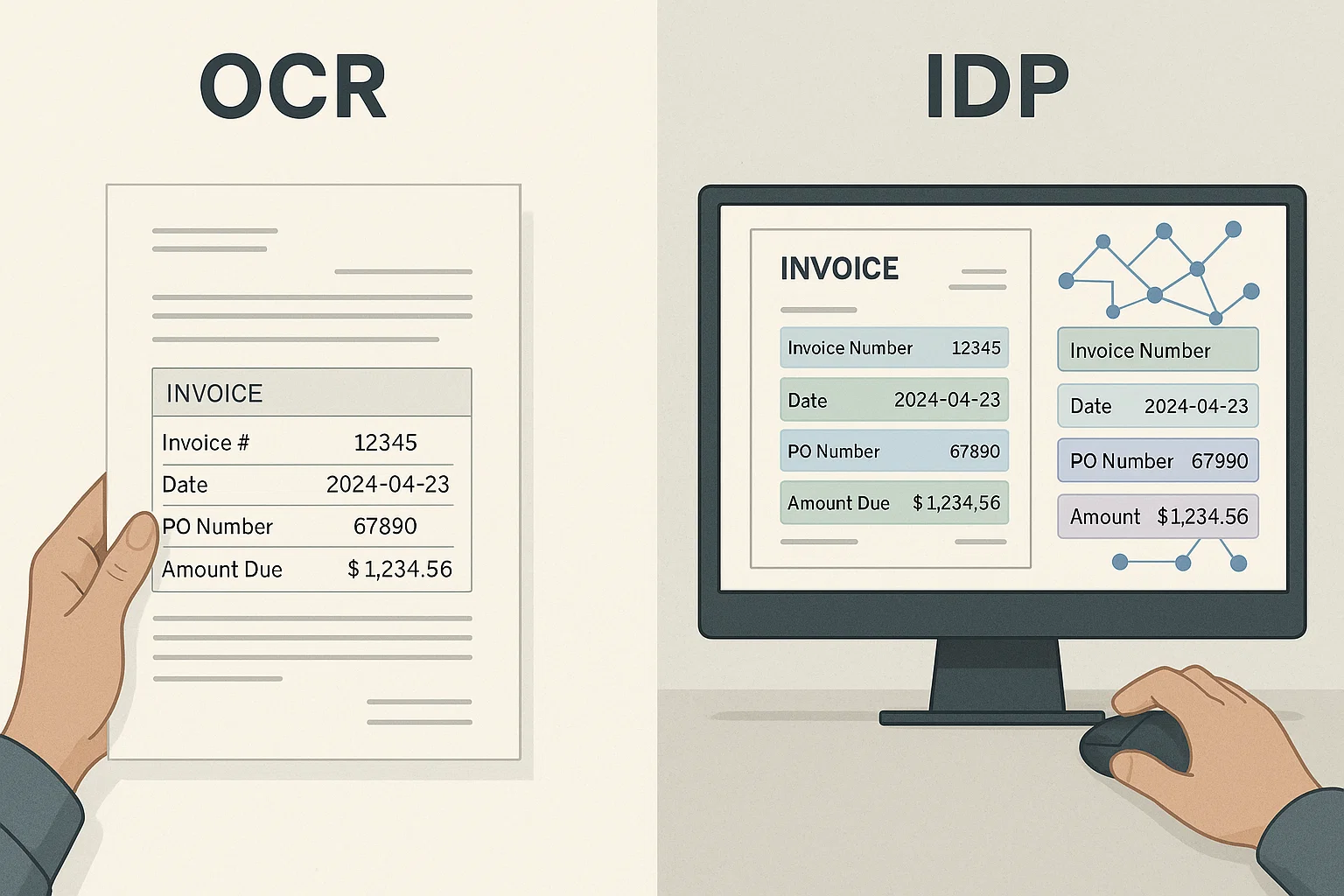
ABBYY FineReader Alternatives in 2026: Free, SDK and Enterprise
The right ABBYY alternative depends on which ABBYY product you are replacing: the desktop app, the OCR SDK, the old Cloud OCR SDK or FlexiCapture. Here are the options for each, with verified prices and licenses.
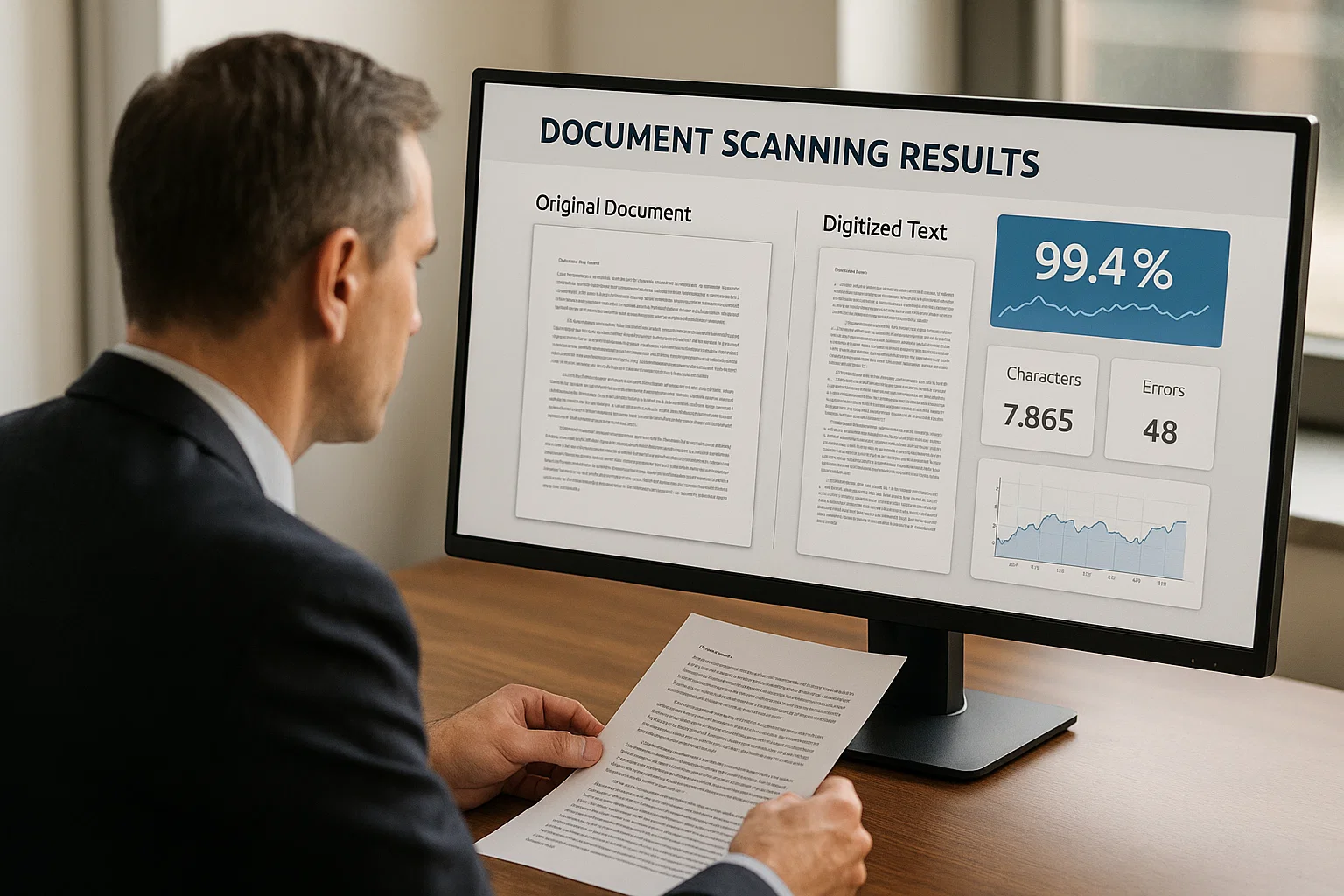
PaddleOCR vs Tesseract vs DocsAPI: 2026 Benchmark
We ran Tesseract 5.5 and PaddleOCR 3.7 (PP-OCRv6) on the same six images and published the raw output. PaddleOCR was more accurate on hard images; Tesseract was far faster on a CPU.
Want to see it on your own documents?
Try our free OCR tool in your browser, or book a demo to see how DocsAPI reads the document types covered in this guide.