
How Does OCR Work? Six Steps From Scanned Pixels to Usable Text

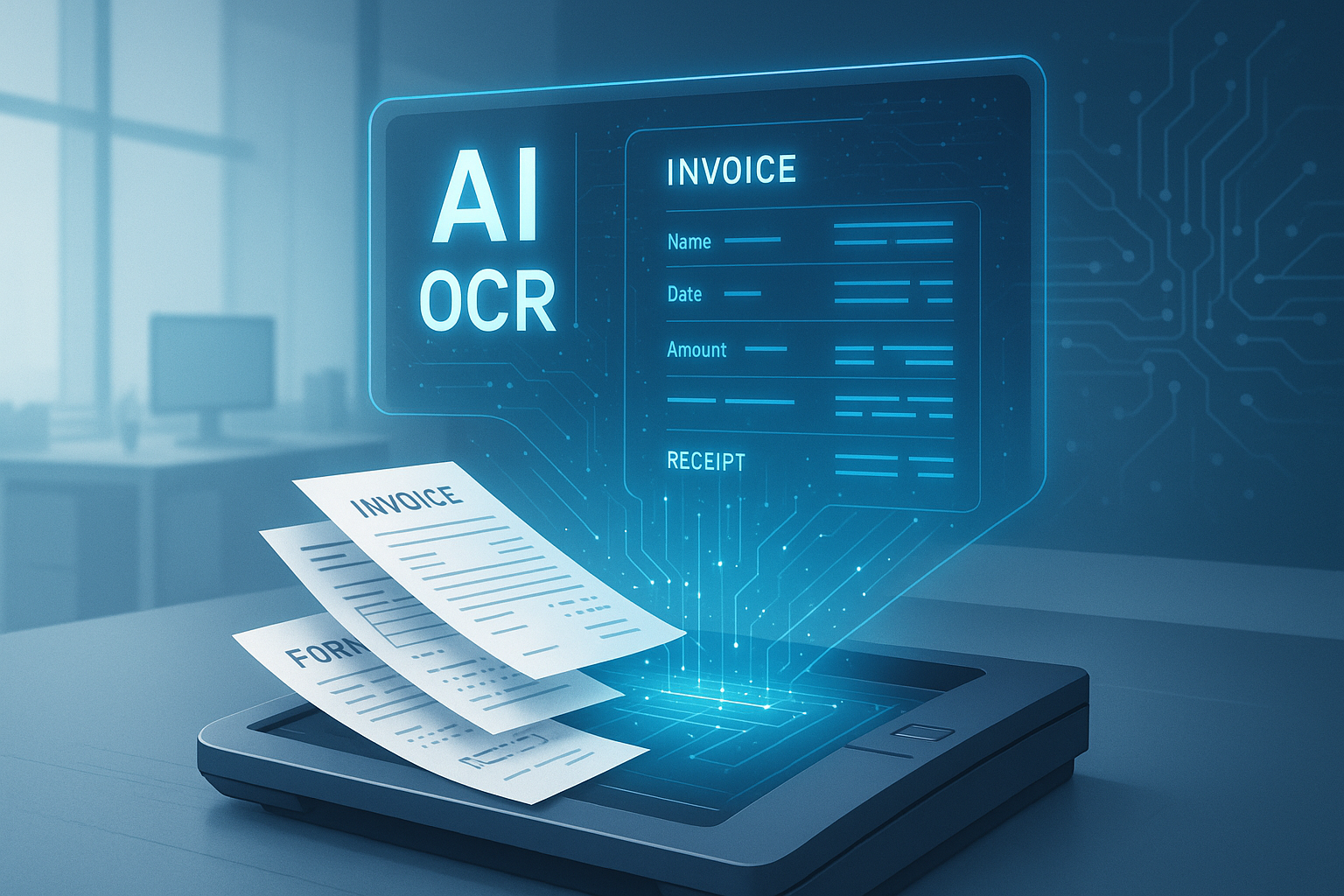
Table of contents
OCR reads an image in six steps: capture, clean-up, layout analysis, character recognition, post-processing and output. Most errors come from the first three steps, not from the recognition engine itself.
OCR (optical character recognition) works by taking an image of a page, cleaning it up, finding where the text sits, recognizing each character or word, checking the result against rules, and writing out text with a confidence score for each piece. Six steps, in that order. When OCR gives a wrong answer, the cause is usually in the first three steps, not in the recognition engine.
That matters because the usual reaction to bad OCR output is to switch engines. Often the engine was fine and the scan was crooked, too dark, or read as one column when it was two. Knowing the steps lets you fix the right thing. This guide walks through each one and ends with a table that maps a symptom to the step that caused it.
What are the six steps of OCR?
- Capture: a scanner, camera or PDF export produces an image.
- Clean-up (preprocessing): straighten, remove noise, fix contrast.
- Layout analysis: find the text regions, columns, tables and reading order.
- Recognition: turn each line or word image into characters.
- Post-processing: fix likely mistakes using dictionaries, formats and field rules.
- Output: write text, positions and confidence, as plain text, searchable PDF or structured data.
Step 1: Capture decides the ceiling
Nothing later in the chain can recover detail that was never captured. A 300 DPI flatbed scan of a printed page gives the engine sharp edges to work with. A phone photo taken at an angle, in shadow, of a creased receipt does not. That is why the same engine can look excellent on one document and poor on another. In our 1,700-document benchmark, clean typed English scored 97-99% on every engine, while phone-photographed receipts scored between 58% and 82% depending on the engine. The engines did not change. The input did.
If a PDF came from a scanner it is usually just a picture of a page, which is why it needs OCR at all. We explain how to tell the difference in readable PDF vs image PDF.
Step 2: Clean-up straightens and sharpens the image
Preprocessing makes the image easier to read without changing what it says. The common operations are:
- Deskewing: rotating a page that was scanned a few degrees crooked so the lines run level.
- Denoising: removing specks, scanner dust and fax artifacts.
- Binarization: converting to black and white with a threshold so text stands out from the background. A fixed threshold fails on uneven lighting, so many tools pick the threshold per region.
- Scaling: resizing so characters are large enough to read. Text that is only a few pixels tall is a common cause of misreads.
Over-cleaning can hurt. Aggressive binarization can erase thin strokes, faint grey text and stamps, which are exactly what you lose on faded thermal receipts.
Step 3: Layout analysis finds what to read, and in what order
Before reading any character, the software has to decide where the text is. It splits the page into regions such as paragraphs, headings, tables, images and margins, then works out the reading order. This is the step that gets multi-column pages and tables wrong. If a two-column page is read straight across, the output interleaves sentences from the left and right columns, and every word can be correct while the text is unusable.
Layout is also where tables go wrong. A table is a grid, and plain OCR returns lines of text, not rows and columns. Rebuilding the grid is a separate job from reading characters. That is the main reason accuracy on multi-page bank statements in our benchmark ran from 64% for Tesseract to 91% for DocsAPI, on the same page images. We go deeper on this in layout analysis and key-value extraction.
Sending the wrong kind of page into this step causes its own problems, such as a photo of a desk with a document somewhere in it. Document detection before OCR covers cropping to the page first.
Step 4: Recognition turns image fragments into characters
This is the step most people mean by OCR. Older engines compared each character shape against stored templates. Modern engines use neural networks that read a whole line or word image and output the most likely sequence of characters. Tesseract 5 uses an LSTM (a kind of recurrent neural network) for this. PaddleOCR uses its own detection and recognition models.
The engine does not "know" a letter. It assigns probabilities, for example 90% that a shape is an "8" and 8% that it is a "B", and picks the most likely one. Those probabilities become the confidence scores you see in the output, and they are the most useful thing OCR gives you for deciding what to trust. A recognizer that returned the top guess with no score would force you to either trust everything or check everything.
Step 5: Post-processing catches mistakes the recognizer cannot see
Recognition works one line at a time and does not know what the line means. Post-processing adds that knowledge. Typical checks:
- Dictionary and language checks: "rn" read as "m", or "0" read as "O" in the middle of a word.
- Format rules: a date must be a valid date, an invoice total must be a number, a postcode must match the country pattern.
- Cross-field checks: line items should add up to the subtotal; the subtotal plus tax should equal the total.
The cross-field check is the strongest one for financial documents, because an arithmetic mismatch flags an error even when every individual character looked confident. It is the idea behind the checks in data normalization for extracted documents.
Step 6: Output decides how useful the result is
OCR output comes in three common forms:
- Plain text: good for search and copy-paste, loses layout.
- Searchable PDF: the original image with an invisible text layer on top, so the page looks the same but can be searched. See how to make a PDF searchable.
- Structured data: fields, tables and values as JSON or CSV, with positions and confidence. This is what a business system needs, and it requires layout analysis and field rules, not only recognition.
See the steps for yourself in ten lines
Tesseract can print the word, position and confidence it assigns to each piece of text. This shows steps 3 to 6 in one call.
import pytesseract
from PIL import Image

img = Image.open("invoice.png")
data = pytesseract.image_to_data(img, output_type=pytesseract.Output.DICT)

for i, word in enumerate(data["text"]):
    if word.strip():
        print(word, data["conf"][i], data["left"][i], data["top"][i])
Each row gives the recognized word, a confidence value, and where it sits on the page. Run it on your worst document, sort by confidence, and the low-confidence words are the ones to look at first. This costs nothing and shows the pattern in your own files better than any benchmark.
Which step failed? A diagnosis table
| What you see | Likely step | What to try |
|---|---|---|
| Garbled text across the whole page | 1 Capture or 2 Clean-up | Rescan at higher DPI, check focus and lighting, deskew |
| Words fine, sentences scrambled | 3 Layout | Split columns before OCR, use an engine with layout analysis |
| Table values in the wrong columns | 3 Layout | Use table extraction, not plain text OCR |
| One character swapped, such as 0 and O or 1 and l | 4 Recognition | Check confidence, add format rules for that field |
| Handwriting unreadable | 4 Recognition | Expect lower accuracy: 78% for DocsAPI and 61% for Tesseract in our benchmark; plan human review |
| Totals that do not add up | 5 Post-processing | Add arithmetic checks between fields |
| Looks right but cannot be searched | 6 Output | Export as searchable PDF or structured data |
Where traditional OCR ends and AI extraction begins
The six steps describe classic OCR. Newer systems based on vision language models read the page image directly and answer questions about it, which blurs steps 3 to 5. They can handle messy layouts well, and they can also produce confident wrong numbers, which is a serious problem for finance. We compare the two approaches in VLM vs OCR. Whichever you use, the same rule holds: measure it on your own documents, using the method in how to measure OCR accuracy.
If you only need clean text from a file or two, a free tool is enough, and our free OCR tools review covers which ones are worth using. If you need tables and fields from documents at volume, that is the case document AI APIs exist for, and the engine comparison is in best OCR software in 2026.
Frequently asked questions
OCR takes a picture of a page, cleans it up, finds where the text and tables are, recognizes each character or word, checks the result against rules such as valid dates and totals that add up, and outputs text with a confidence score for each piece.
Six steps: capture the image, clean it up (deskew, denoise, binarize), analyze the layout, recognize the characters, post-process using dictionaries and field rules, and output text, a searchable PDF or structured data.
Most mistakes come from the early steps: a low-quality scan, a crooked or dark image, or a layout that was read in the wrong order. Characters can also be confused when they look alike, such as 0 and O or 1 and l. Checking confidence scores and adding field rules catches most of them.
Modern OCR engines use neural networks for the recognition step. Tesseract 5 uses an LSTM network, and PaddleOCR uses its own detection and recognition models. Newer document AI systems go further and read the page with vision language models.
It depends on the document. In our 1,700-document benchmark, clean typed English scored 97-99% on every engine tested. Multi-page bank statement tables ranged from 64% to 91%, and handwritten forms from 61% to 78%. Test on your own documents before relying on any figure.
OCR is the process of reading the text. A searchable PDF is one possible output: the original page image with an invisible text layer added so you can search and copy from it.
A number the engine attaches to each recognized word or character showing how sure it is. Low scores point to the pieces most likely to be wrong, so you can review those and skip the rest.
Plain OCR returns lines of text, not rows and columns. Reading a table needs layout analysis that rebuilds the grid, which is a separate step from recognizing characters. Table accuracy varies far more between engines than clean text does.
Related Blog Posts
OCR Layout Analysis and Key-Value Extraction: How Fields Get Found
Reading characters is only half of document OCR. The other half is knowing which text is a table cell, which is a label, and which value belongs to it. This guide explains layout analysis, table recognition and key-value extraction, and where each one breaks.
How to Measure OCR Accuracy: CER, WER and Field Scores (2026)
Plain definitions of character error rate, word error rate and field level accuracy, a Python script with real output, what score counts as good, and how to test on your own documents.
Document Detection: The Step Everyone Skips Before OCR
Our OCR accuracy jumped four percentage points the day we stopped feeding rotated junk into the engine. Document detection is the cheapest, most-skipped accuracy win in the field.
Want to see it on your own documents?
Try our free OCR tool in your browser, or book a demo to see how DocsAPI reads the document types covered in this guide.