
OCR Meaning in Finance: What It Is and Where It Fits

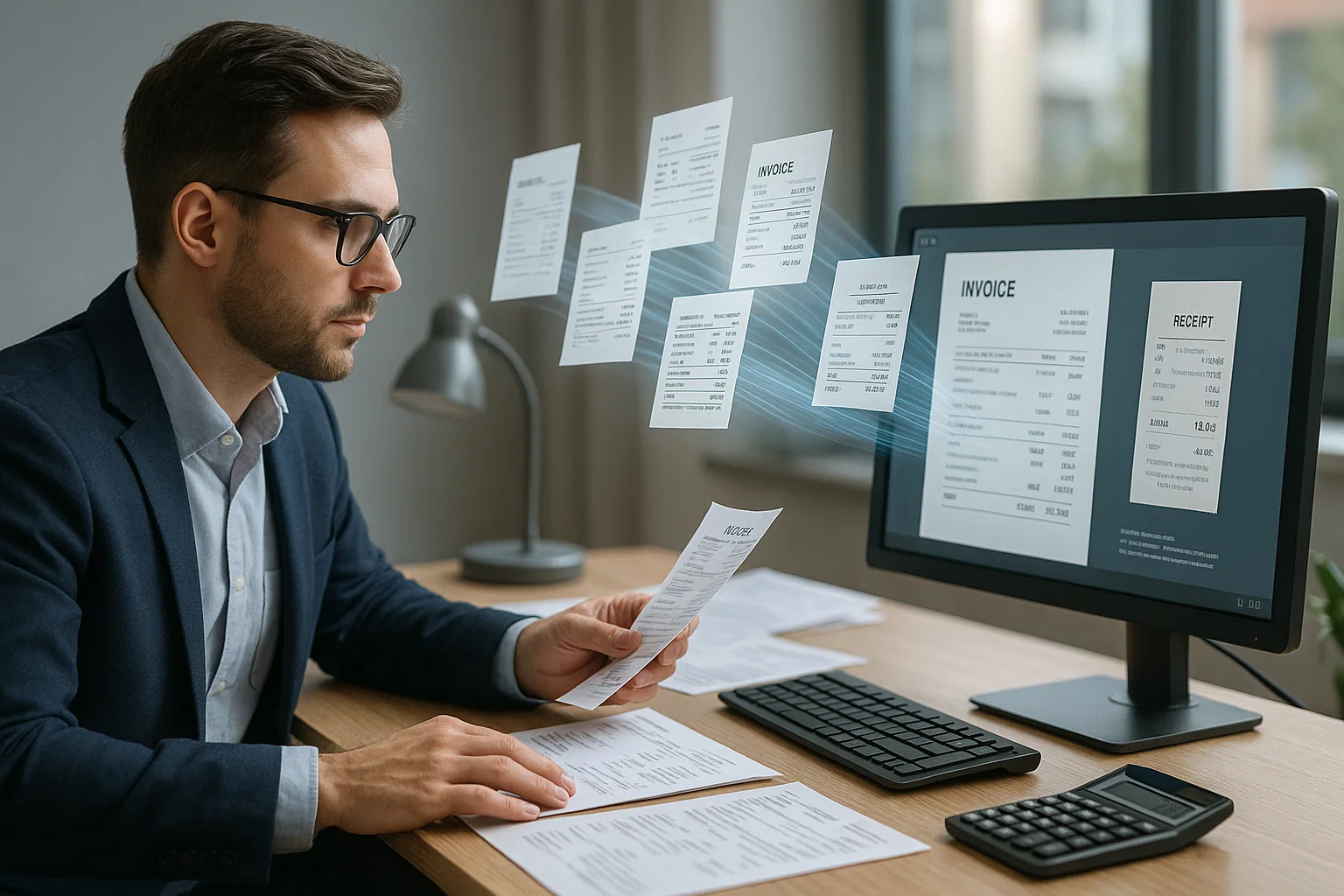
Table of contents
OCR stands for optical character recognition. In finance it means software that reads invoices, bank statements, receipts and tax forms and turns them into data your accounting, lending or ERP systems can use, instead of someone typing it in by hand.
In March 2026, during a Series C board meeting for a fintech I advise, the CEO was 38 minutes into a slide on their AP automation roadmap when the lead board member, a partner at a top-tier VC, raised a hand and asked, out loud in front of 12 people: "What does OCR actually stand for again?" Half the room laughed nervously. The other half quietly looked relieved someone had asked. The presentation resumed. But it hit me that in most finance conversations, "OCR" gets used as if everyone knows what it means, when in reality most finance leaders have a fuzzy general sense and no clear model of what the tool actually does, where it fits in their stack, or what it should cost. This is the plain-English explainer that should have happened first, with the cost math, the accuracy numbers, three real case studies, and the five questions a CFO should ask before approving any OCR investment in 2026.
What does OCR stand for in finance?
OCR stands for Optical Character Recognition. In finance, OCR is software that converts pictures of documents, scanned invoices, PDF bank statements, phone photos of receipts, into structured data your accounting, lending, or ERP systems can use directly. Modern OCR clears 97-99% character accuracy on clean financial PDFs, at cloud API prices that start around a cent or two per page, replacing what used to be hours of manual data entry per stack.
If you have ever scanned a document with your phone and then searched for a word in the result, you have used OCR. If you have ever uploaded a PDF and watched the system find the dollar total automatically, that's OCR doing the lift. It is the invisible step between "the document arrived in someone's inbox" and "the data is in the finance system." For builders assembling their own stack, our optical character reader 2026 piece goes deeper on engines and tradeoffs. This article stays in plain English and assumes you'd rather understand the finance implications than the ML architecture.
OCR before finance: the 60-year history most CFOs missed
OCR is not a new technology. It has existed in usable form since the 1960s, when Reader's Digest deployed the first commercial OCR system to sort subscription cards. What changed in the last decade is affordability, accuracy on messy real-world documents, and integration with downstream finance systems. Understanding the history helps CFOs see why "OCR is finally ready" is not marketing, it reflects a real inflection point in the technology curve.
Three eras matter for finance. First, 1965-2005: template-based OCR requiring a custom setup per vendor invoice format. Accuracy on clean documents was decent (~95%) but scaling to hundreds of vendors was economically brutal. Second, 2005-2018: statistical machine learning made OCR more layout-flexible but still required per-domain training data. Adoption in finance stayed niche. Third, 2018-present: deep-learning models trained on billions of documents produced OCR that generalizes across vendors, layouts, and quality levels without per-template setup. Combined with cloud APIs pricing at $0.01-$0.05 per page, the economics finally work at any volume. That is why "we should look at OCR" is a different sentence in 2026 than it was in 2016.
What does OCR actually do in a finance workflow?
OCR is the bridge between "a document arrived" and "the data is in our system." A vendor invoice lands in the AP inbox. OCR reads it. The vendor name, invoice number, line items, and total flow into the AP system. A bank statement arrives as a 12-page PDF. OCR reads it. Every transaction becomes a row in the underwriting database. Without OCR, someone types every field by hand and the team becomes the bottleneck. With OCR, processing happens in seconds with confidence scores attached.
The six finance workflows where OCR shows up most
- Accounts payable, invoices flow from vendor to OCR to AP system. (Our OCR accounting piece covers this in detail.)
- Expense management, receipts photographed by employees flow through OCR into expense reports
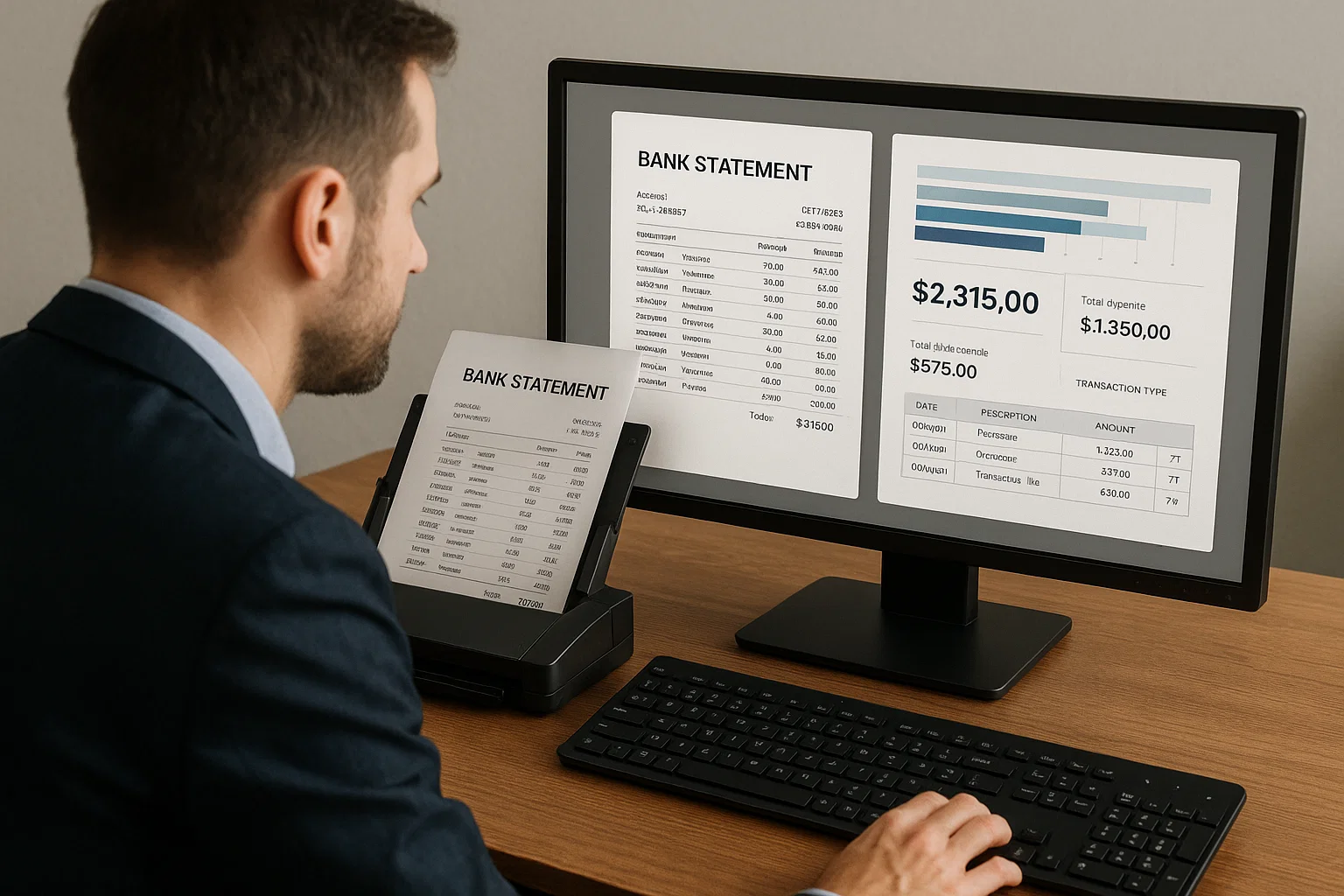
- Lending, bank statements, tax returns, pay stubs from applicants flow through OCR into underwriting
- Mortgage, multi-document packets flow through OCR into loan origination systems
- KYC and onboarding, IDs and proof-of-address documents flow through OCR into customer records
- Audit and tax preparation, historical documents flow through OCR into structured archives
How accurate is OCR for finance documents in 2026?
OCR accuracy on finance documents in 2026 lands at 97-99% character accuracy for clean PDFs from major US banks and vendors, 92-97% for scanned or photographed documents, and 85-92% on low-quality scans of complex layouts like multi-page bank statements. Field-level accuracy matters more than character accuracy in finance, one wrong digit in a $48,572 total produces a different number entirely, so production pipelines validate extracted fields against business rules (totals reconcile, dates fall in expected ranges, account numbers match expected patterns) before anything reaches the accounting system.
What can OCR NOT do? (And why "we have OCR" is misleading)
OCR reads text. It does not classify documents, extract specific fields, normalize formats, validate against business rules, or route results to downstream systems. A complete finance workflow needs OCR plus four additional layers, and the word "OCR" gets used loosely to mean any of them. When a vendor says "we have OCR," the right follow-up question is "which of the five layers does that include?"
- Classification, what type of document is this? (see our document classification piece)
- Field extraction, which characters in the text are the vendor name, the total, the date?
- Normalization, convert dates to ISO 8601, currency to decimal, names to a master list
- Validation, check that totals add up, dates are in the expected range, account numbers match the pattern
- Integration, push the result into the right downstream system
OCR vs IDP vs document AI, what's the difference?
OCR is the text-reading layer. IDP (intelligent document processing) bundles OCR with classification, field extraction, validation, and integration into one platform. Document AI is the umbrella term covering both, plus newer LLM-based extraction techniques. In 2026, the practical distinction: "OCR" gets you raw text and is sold per-page; "IDP" gets you structured fields with business validation and is sold per-document or per-workflow.
- Pure OCR API: Tesseract, Amazon Textract, Google Document AI. Best for: builders assembling their own stack.
- Finance IDP platform: AvidXchange, Bill.com, Tipalti for AP; Ocrolus, Plaid CRA for lending. Best for: teams who want a turn-key solution.
- Document AI API: DocsAPI, Mindee, Rossum. Best for: builders who want IDP-level features via API without the platform lock-in.
How much does OCR for finance cost?
OCR for finance ranges from free (Tesseract, Google Drive) to $0.30 per document for full document AI platforms. The honest break-even math: if your team spends more than $2,000/month on manual data entry (about 20 hours at a loaded $100/hour rate), even an entry-tier OCR API pays for itself within the first quarter. Below that volume, the math is borderline and the free options may be enough.
| Approach | Per-document cost | Best for |
|---|---|---|
| Manual data entry | $2-15 per document | Very low volumes |
| Free OCR (Tesseract, Google Drive) | $0 (plus your time) | One-off documents |
| OCR API (entry tier) | $0.01-$0.05 per page | Mid-volume workflows |
| Full document AI platform | $0.05-$0.30 per document | Production at scale |
A way to work out the cost savings
This is an illustration with assumptions, not a customer result. Say a lender processes 8,000 bank statements a month and each takes 15 minutes to key in by hand: that is 2,000 hours a month, or $160,000 at an $80 loaded hourly cost. Through an OCR API the cost is the per-page price times the pages per statement, plus staff time for the exceptions the tool flags. Replace each assumption with your own numbers before you trust the result.
The way I explain OCR to a CFO at a cocktail party
Imagine the company stopped hiring data entry clerks ten years ago and instead hired a single careful junior employee. She reads every invoice, every receipt, every bank statement that arrives. She types the important parts into the right systems. She works in seconds. She costs cents per page. She never gets tired, never makes carry-over typos, and never quits in Q4 for a higher offer. That is OCR. Finance teams stop being the bottleneck for routine document work and start focusing on the analysis and judgment work CFOs actually want them doing.
Three real finance projects and what OCR actually delivered
The generic "OCR saves time" pitch doesn't land in a boardroom without specifics. Here are three real project outcomes across different finance workflows, AP automation, lending underwriting, and audit prep, with the actual numbers, timelines, and gotchas each team hit. Names and specific dollar amounts changed to protect the operators, but the ratios and workflows are real.
Case 1: $80M SaaS company AP automation ($14 → $2.70 per invoice, 90 days)
Starting point in January 2026: 4,200 invoices per month, $14 fully-loaded per invoice, 11-day cycle time, 3.5% error rate. Solution: Bill.com integration for standard SaaS/utility invoices (68% of volume), custom validation layer for high-value manufacturer invoices (23% of volume), manual review kept for the long-tail 9%. Ninety days later: same volume at $2.70 per invoice, 4-hour cycle time, 0.7% error rate. Three FTEs redeployed from data entry to financial planning and analysis. The controller who ran the project got promoted. For the full week-by-week playbook, see our smarter invoice processing journal.
Case 2: Regional lender bank statement underwriting (2 hours → 6 minutes per applicant)
Starting point in Q3 2025: a mid-size lender was manually keying 8,000 bank statements per month for small-business loan underwriting. Each statement took ~15 minutes to key + validate. Loan decision cycle averaged 4 business days. Solution: Ocrolus for cash-flow-normalized bank statement extraction, custom classifier for statement type (checking, savings, business), lender's underwriting model consuming the structured JSON output directly. Six months later: same statement volume at ~6 minutes of human touch per applicant (mostly exception review), loan decision cycle 90 minutes for prime borrowers. Approval rate on the same credit box increased 12% because underwriters could spend actual time on the borderline files instead of typing. For the deeper lending workflow, our automated bank statement analysis covers the underwriting angle.
Case 3: Big-4 audit prep (12 weeks → 3 weeks for a client's historical review)
An audit team preparing for a Q1 2026 client engagement had to review 18 months of the client's expense receipts, credit card statements, and invoices, roughly 47,000 documents total, historically a 12-week manual review job. Solution: DocsAPI for extraction into a structured audit workbench, custom OCR-plus-classification pipeline that also flagged unusual patterns (large round-number transactions, weekend expense clusters, missing sequence numbers). Total prep time: 3 weeks, with the audit senior spending most of that time on judgment work, investigating flagged patterns, instead of scanning and typing. The engagement partner noted this was the best-prepared workbook the team had ever delivered.
The five questions a CFO should ask before approving OCR
Most OCR investment decisions get made using vendor pitches and generic ROI slides. The five questions below shift the conversation from "should we do OCR" to "which OCR, for which workflow, at what real cost." Ask all five before signing anything longer than a 90-day pilot.
- What percentage of our current AP/underwriting/audit hours are actually spent on OCR-able tasks? If the number is under $2K per month in loaded labor cost, the OCR investment probably fails ROI. Measure before you buy.
- Have we tested the vendor on our worst documents, or only their demo set? Vendor demos use clean invoices from FAANG-tier vendors. Your real inbox has utility bills, foreign VAT invoices, one-off consultant invoices, and things that don't look like invoices at all. Test the worst 20 documents you can find.
- Who owns the exception queue after go-live, and what's their SLA? Even 80% touchless leaves 20% for humans. If nobody owns the exception queue with a defined turnaround, exceptions pile up and the team loses trust in the automation within a quarter.
- What's the total cost of the four hidden layers beyond the OCR line item? Real OCR cost = OCR engine + implementation labor + exception queue staffing + ERP integration + template tuning. Ask the vendor to break out each. Add 30-50% for the ones they won't quote.
- How do we exit if the vendor fails? Data portability, API stability, contractual notice period, and switching cost matter more at year 3 than year 1. Sign contracts with clean exit paths.
What I'd do today
If you are evaluating whether OCR makes sense for your finance team: count the hours your team spends on document data entry this month. Multiply by the loaded cost of a finance employee ($75-150/hour). If the number is more than $2,000/month, the OCR investment pays for itself within a quarter.
If you are evaluating vendors: do not let them demo on their clean documents. Bring 20 of your messiest invoices and run those through. The vendor that handles your real documents is the right pick. (Our honest guide from 4M pages a month covers production tradeoffs.)
If you are explaining OCR to your board: skip the technical pitch. Lead with the cost comparison and the strategic redeployment of your team. That is what executives care about. (I write about translating finance tech for executives often.)
Frequently asked questions
OCR stands for Optical Character Recognition. It is software that converts pictures of text (scans, photos, PDFs) into actual text characters a computer can read and use.
OCR in finance is the use of optical character recognition software to extract data from finance documents, invoices, receipts, bank statements, tax forms, loan applications, and push that data into accounting, ERP, or lending systems automatically.
No. OCR has existed in some form since the 1960s. What is new is the accuracy of modern engines (95-99%), the affordability (cents per page), and the integration with downstream finance systems.
Modern OCR reads neat printed handwriting at 85-92% accuracy. Cursive and rushed handwriting drop to 70-80%. Doctor's notes and signed receipts remain hard for everyone.
Yes, with good pre-processing (deskew, rotation correction, page boundary detection). Modern OCR APIs handle phone photos at near-PDF accuracy when pre-processing is solid.
OCR is one step within document AI. Document AI also includes classification, field extraction, validation, and routing. OCR alone produces text. Document AI produces actionable structured data.
Usually optical character recognition, the software that reads statements, applications and IDs. In Indian home loans, though, OCR also means Own Contribution Receipt, the builder's receipt for your down payment, so if a loan officer asks for your OCR they mean that receipt. In banking technology, the OCR meaning in banking is the document-reading software.
The OCR finance meaning is simple: using optical character recognition in finance teams to read invoices, receipts, bank statements and tax forms into accounting and lending systems. The payoff is less manual keying, a faster close and faster loan decisions, and fewer typing errors, as long as the extracted data is checked automatically.
Related Blog Posts
OCR Accounting, From Hours to Seconds Per Invoice
I watched a five-person accounts payable team work Saturdays for 18 months before OCR. Here is exactly what changed when we automated their stack, and what still needs a human.
OCR Technology in Banking, What Actually Works (2026)
What OCR does in banking, the five workflows it helps, five tests to run on your own documents, and what examiners ask for. Vendor claims rarely survive a real document set.

Mortgage OCR: What It Reads, Where It Struggles and What to Test
Mortgage OCR reads the documents in a loan packet and feeds the data to your loan origination system. Here is what is in a packet, which documents are hard, and how to test a vendor on your own files.
Want to see it on your own documents?
Try our free OCR tool in your browser, or book a demo to see how DocsAPI reads the document types covered in this guide.